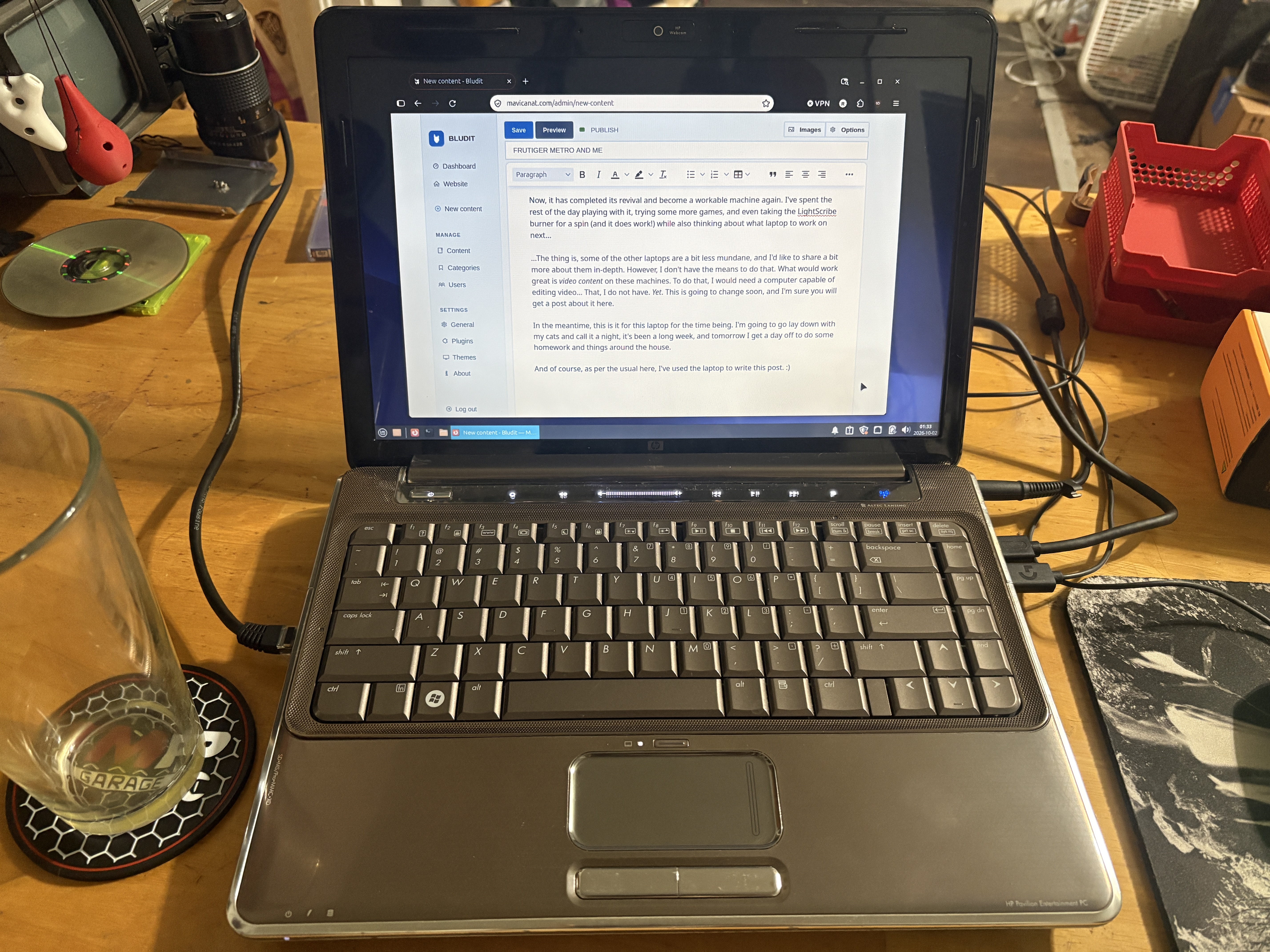
I was given a stack of laptops by a friend who had been collecting them for some time. The stack contains several very cool and vintage laptops, and some of which that have interesting and rare software on them from days past, so he asked me to image the hard disks. No problem, I thought.
In this stack of hard disks, there was also a handful of... For lack of better words, garbage laptops from the 2000s. They were nothing spectacular, some with Pentiums, some with Core 2 Duos, one even with a dual core AMD chip. One in particular stood out to me, and it was this HP Pavilion DV4: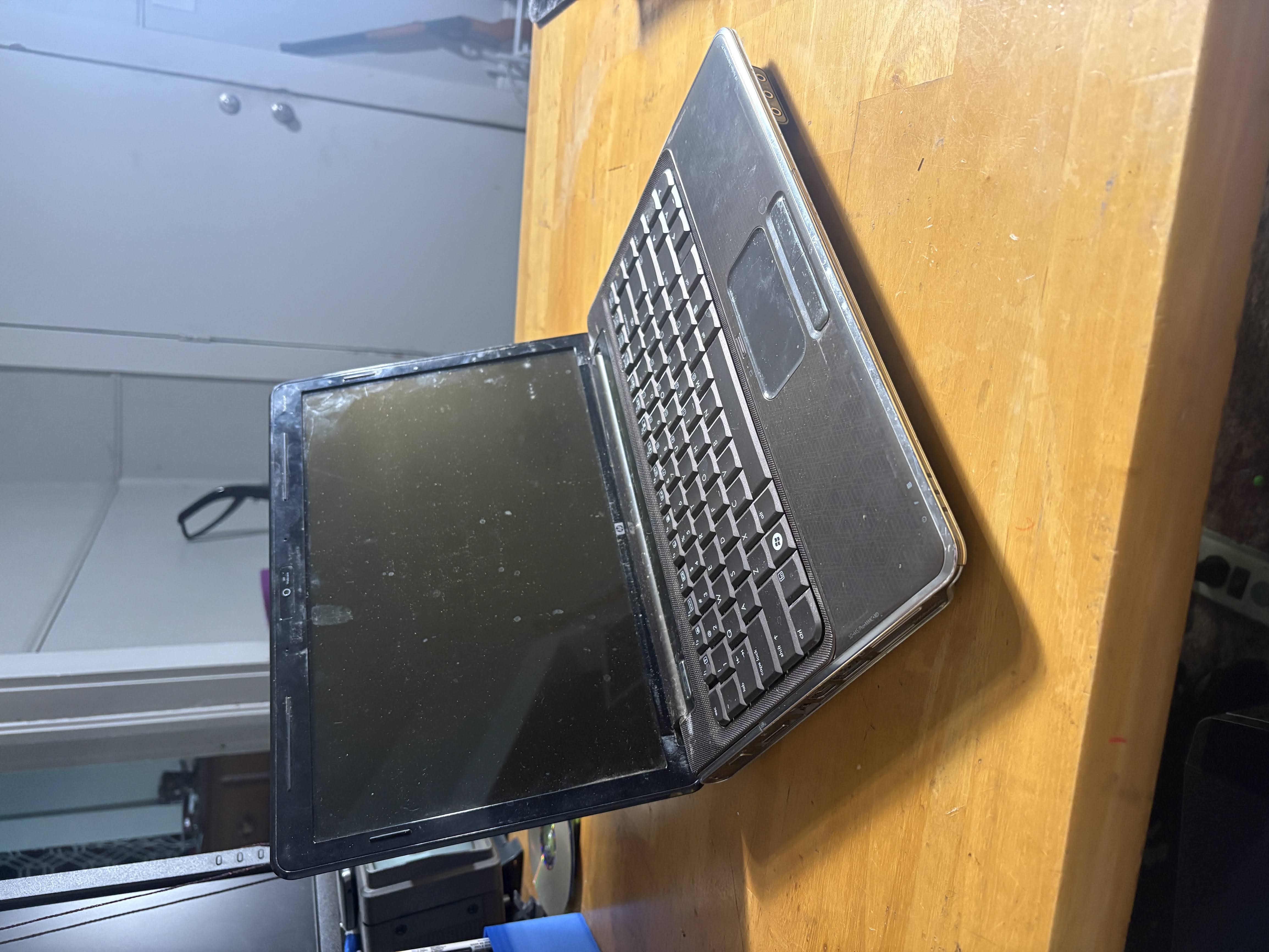
This crusty laptop is a textbook example of the Frutiger Metro style emerging in the late 2000s, which I had a lot of experience with in the past with my Toshiba X205 and various other Toshiba and HP laptops from the time. They were very invested in this style.
What attracted me to this laptop was the HP LightScribe DVD drive, one of my favorite forgotten technologies. I am a huge fan of these, and it's rare to see a working one nowadays, so I decided that I'd try to get this laptop working first.
Now, when I tried to get the laptop to post, the power would flicker for a second and then it would go black again. I wasn't sure what was going on, I tried various power adapters, all of them from my collection of Dell laptops, but nothing seemed to be working for me. This is when I thought to myself, maybe HP's power adapter is just different somehow? I happened to have an adapter for an All-in-One PC that I'm working on cleaning up for my niece, so I tried it, and it worked.
But now I had a new problem. I replaced the drive with a small 128GB SSD, and installed Linux Mint, but after a short period of time, the machine would go black and power off.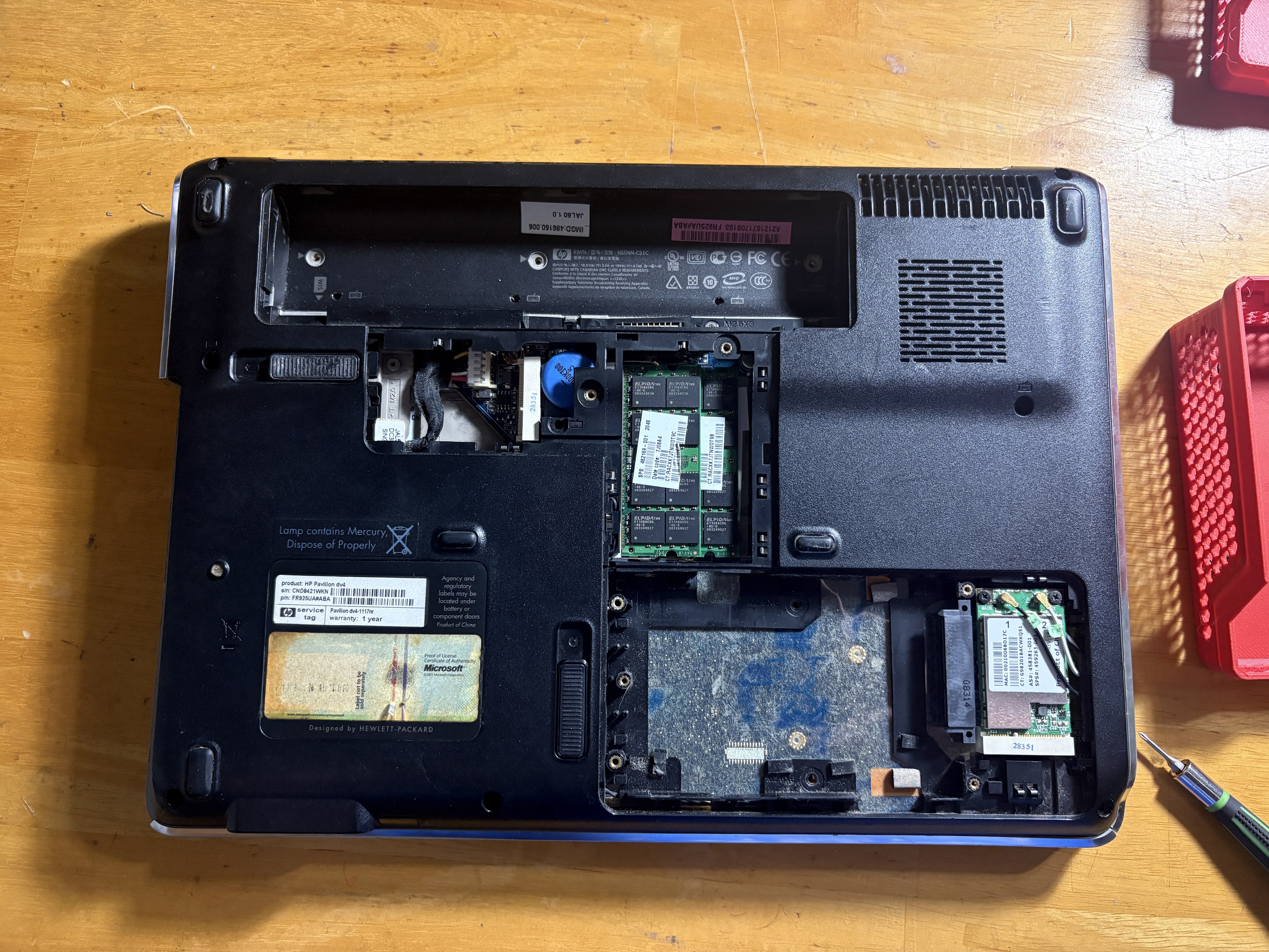
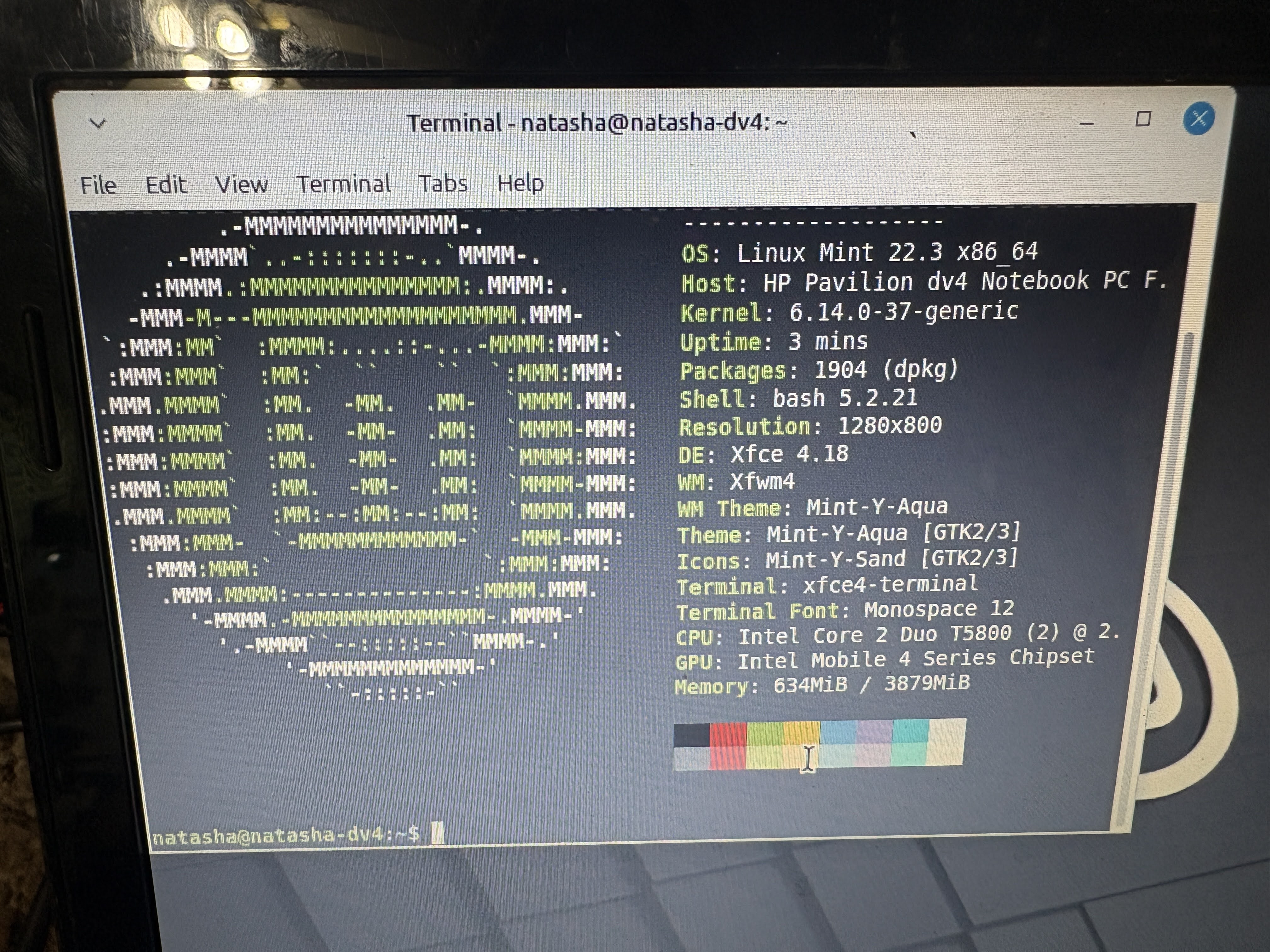
I knew the thing was crusty and dusty, so I decided to try and clean it out. I did not know what can of worms I was opening...
The first thing you have to do is remove the keyboard and bezel, and then the complete top LCD and brackets.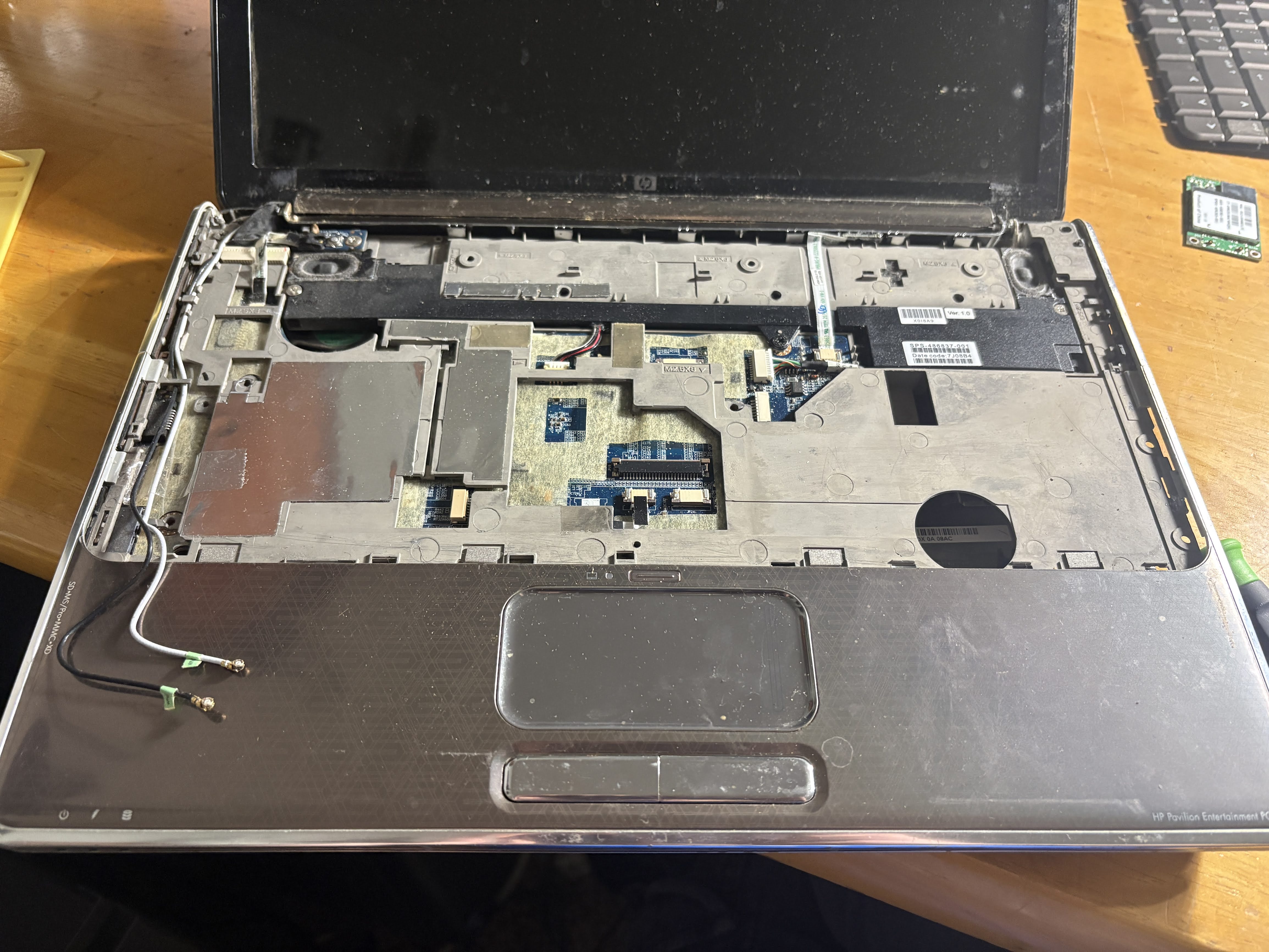
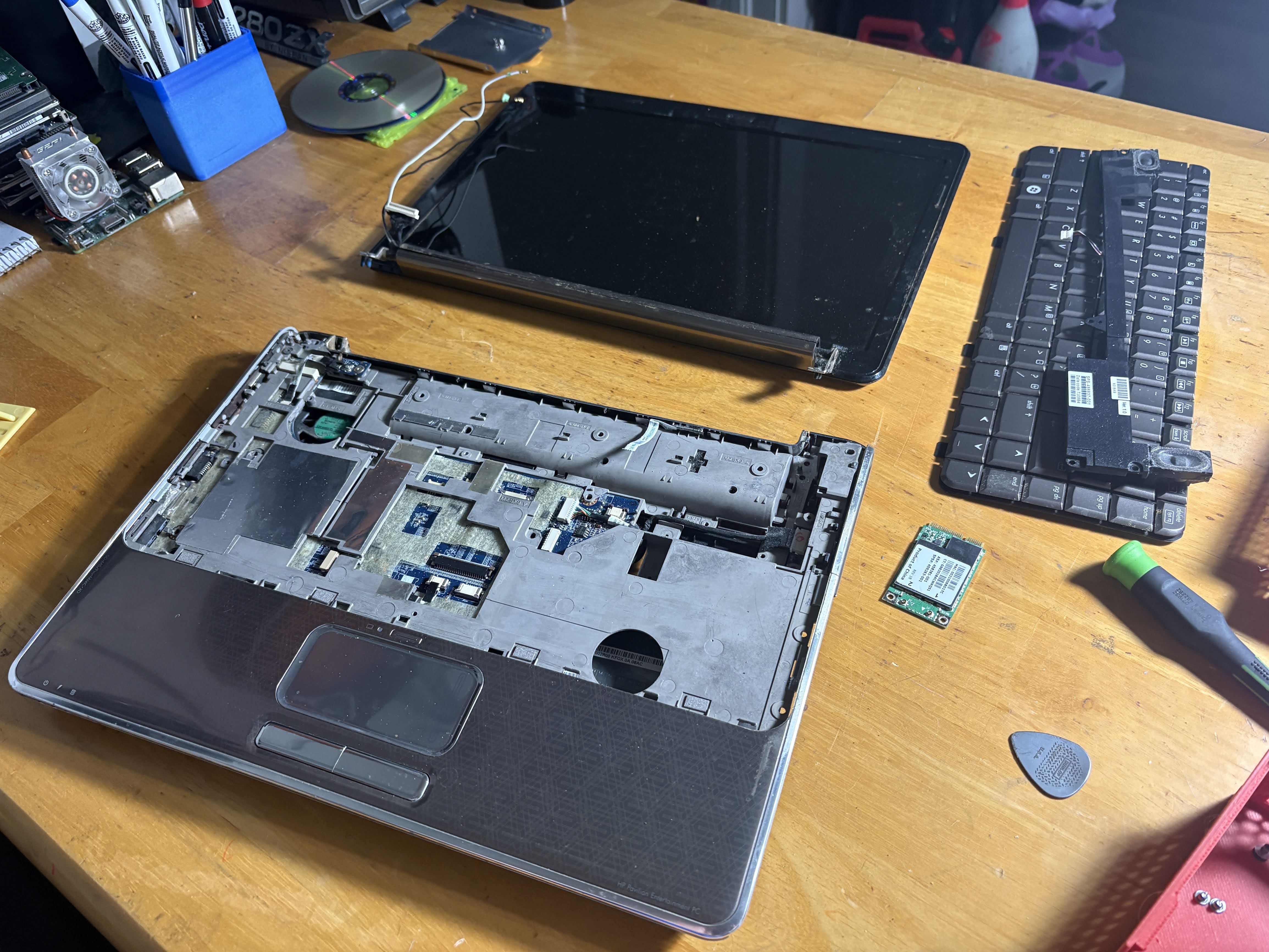
Then, you have to split the clamshell, and remove the motherboard which is upside down in the bottom case.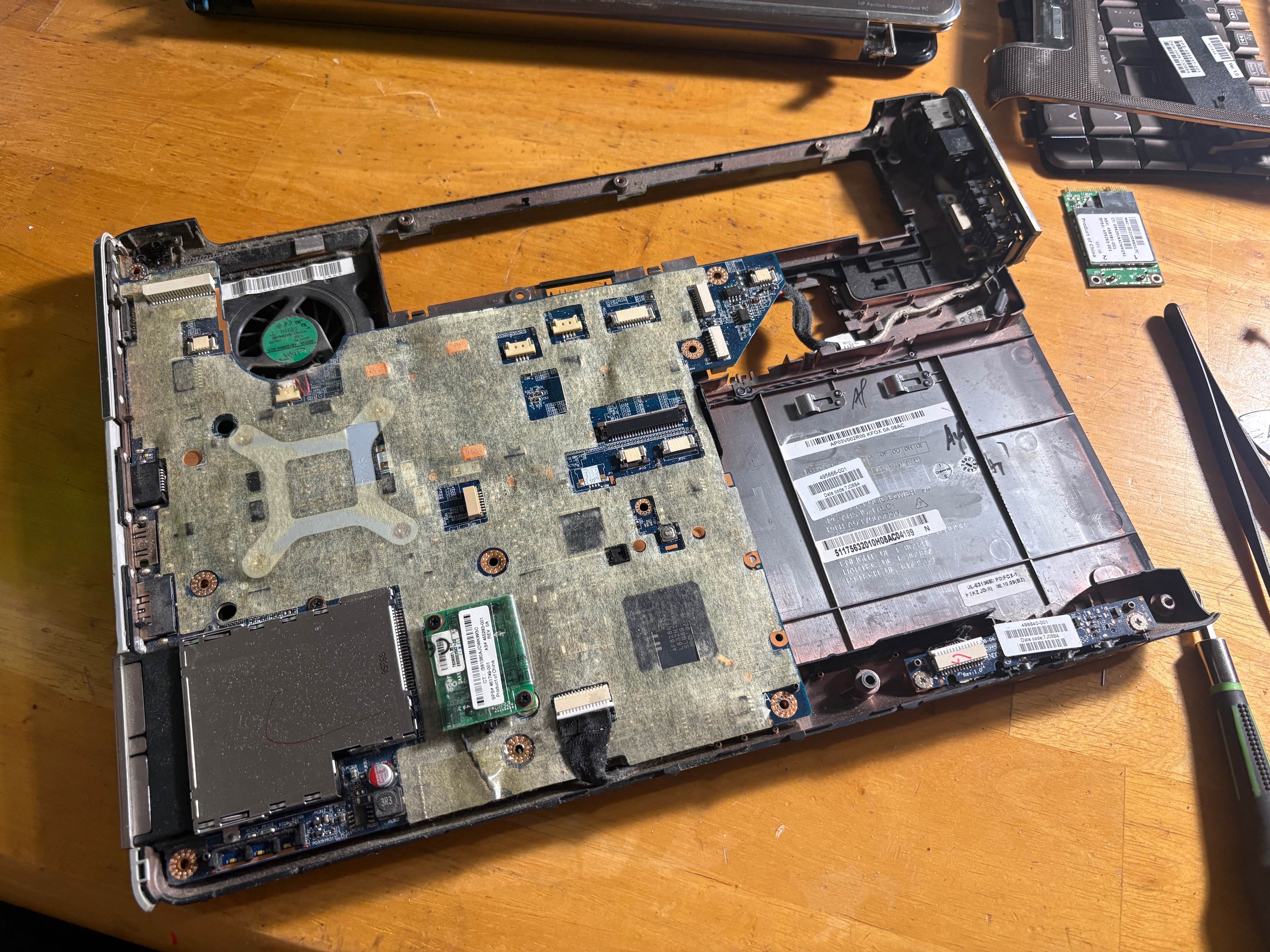
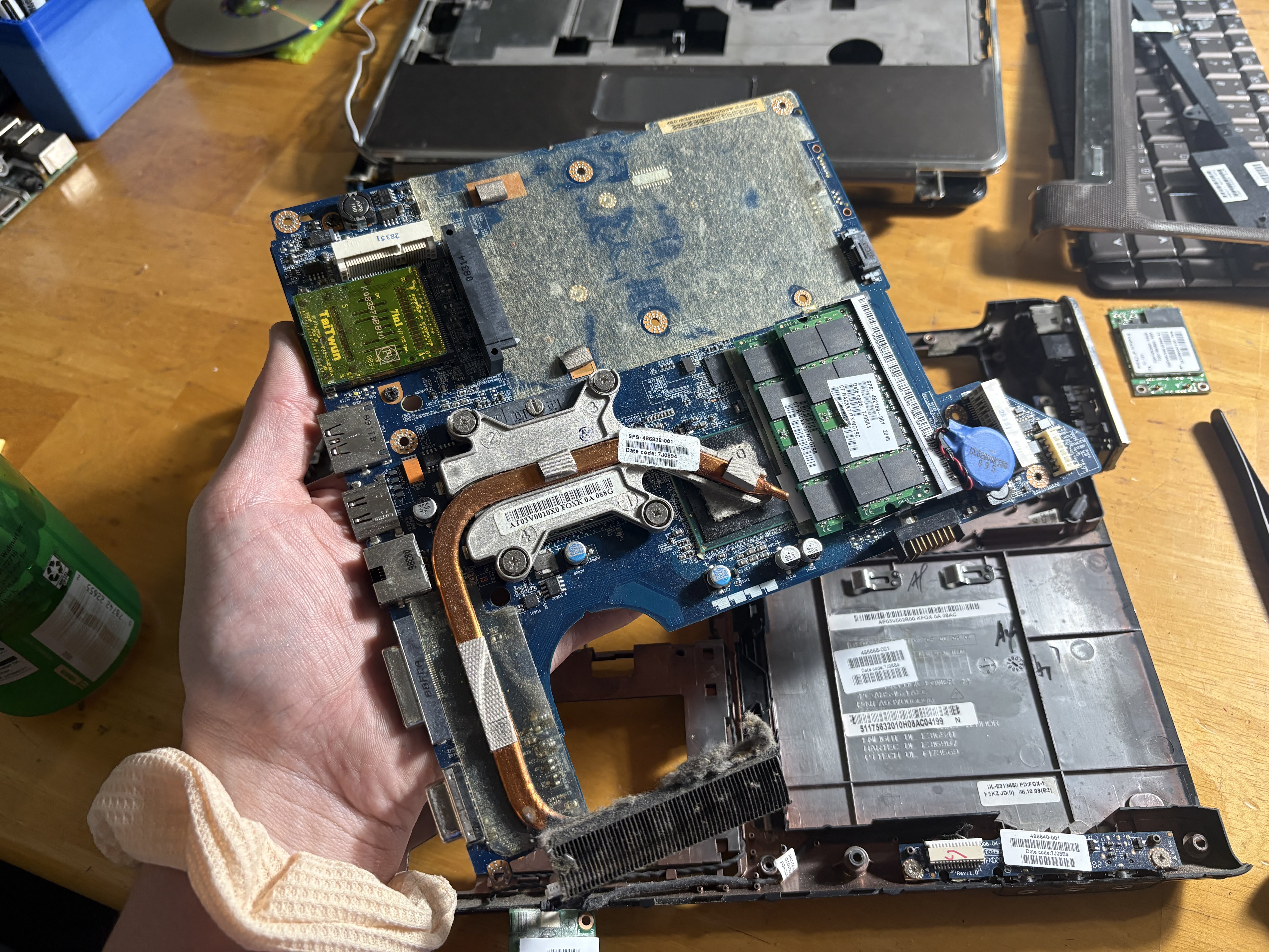
I took this time to clean the thing and also apply new thermal paste, as this was the before and after wiping the pathetic smear of thermal paste off of the CPU that they'd used from the factory: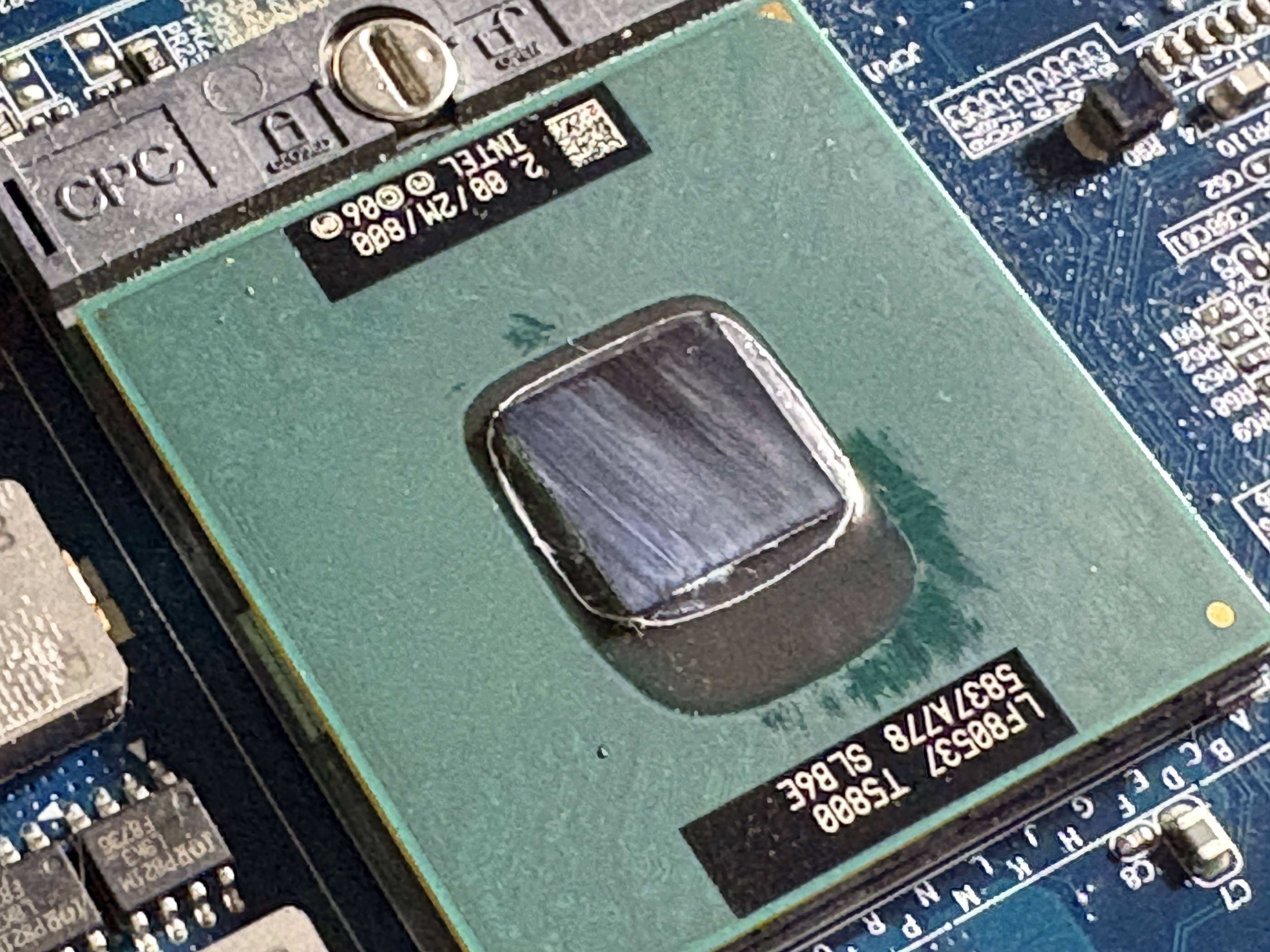
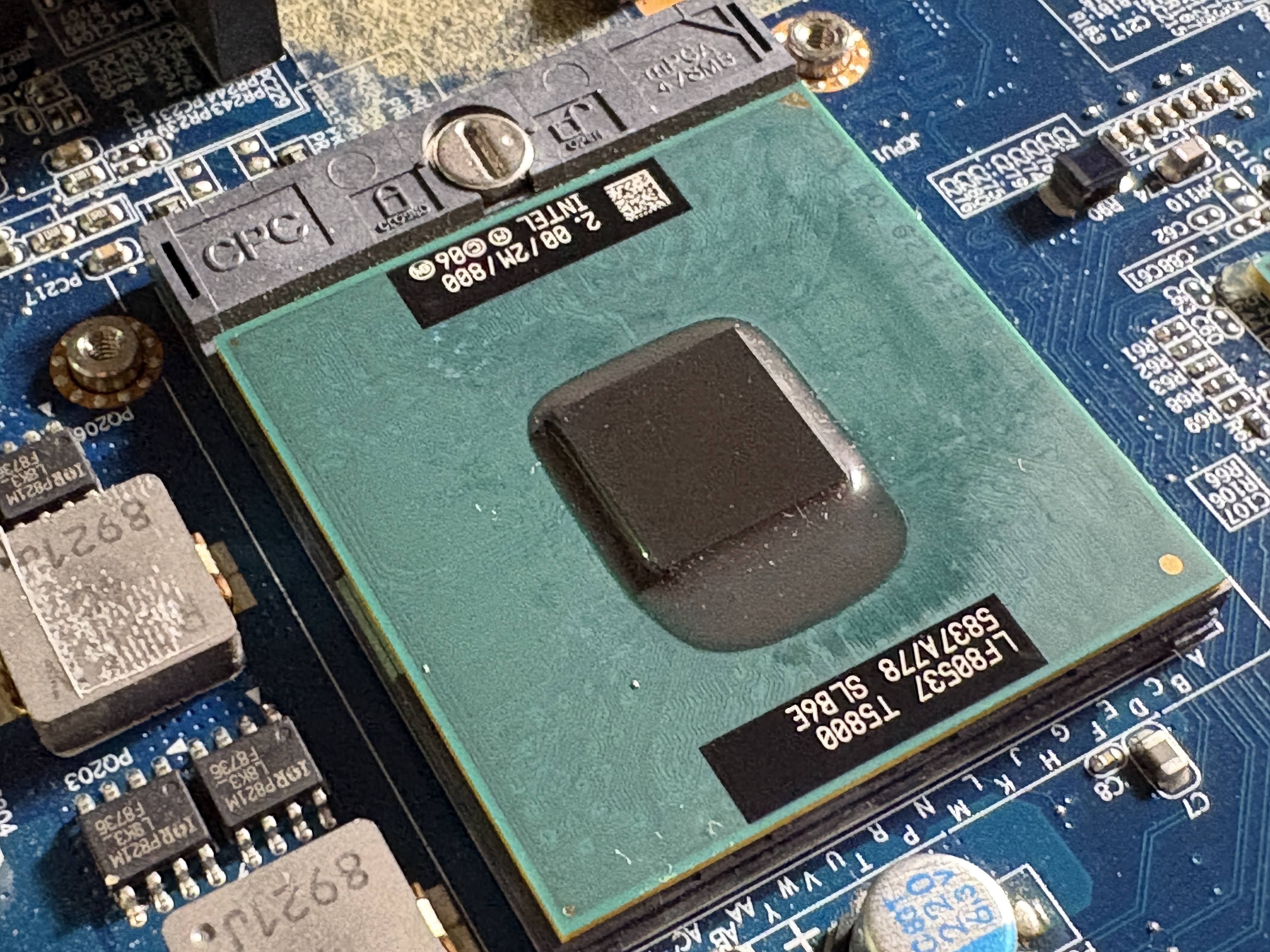
And no, that's not an exaggeration, this was how much paste I found on the CPU when I disassembled it. Pathetic!
I also took this time to clean the dust and grime out of the bottom of the case clamshell. There was a considerable amount of bio-waste clogging the only cooling fan, which was also likely part of the overheating issue.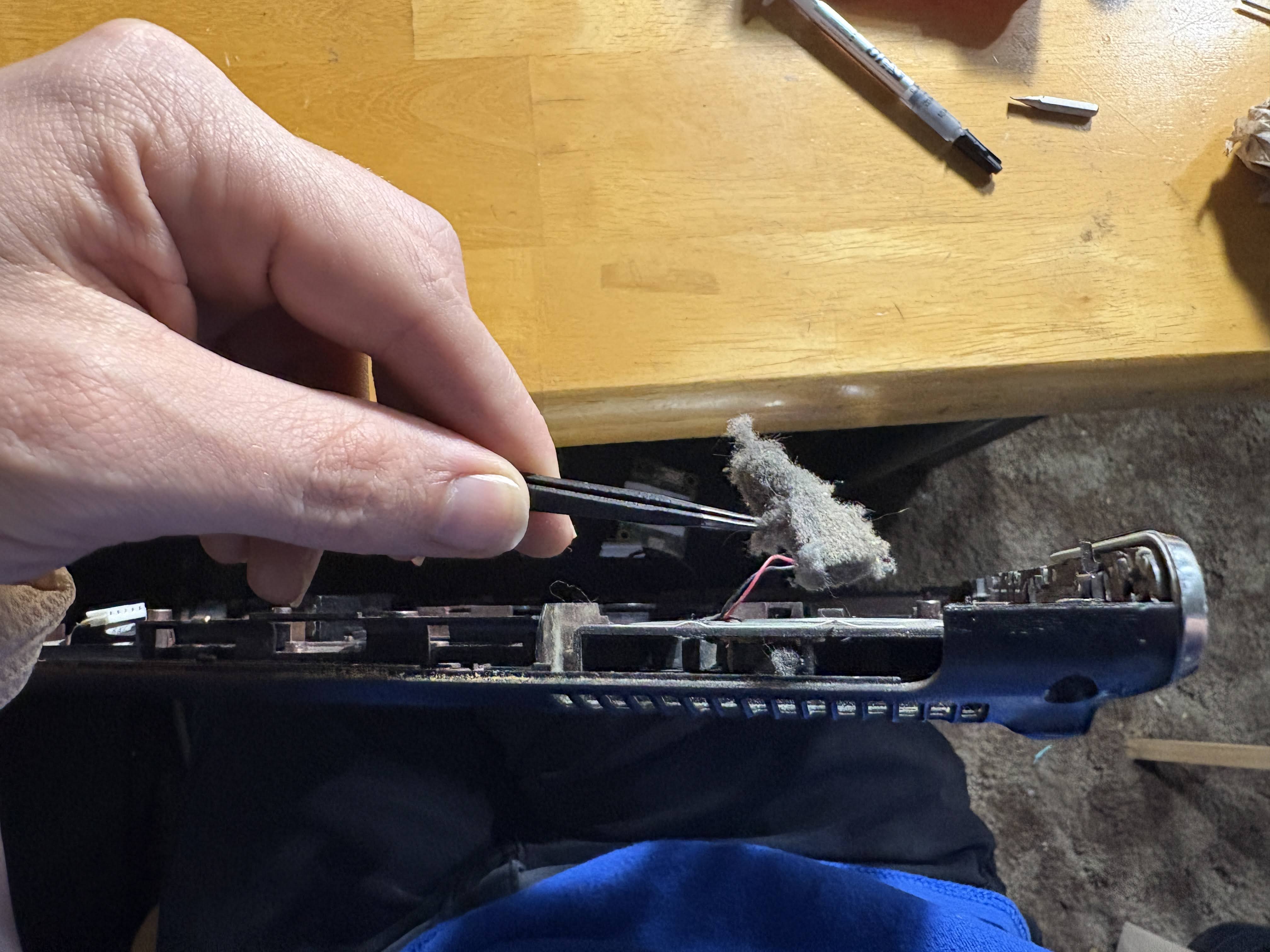
I topped it off with a brand new battery, though after charging the one that was in the computer, I found it to be a relatively recent replacement unit that had nearly 100% health. So... Two batteries, I guess?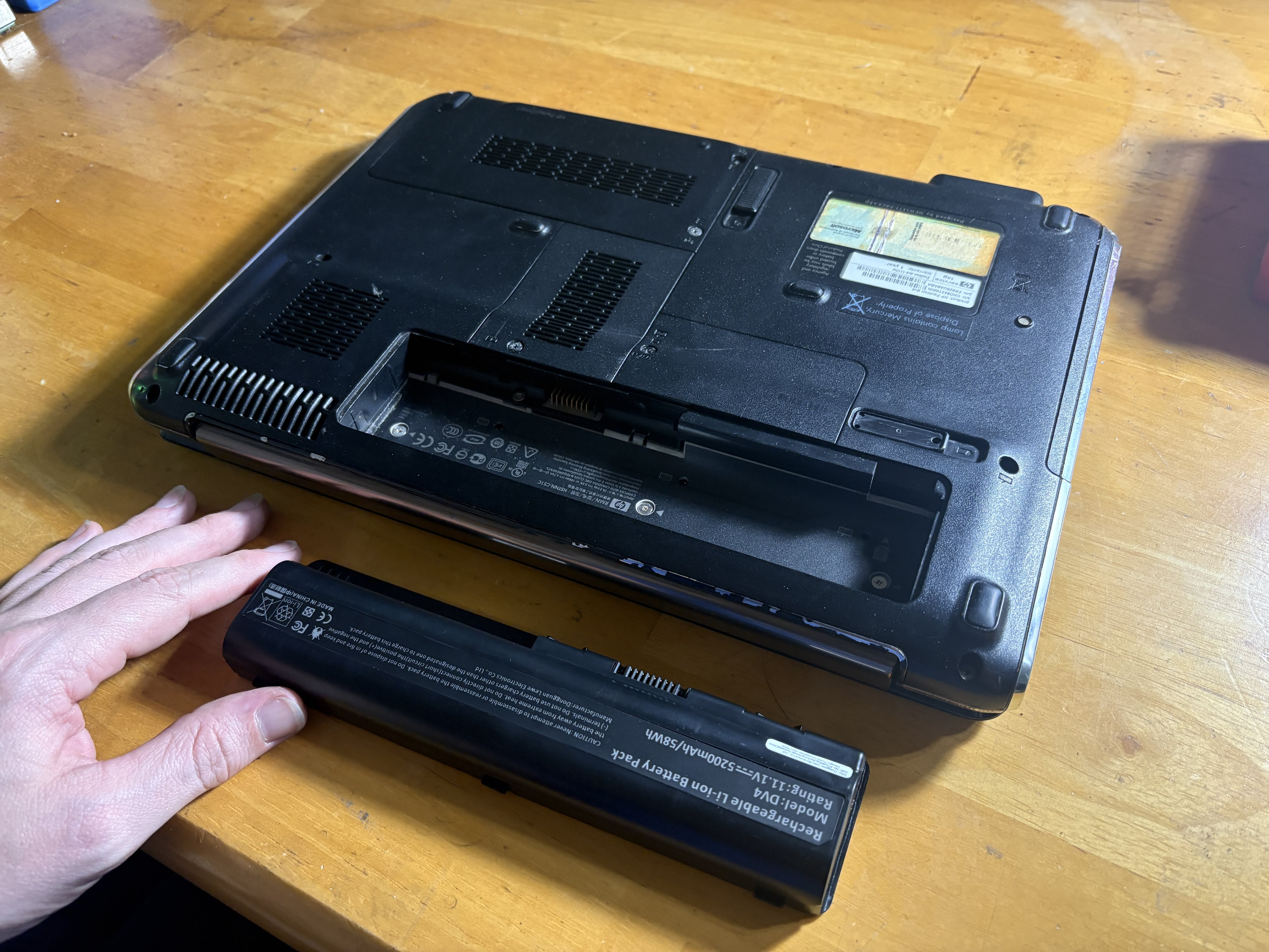
And finally, she is complete, and much cleaner: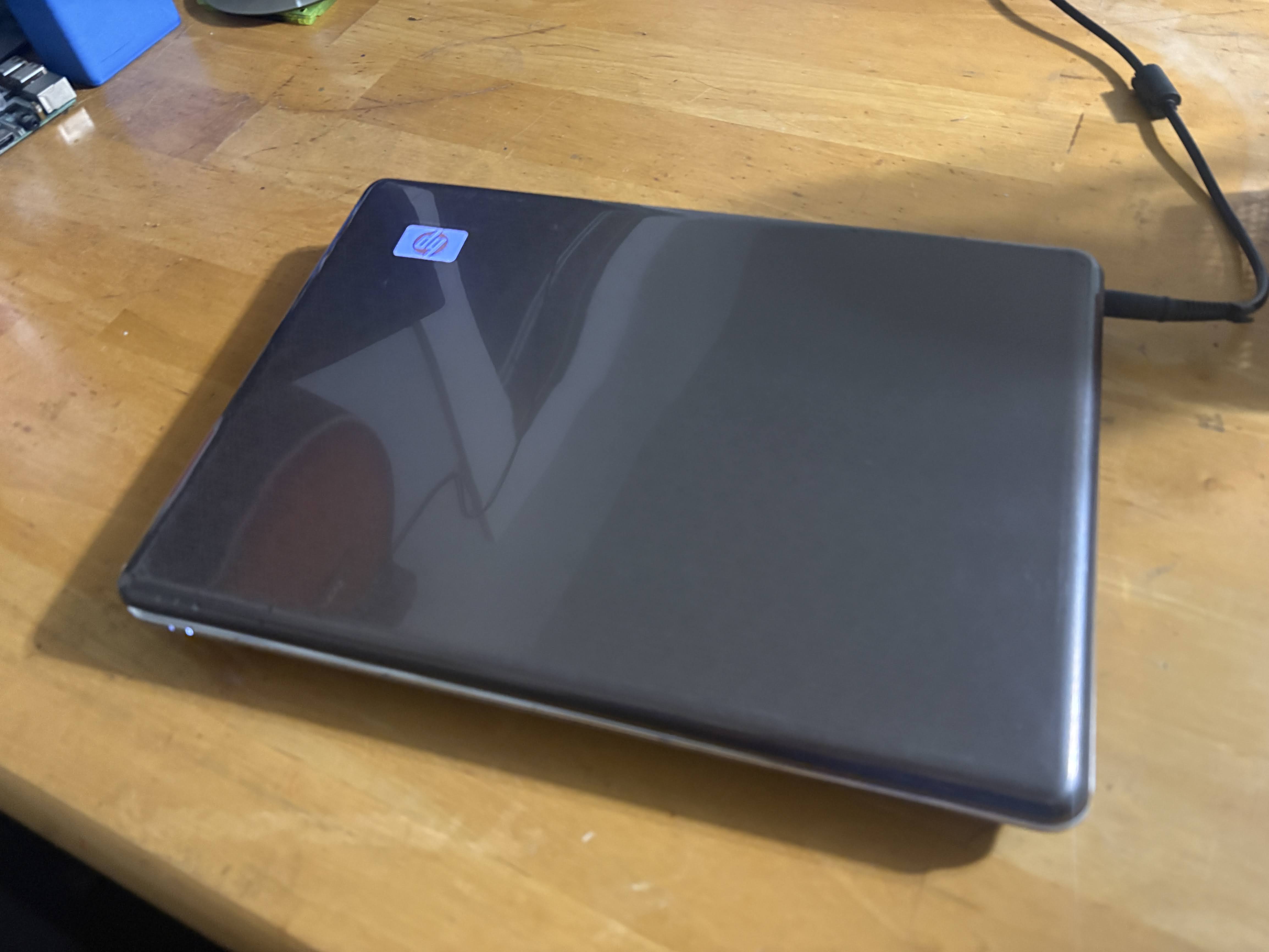
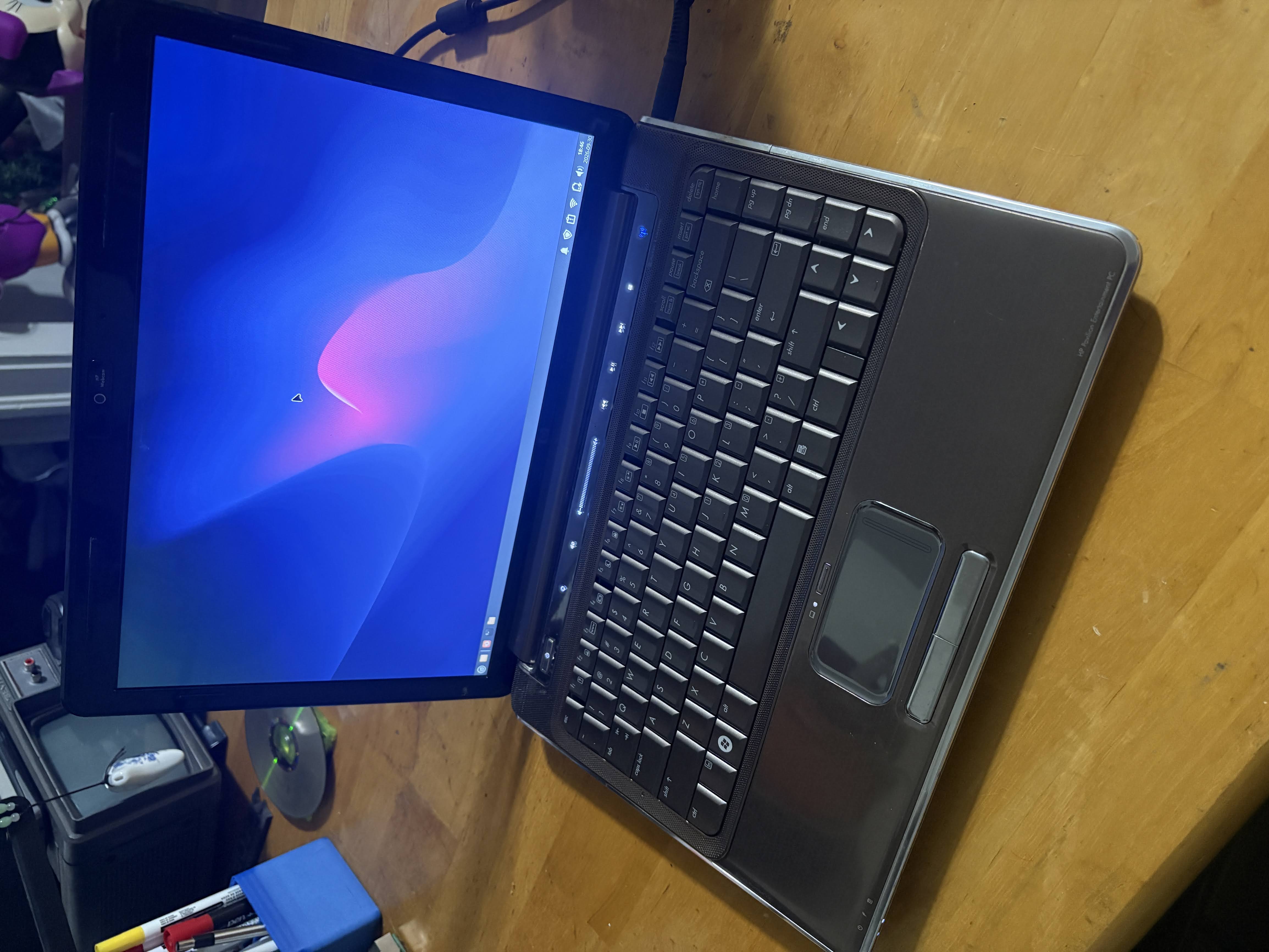
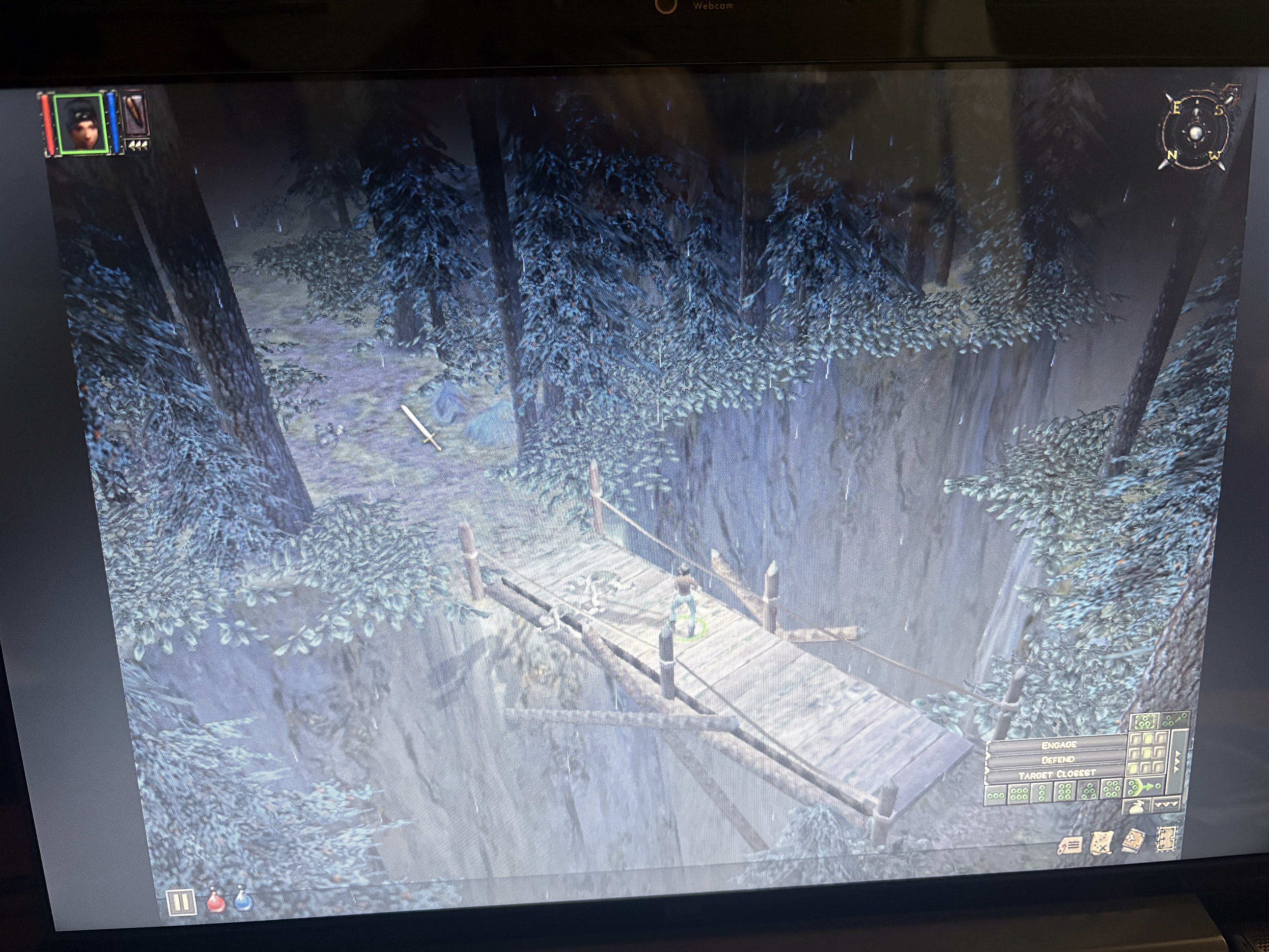
I decided that I'd try some gaming on this machine, and I was able to get a lot of games from the early 2000s running, including some of my favorites like Majesty: The Fantasy Kingdom Sim and Dungeon Siege (on Steam!) which both worked flawlessly.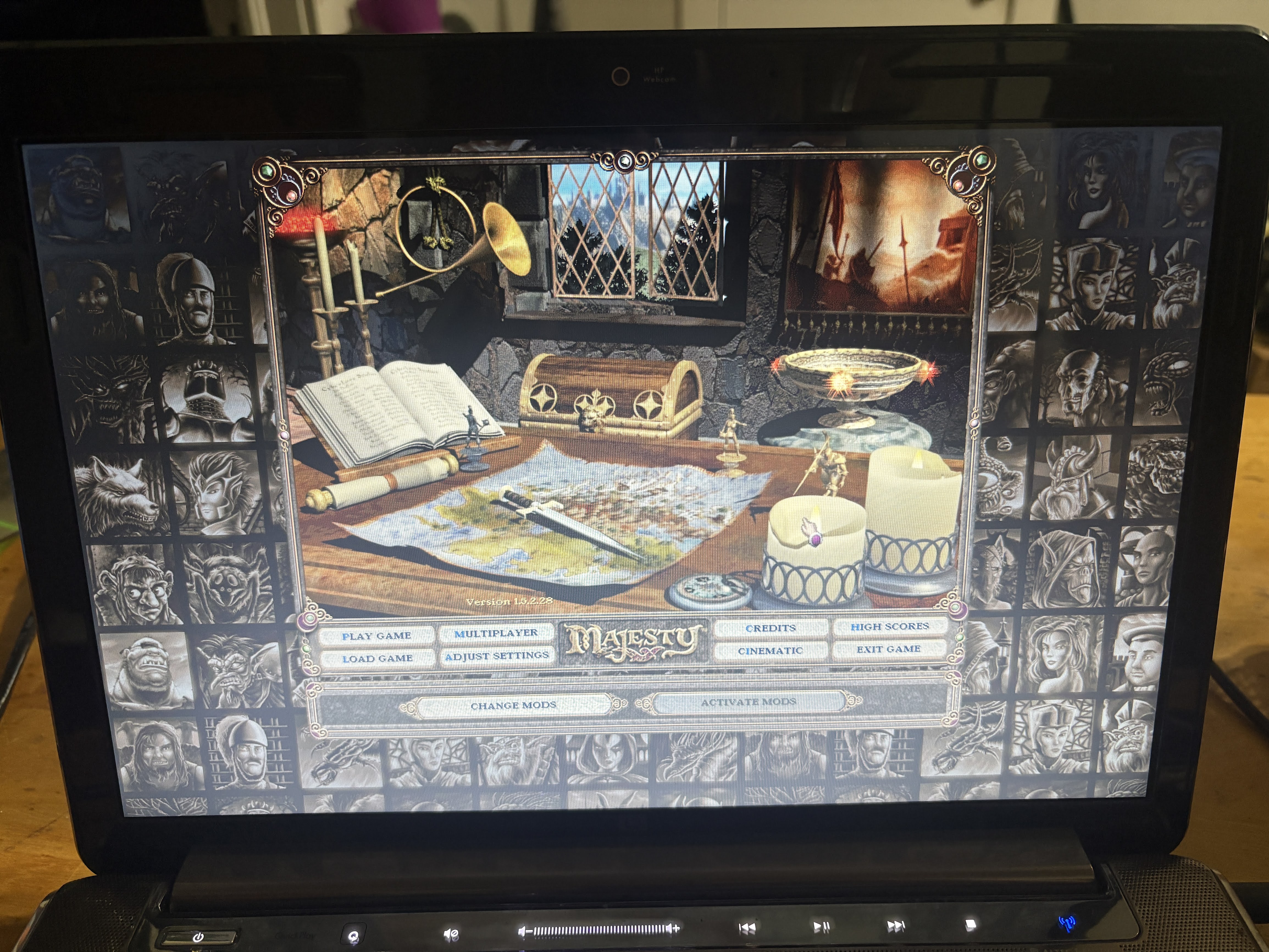
I also really pushed the limits with Left 4 Dead 2. I pushed it all the way to Potato settings to get it to work, and it played at around 15-20 FPS. Not exactly playable, but honestly impressive.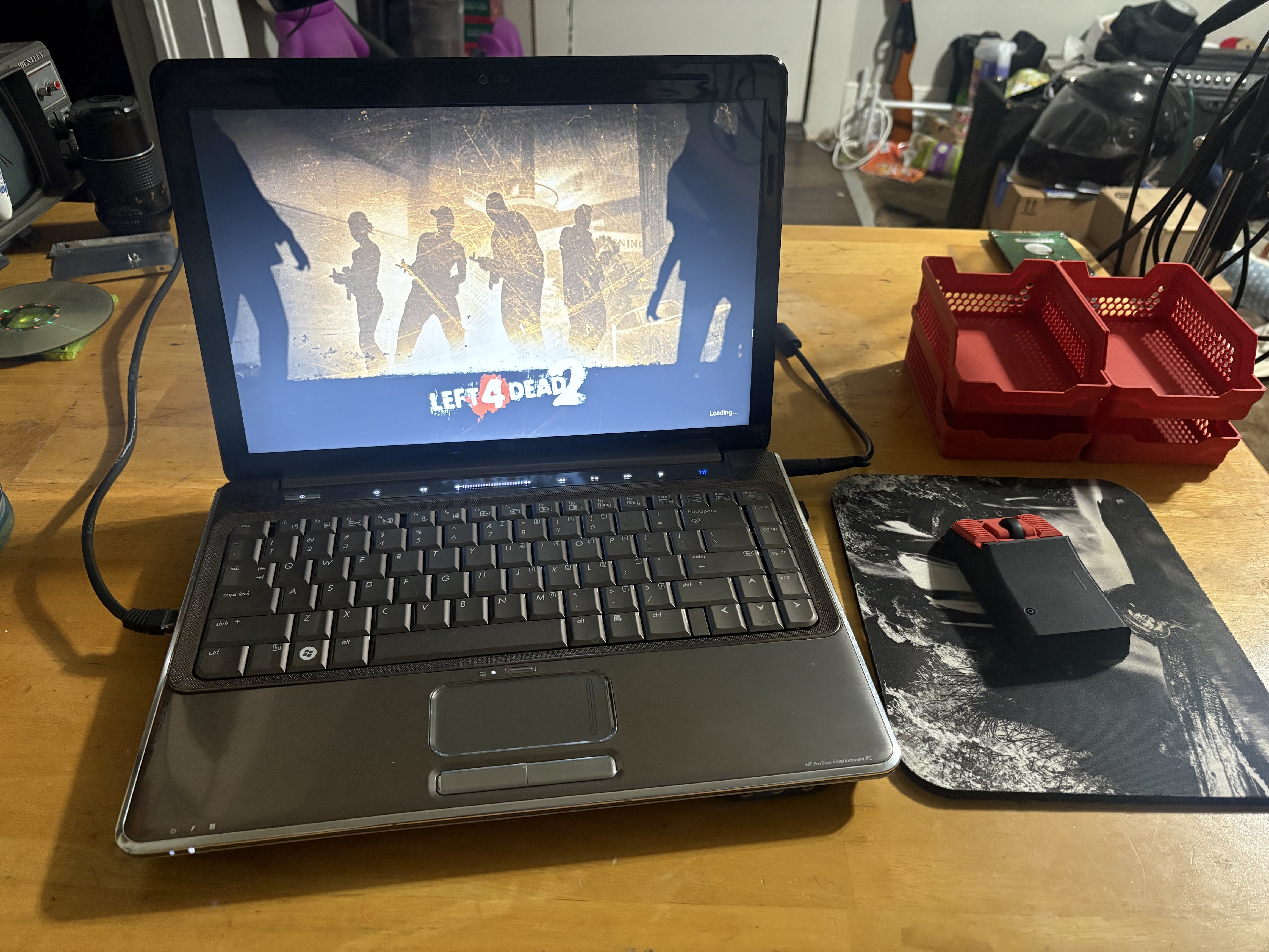
The reason it's not so great is that, back in the day, when you wanted integrated graphics on a laptop, they weren't part of the CPU/APU. They were actually included on the northbridge, which was not part of the CPU until your first generation of the Core i3/i5/i7 processor line. This meant that, even if I wanted more performance out of this laptop by swapping this old T5800 Core 2 Duo with something like a T9900, I wouldn't get a boost in graphics capabilities per se. I'd just get better CPU performance.
This means that this laptop is a bit bottlenecked by its GPU, but it's still very capable for basic web browsing and even some light gaming, especially with retro titles as I've proven here. Pretty cool!
To prove its usability, I actually took it to work today, with the spare battery in case I needed it. I helped out at a local high school with some college prep stuff, and the school's computers were being finicky, so I whipped this old thing out to use it for some online forms during the event, and it handled it like a champ. This laptop, from 2008, was older than most of the kids who were using it today. Crazy!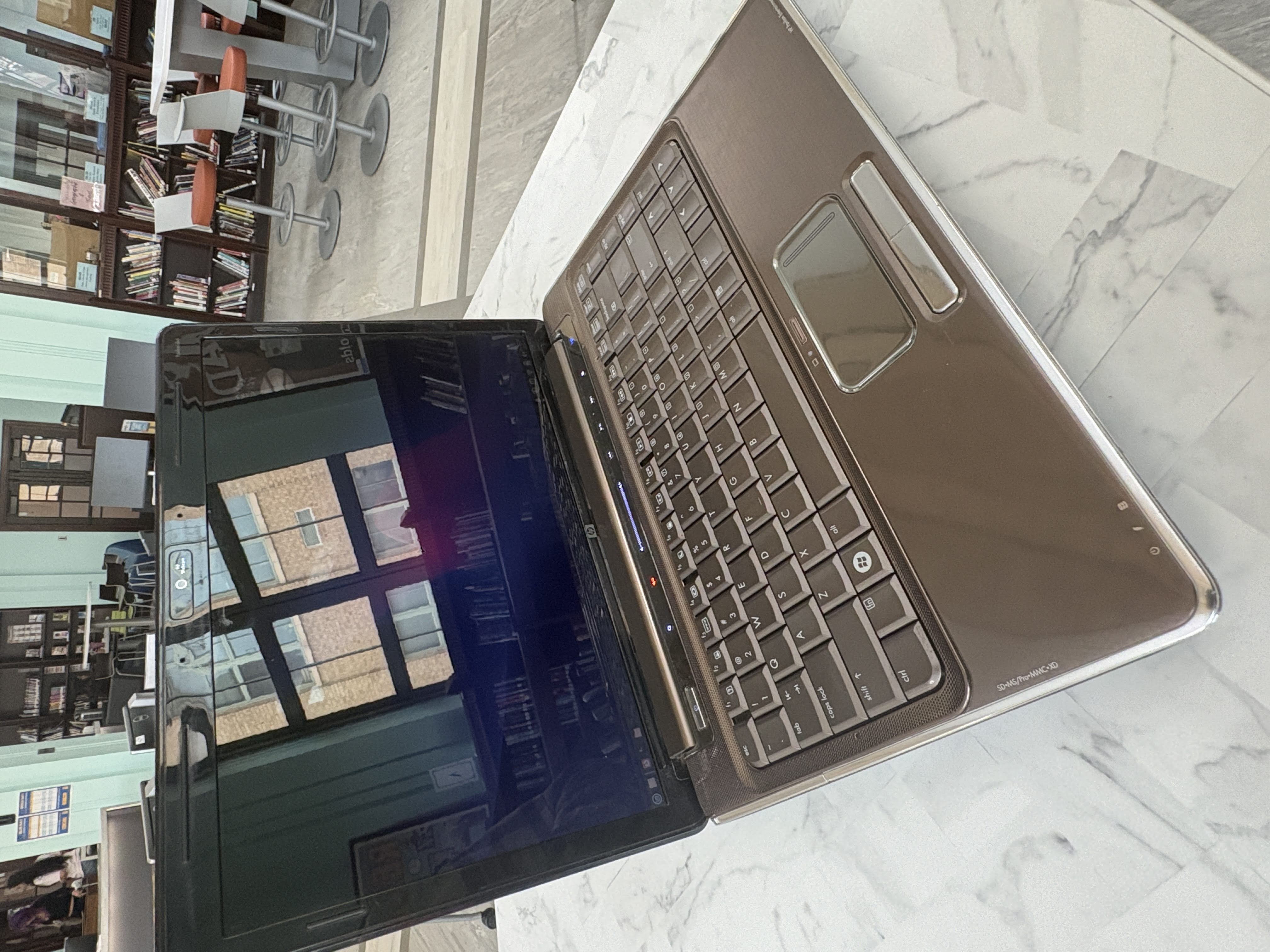
Now, it has completed its revival and become a workable machine again. I've spent the rest of the day playing with it, trying some more games, and even taking the LightScribe burner for a spin (and it does work!) while also thinking about what laptop to work on next...
...The thing is, some of the other laptops are a bit less mundane, and I'd like to share a bit more about them in-depth. However, I don't have the means to do that. What would work great is video content on these machines. To do that, I would need a computer capable of editing video... That, I do not have. Yet. This is going to change soon, and I'm sure you will get a post about it here.
In the meantime, this is it for this laptop for the time being. I'm going to go lay down with my cats and call it a night, it's been a long week, and tomorrow I get a day off to do some homework and things around the house.
And of course, as per the usual here, I've used the laptop to write this post. :)