

Picture this: It's the mid-2000s. Your buddy works for an IT company handling installs for enterprises, and you've got an in for cheap, sometimes second-hand computer hardware. Your buddy tells you about this new barebones Asus system that they've been using in schools. It's only $110, it comes with the case, motherboard, CPU, CD-ROM drive, a 3.5" floppy for compatibility (It's the mid-2000s, after all) and all you have to do is add some RAM and a hard disk. That's great, you think, pulling the trigger immediately.
Meet the Asus Terminator C3: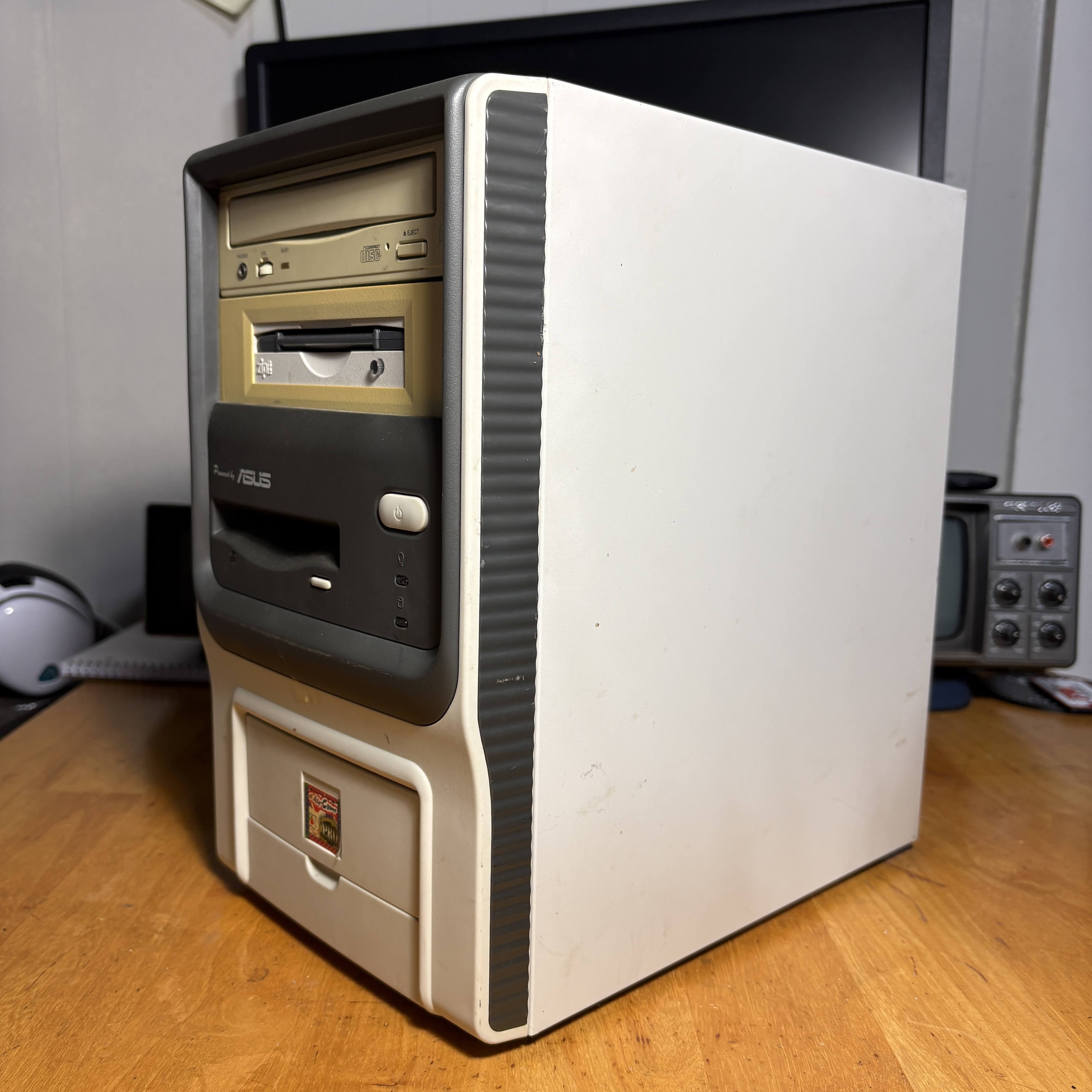
Now, my example isn't the cleanest, I'll admit, but it's been in storage for a very long time. I acquired this from a thrift store sometime around 2015, and I've only recently gotten it to post and played with it, so today I want to set it up as if it were the mid-2000s and I will take you all through the journey.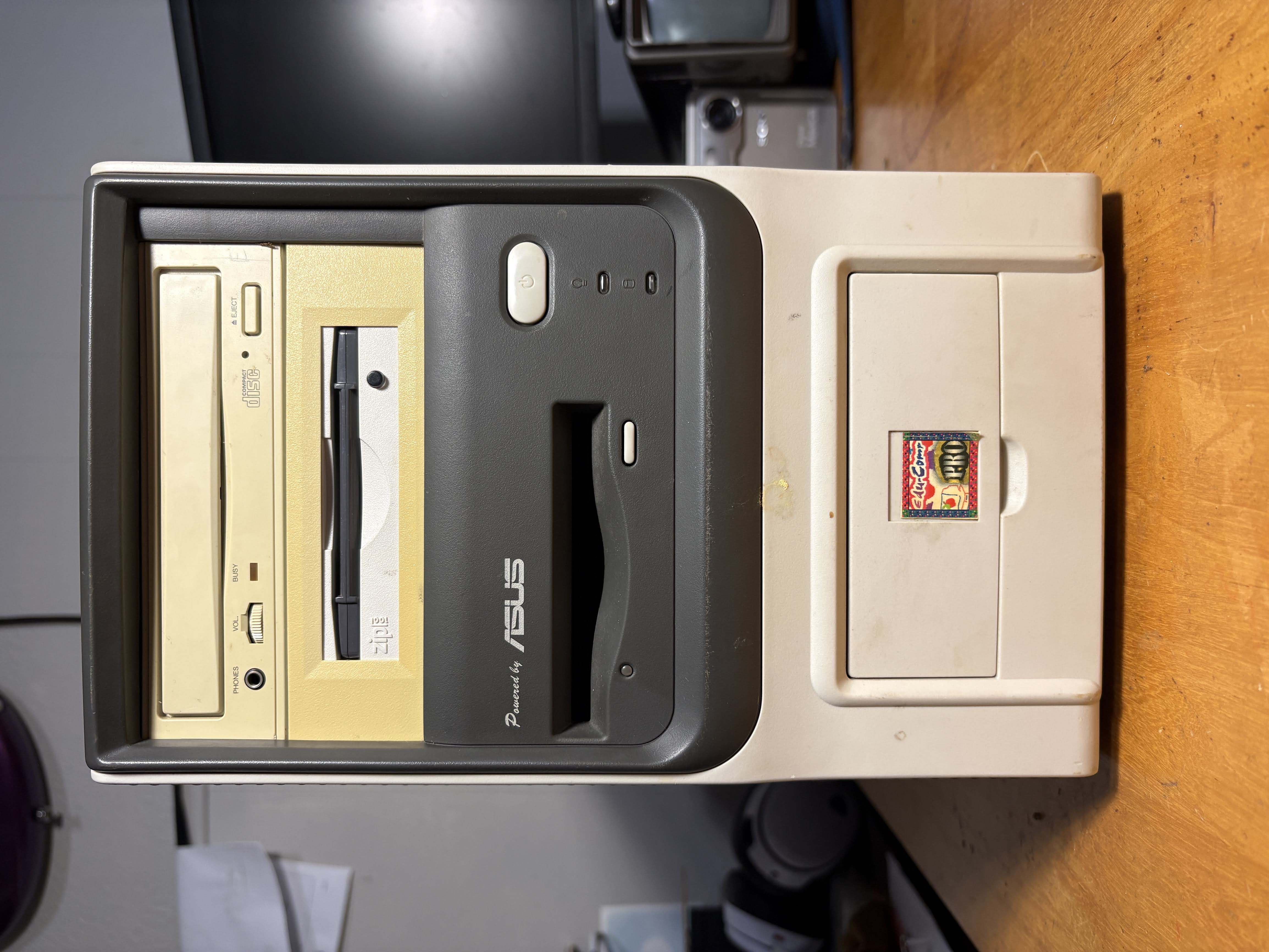
Checking out the outside of the Terminator, you can see mine doesn't have an original drive setup. You could get these without any drives, but most of them came with a CD-ROM and floppy. Mine has lost its floppy drive but gained a ZIP drive, which does function.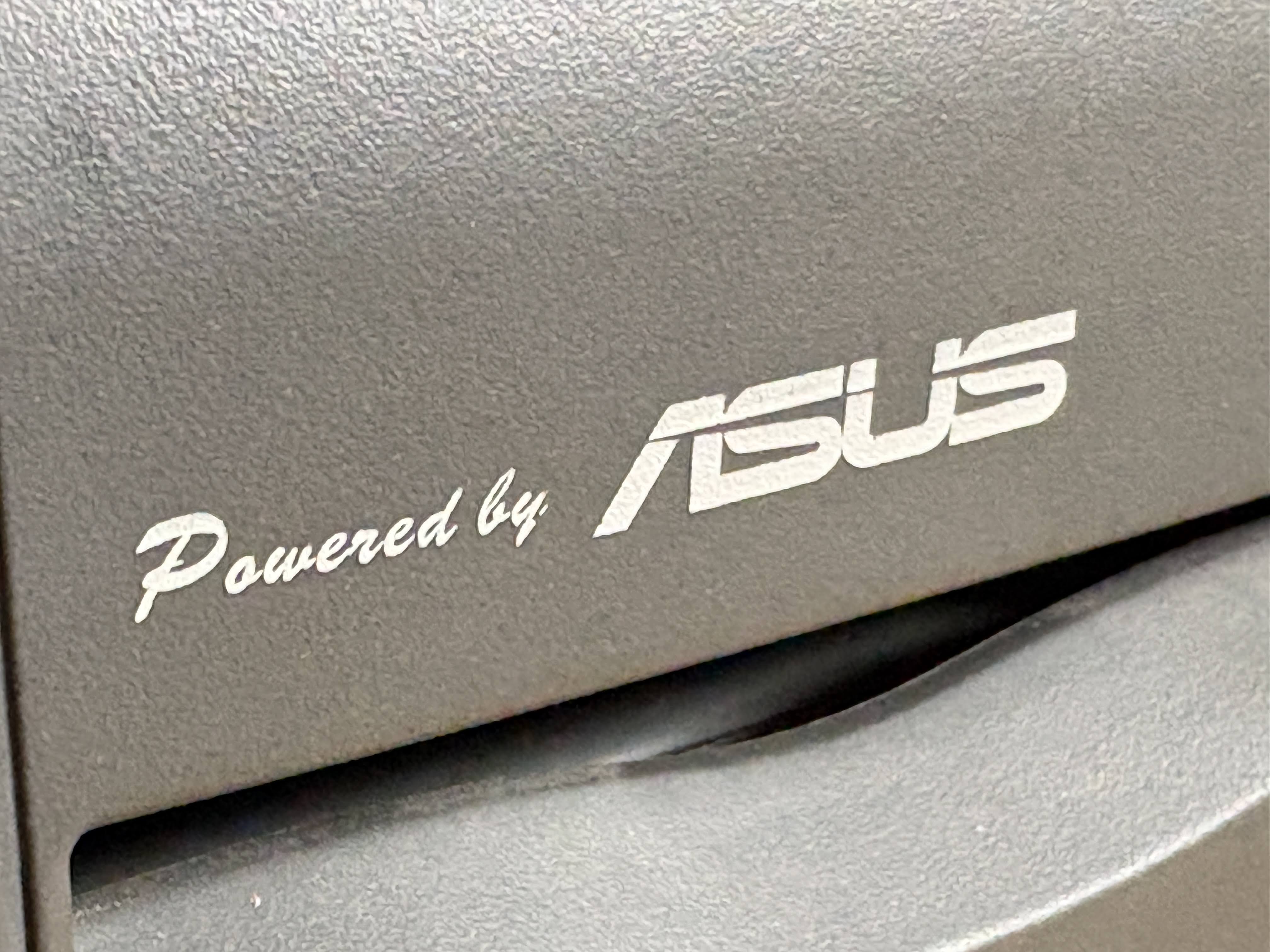
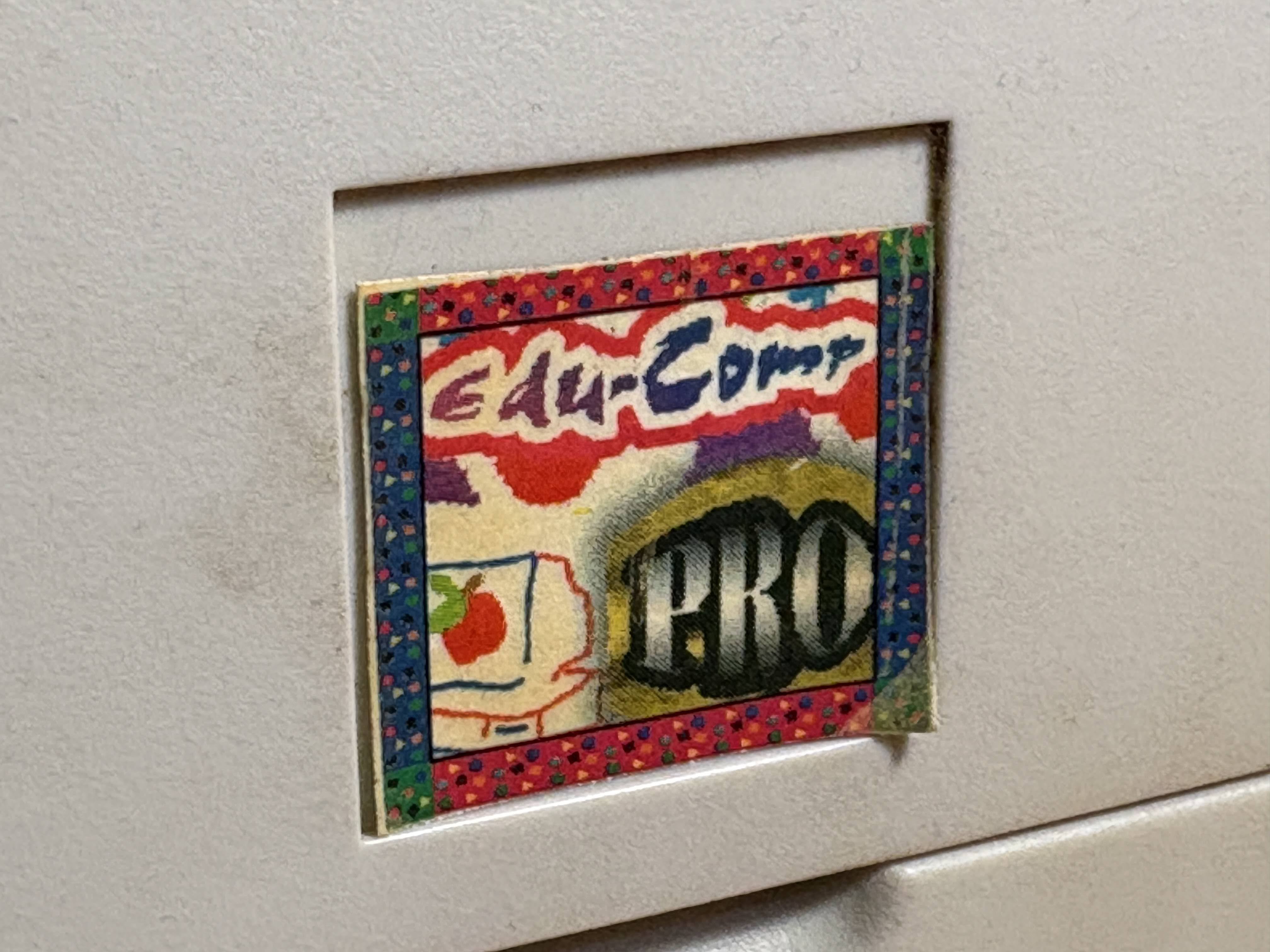
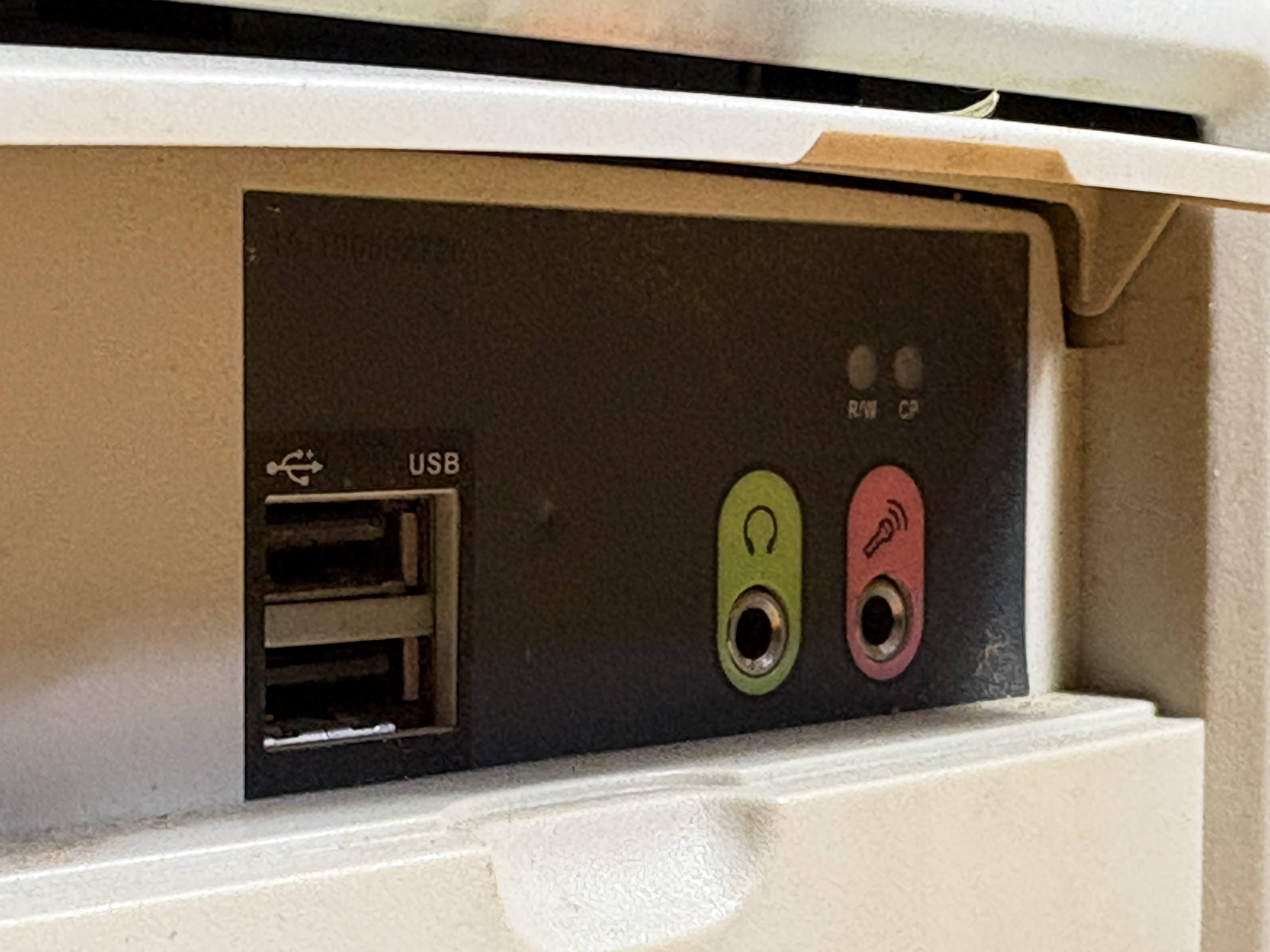
The front panel proudly displays its heritage, a sign that this was at one point an educational PC, and a front panel with two USB ports and front audio jacks.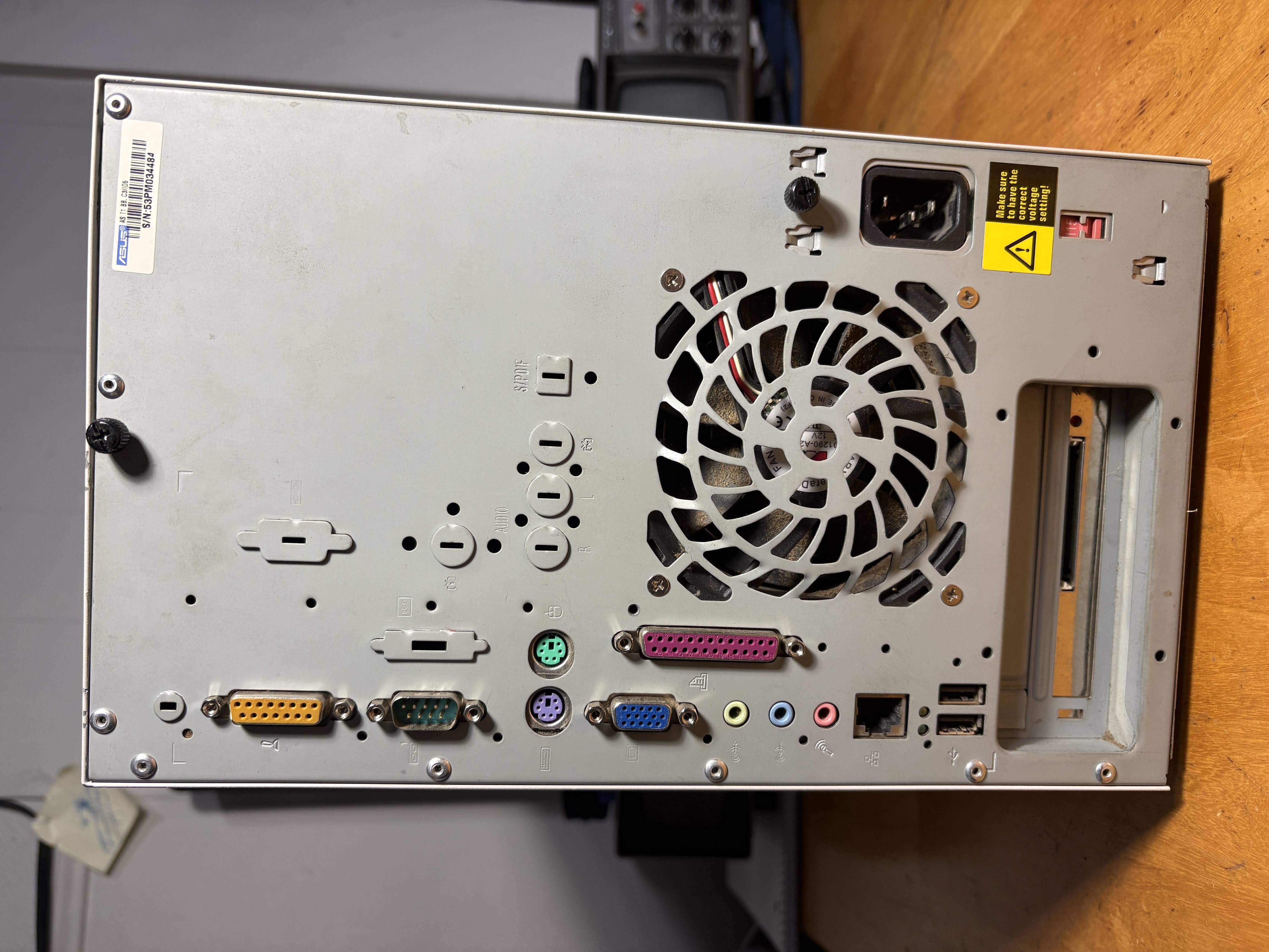
On the rear, we have your typical business-class IO at the time. Serial, parallel, twin PS/2, mic/line in/line out, LAN, 2x USB, and even a game port for a joystick or gamepad of the era. Something you may notice in the expansion slots, however, is a CF card slot. I'll get to that later.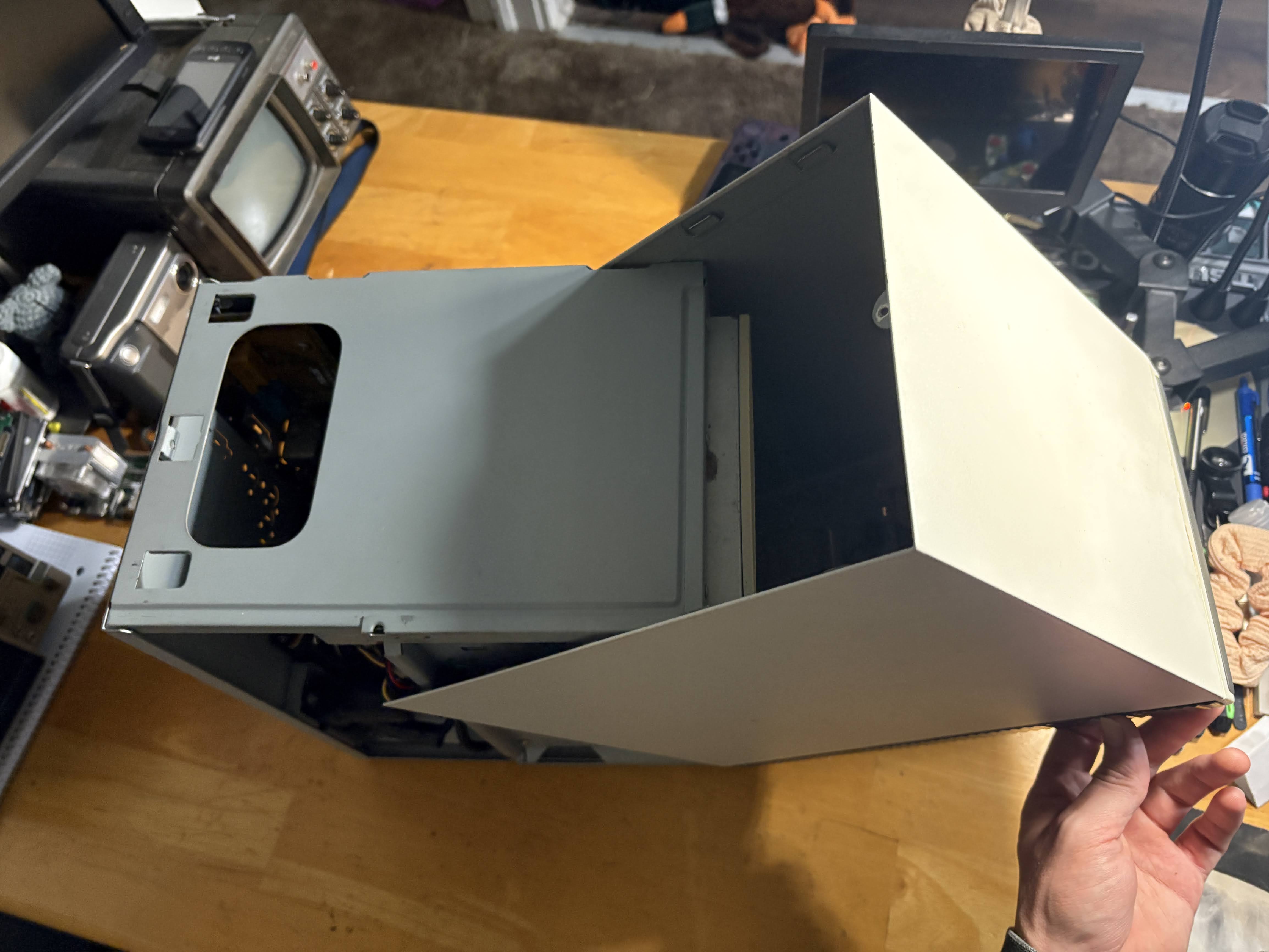
The case opens in a rolling-forward motion, which is pretty unique. This is the only way I've found to get the tabs to line back up when re-installing the outer case as well, so I just roll it back on in the same motion.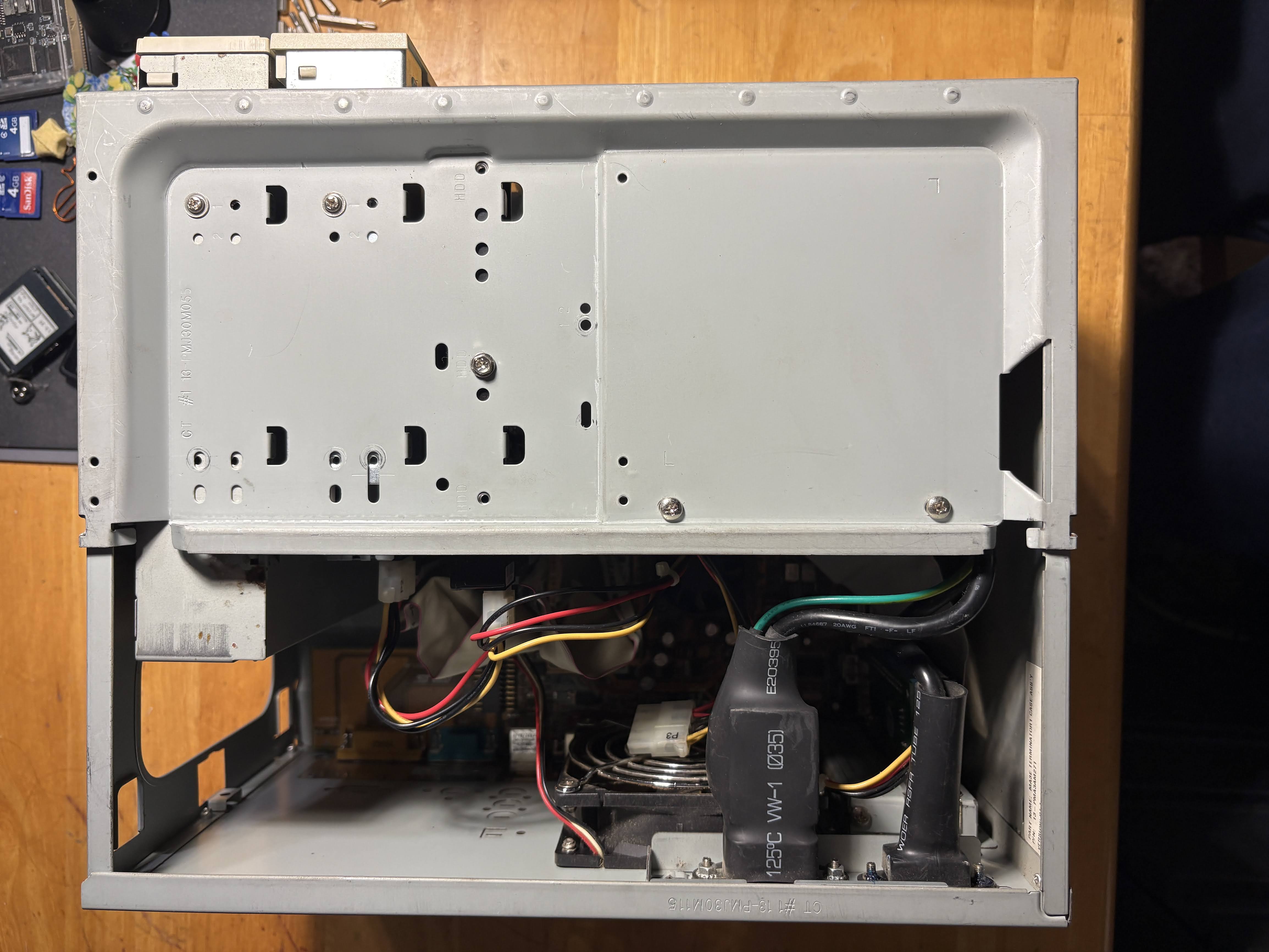
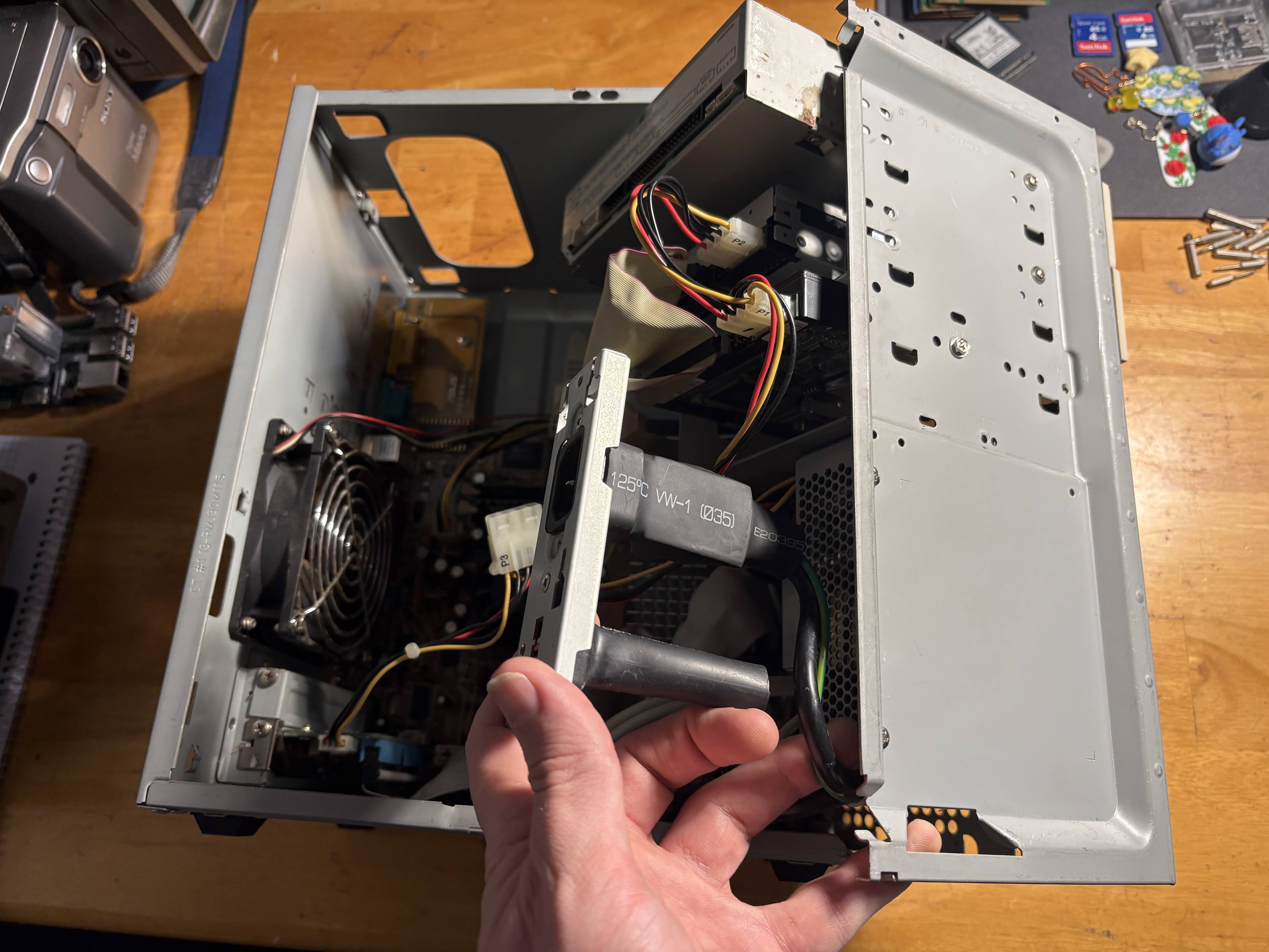
Once the case is open, the power supply connectors must be removed from the rear panel via one screw accessible on the outside of the case, and then you can open the "clamshell" design.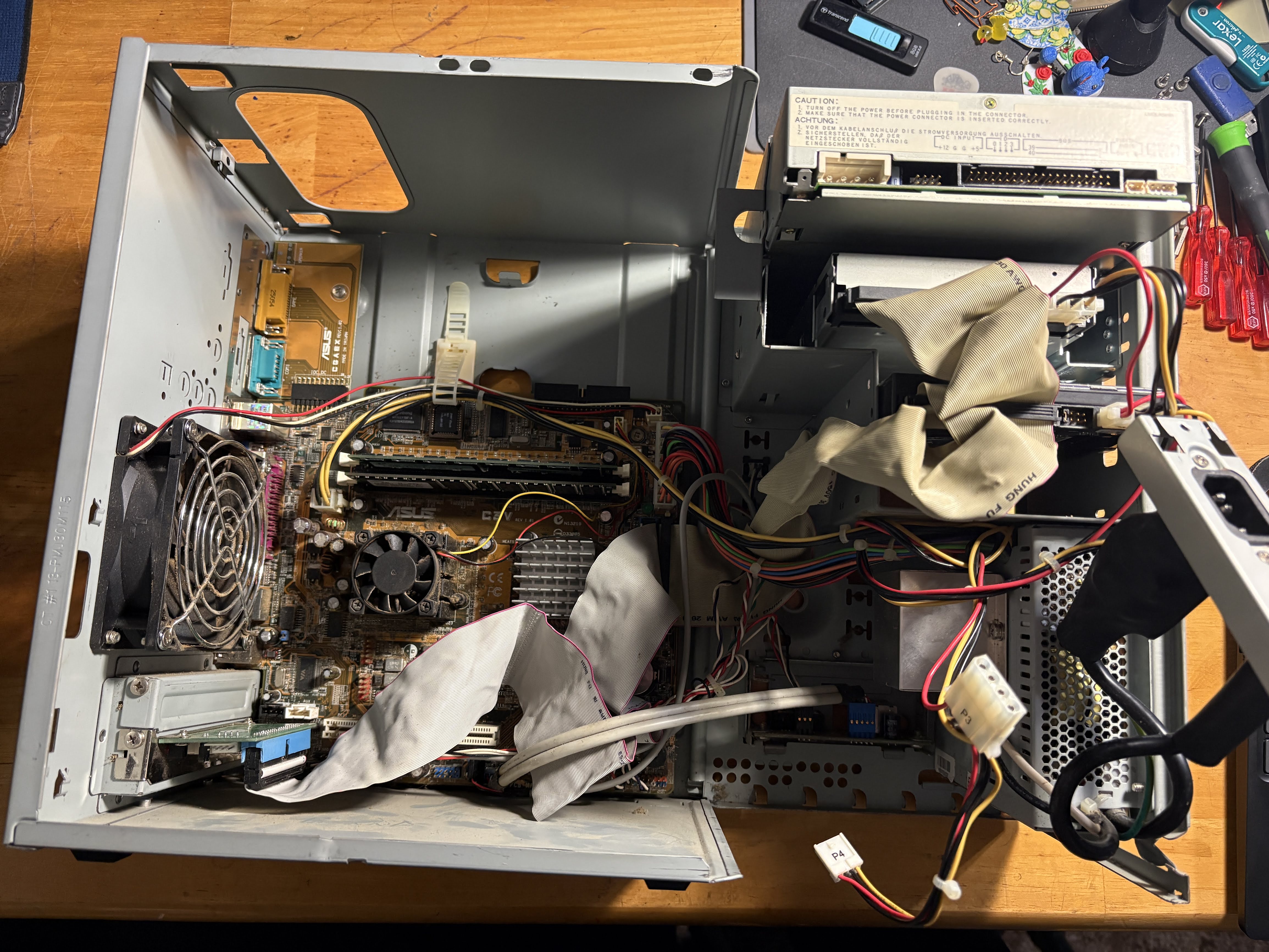
It's a lot less cozy once you have it opened up. Mine is a bit dusty too, but today I'm just worried about getting this running. Maybe it also has more of a "business PC upgrade, trash-picked e-waste" aesthetic this way...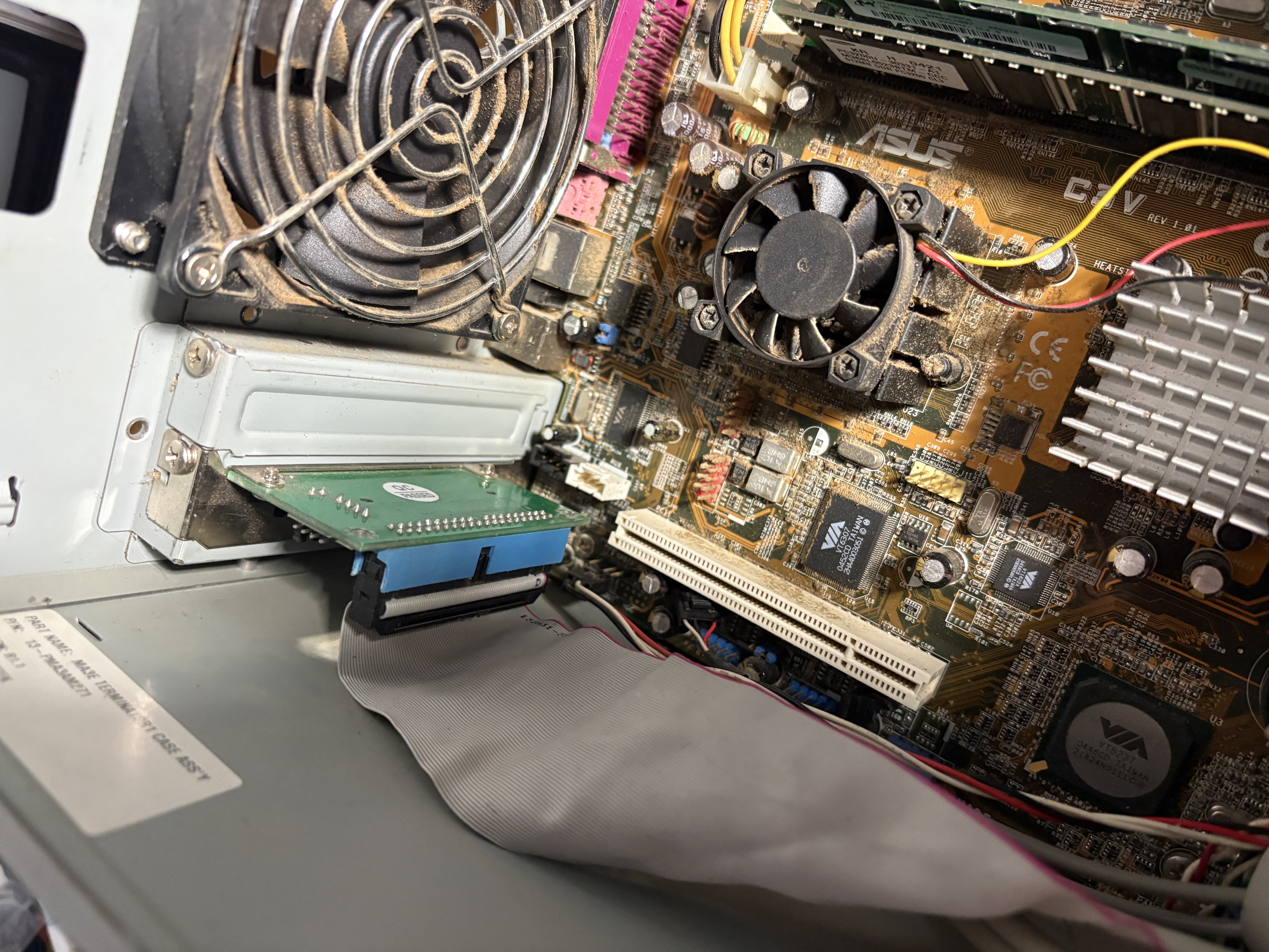
My latest contribution to this machine is this CF to IDE adapter. I've owned this adapter for as long as I can remember, and it wasn't intended for this machine, but it's made it a really easy way to test bench different operating systems (which I've had a LOT of issues with as you'll see soon...).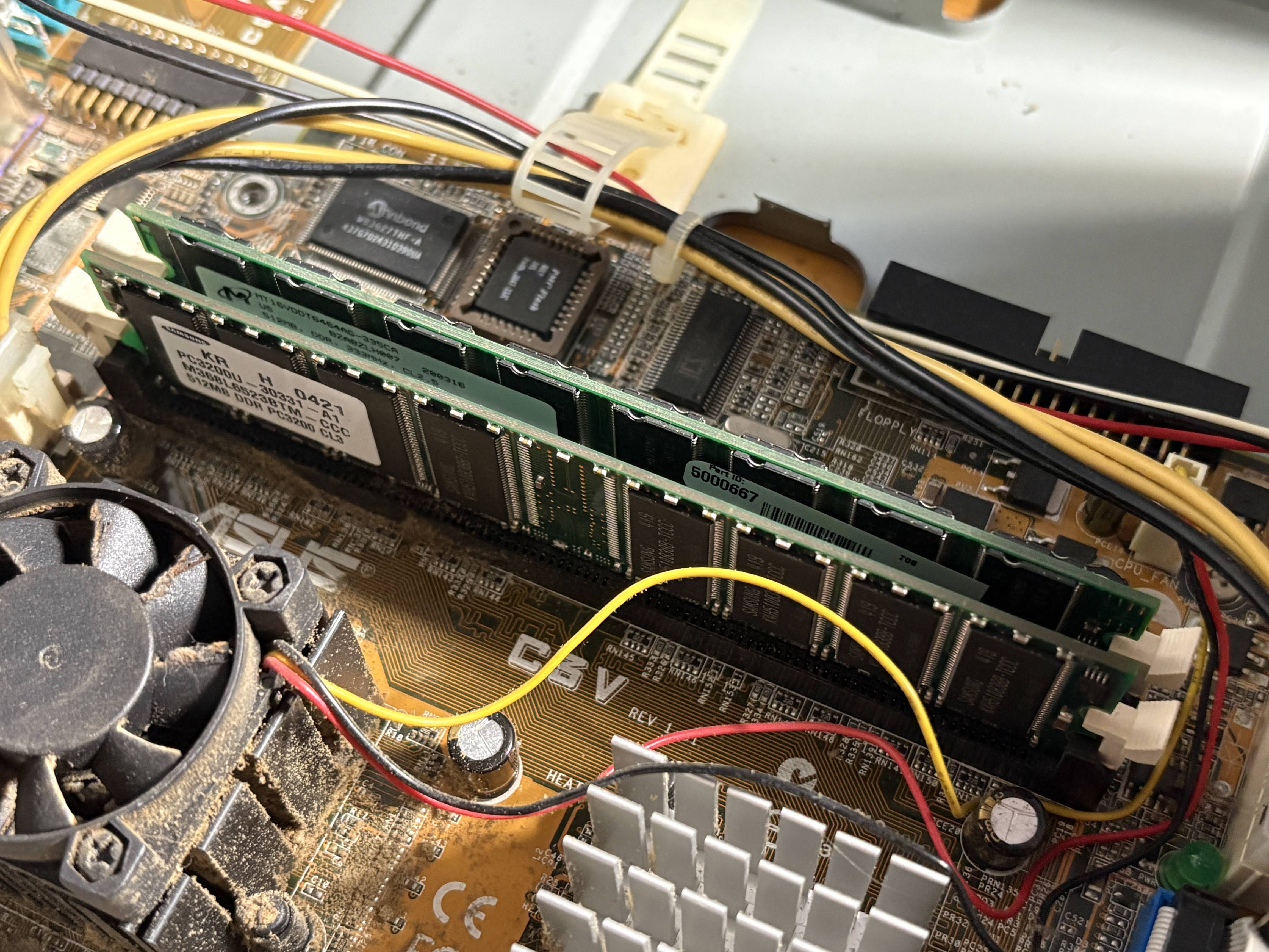
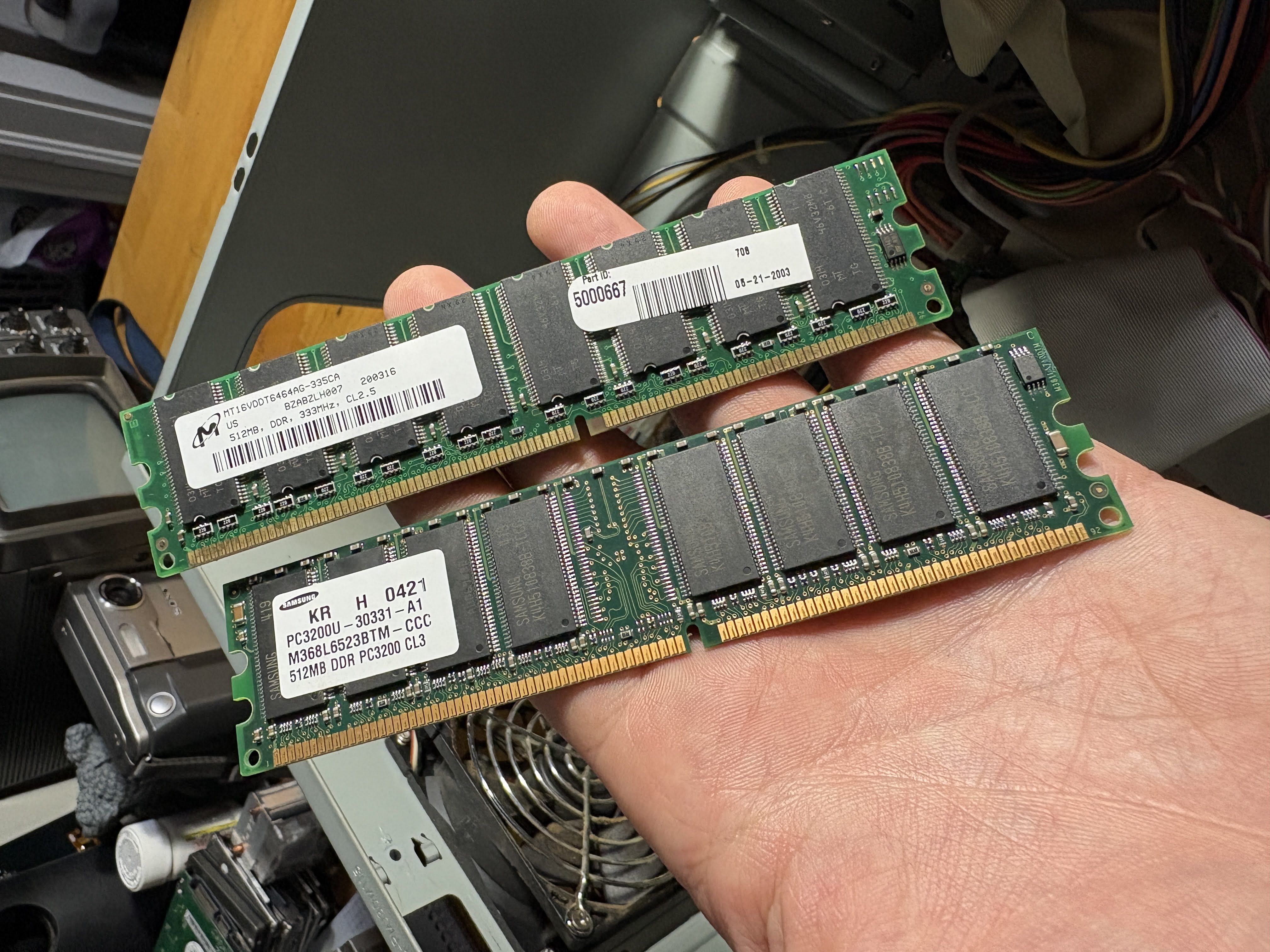
Twin DDR slots, and I've loaded them with whatever RAM I could find in my stash. I went for capacity over speed, which should be apparent by my mixing of 333MHz and 400MHz DDR modules. Where we're going, capacity is going to make much more of a difference. I also don't know if this board handles RAM faster than 233MHz...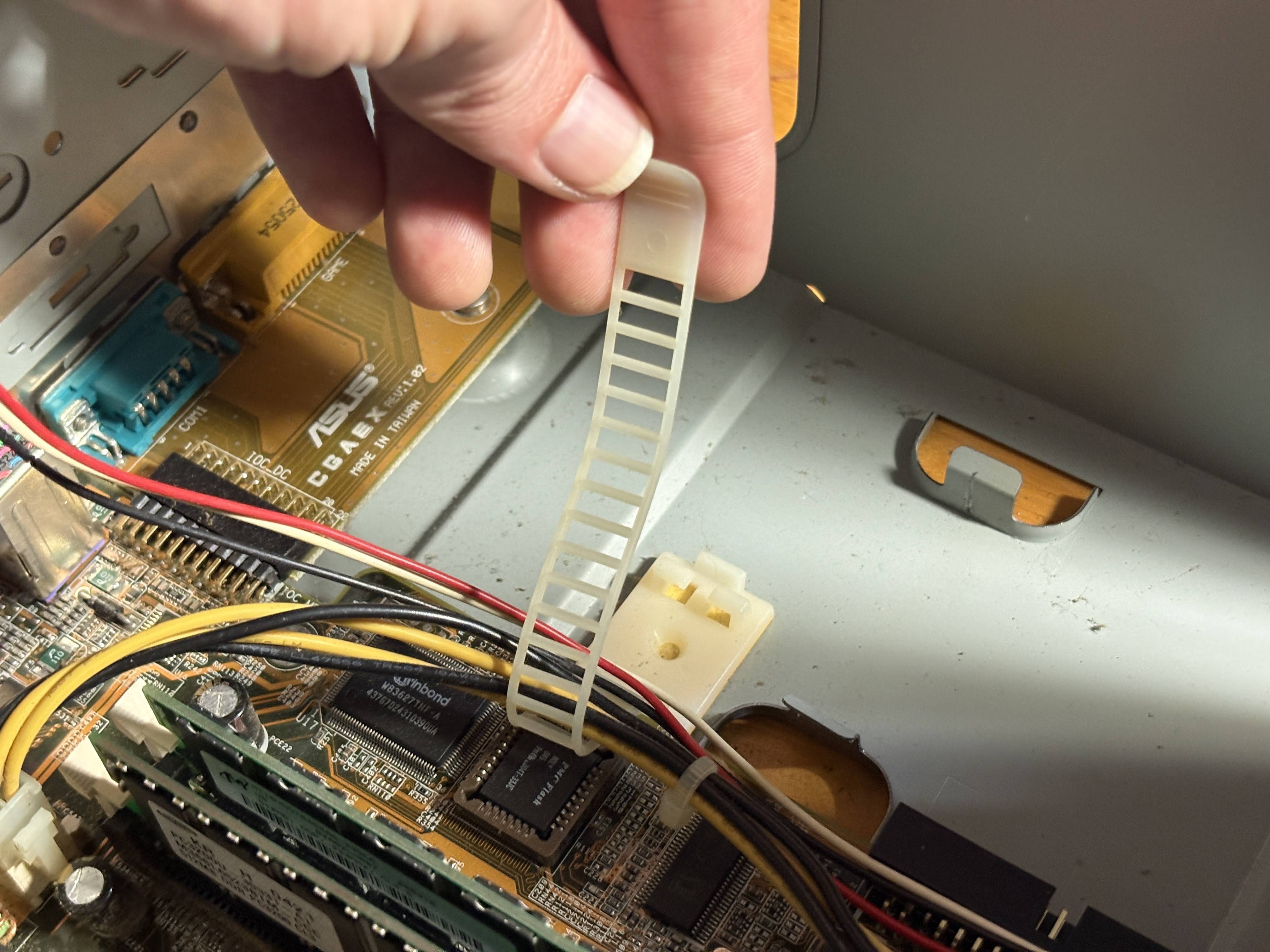
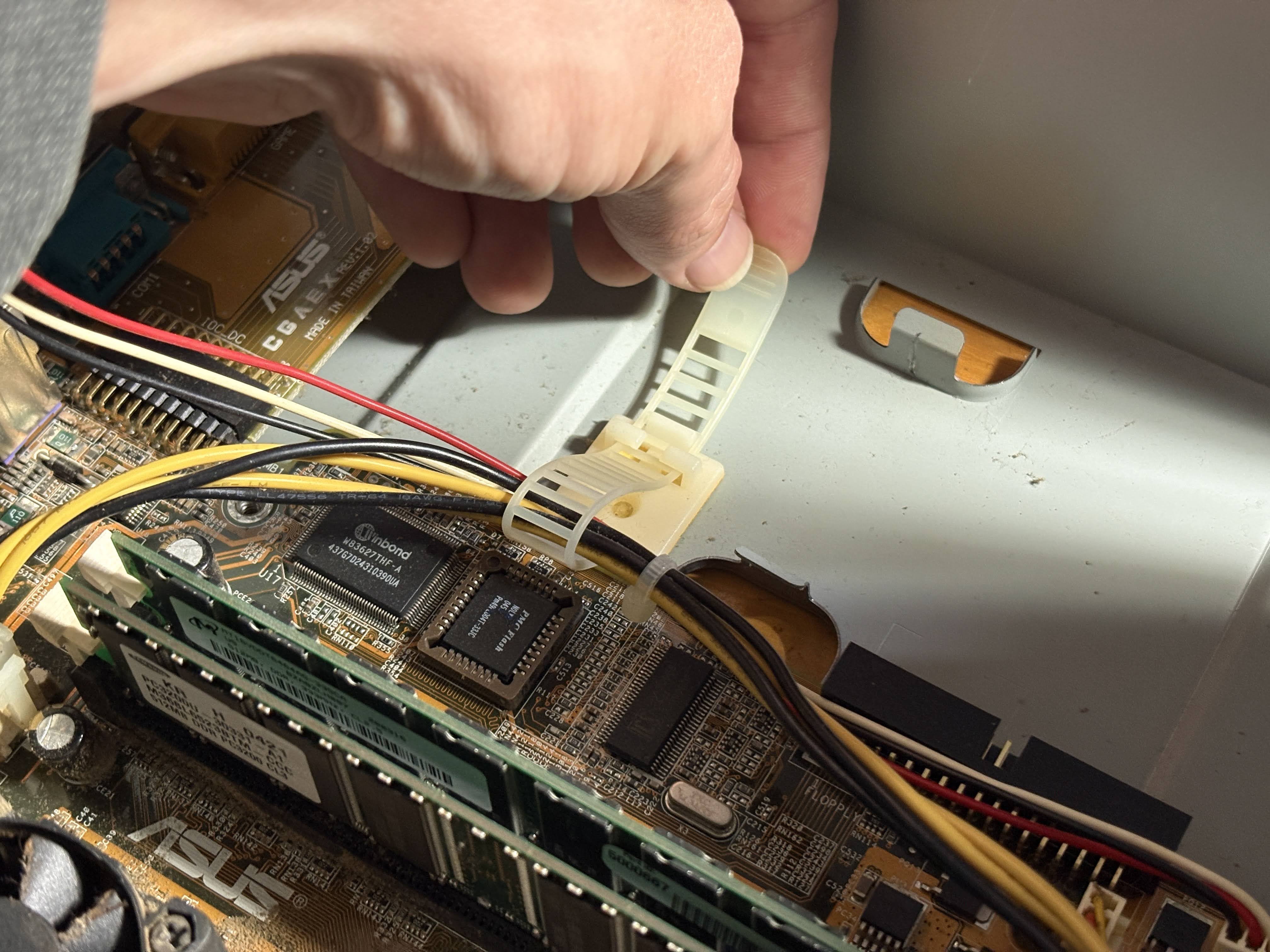
One thing I really like here, this reusable cable strap for holding down the cables inside the case. This is a really nice feature, and it means no cutting or permanently removing factory hold-downs.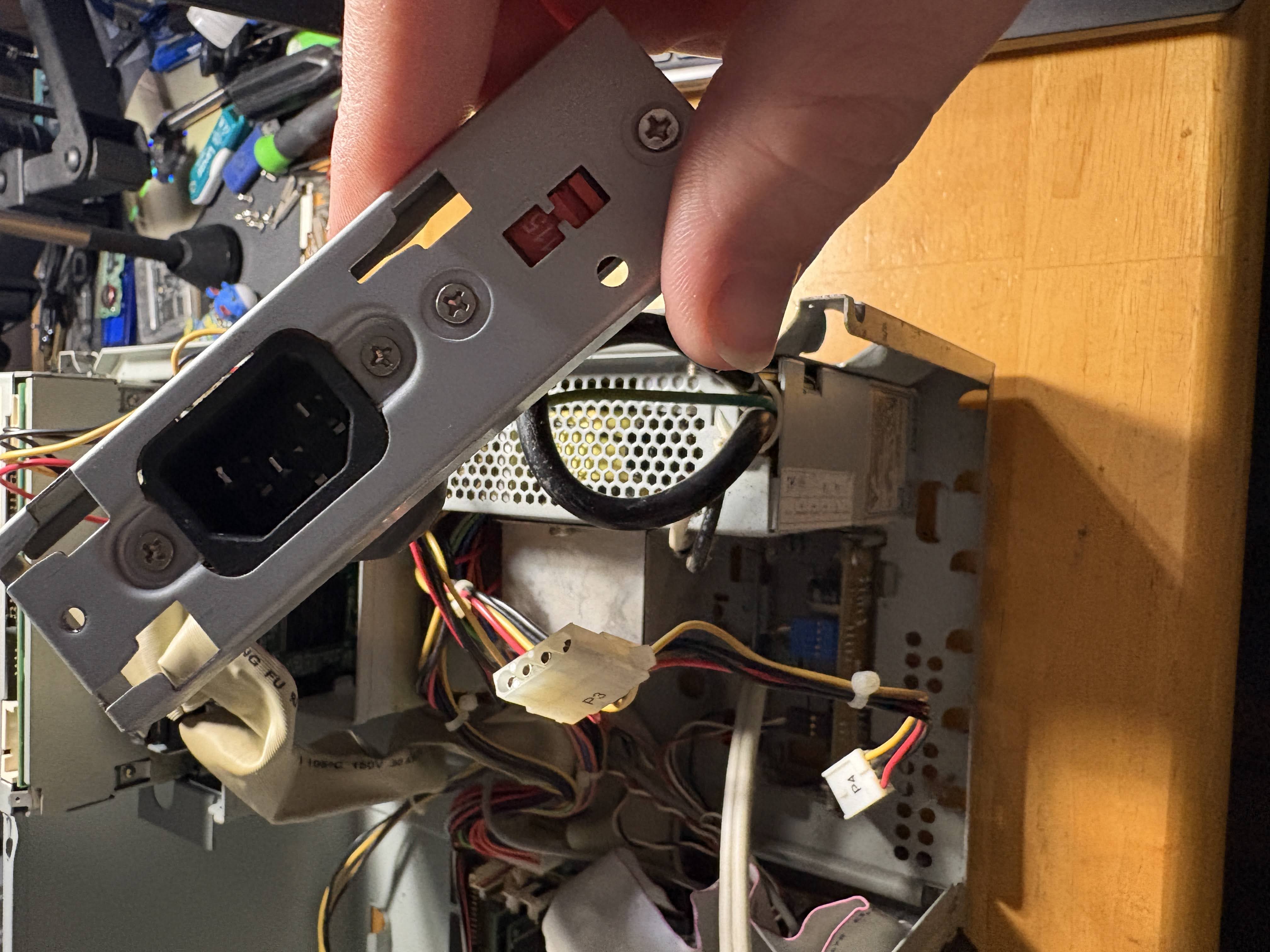
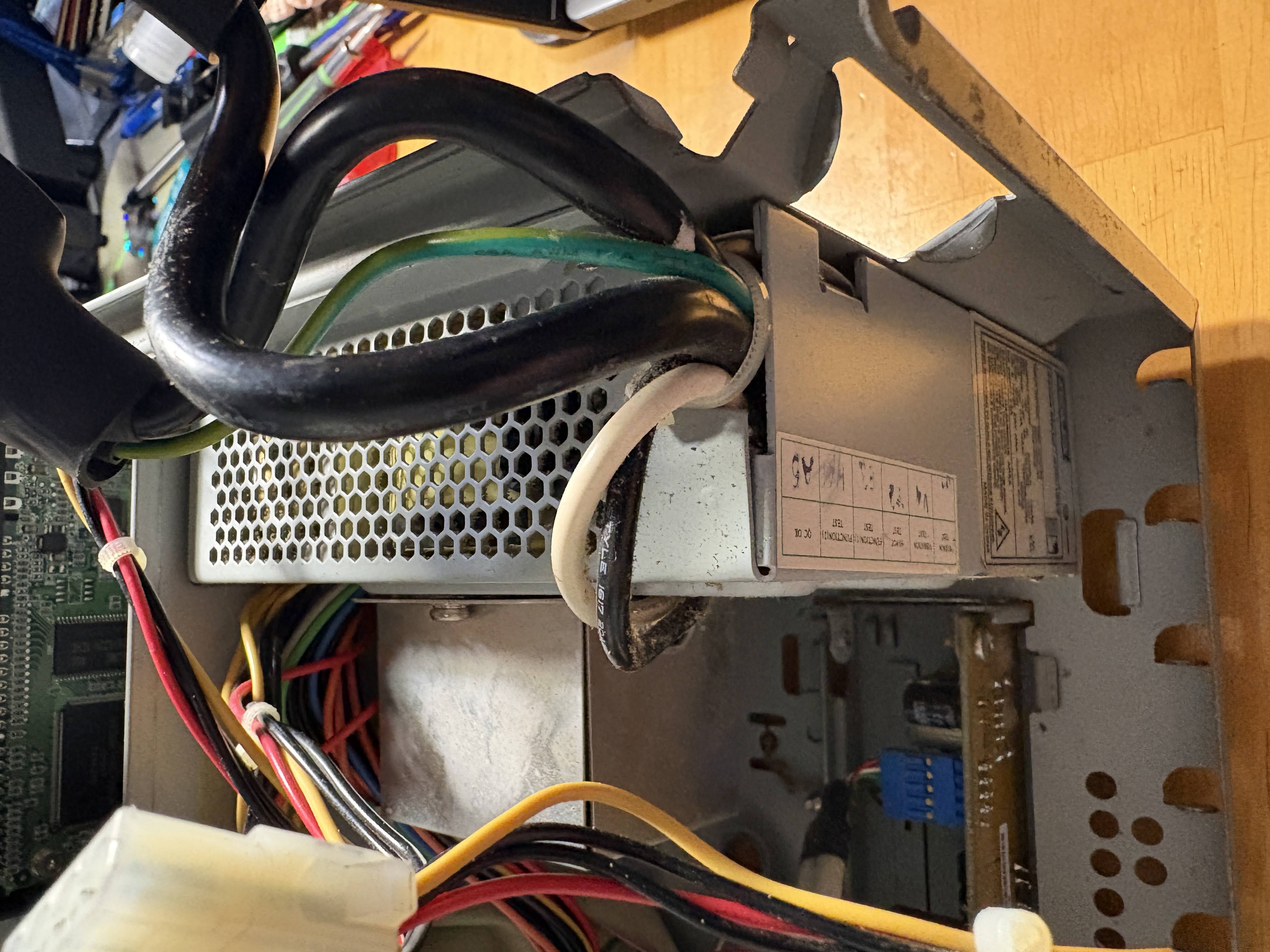
I really hope this very proprietary power supply doesn't die on me. Fingers crossed. The model number still pulls up, but it's unavailable anywhere. It's only 165 watts, so it's very low power. Hopefully that means it's also very long-life...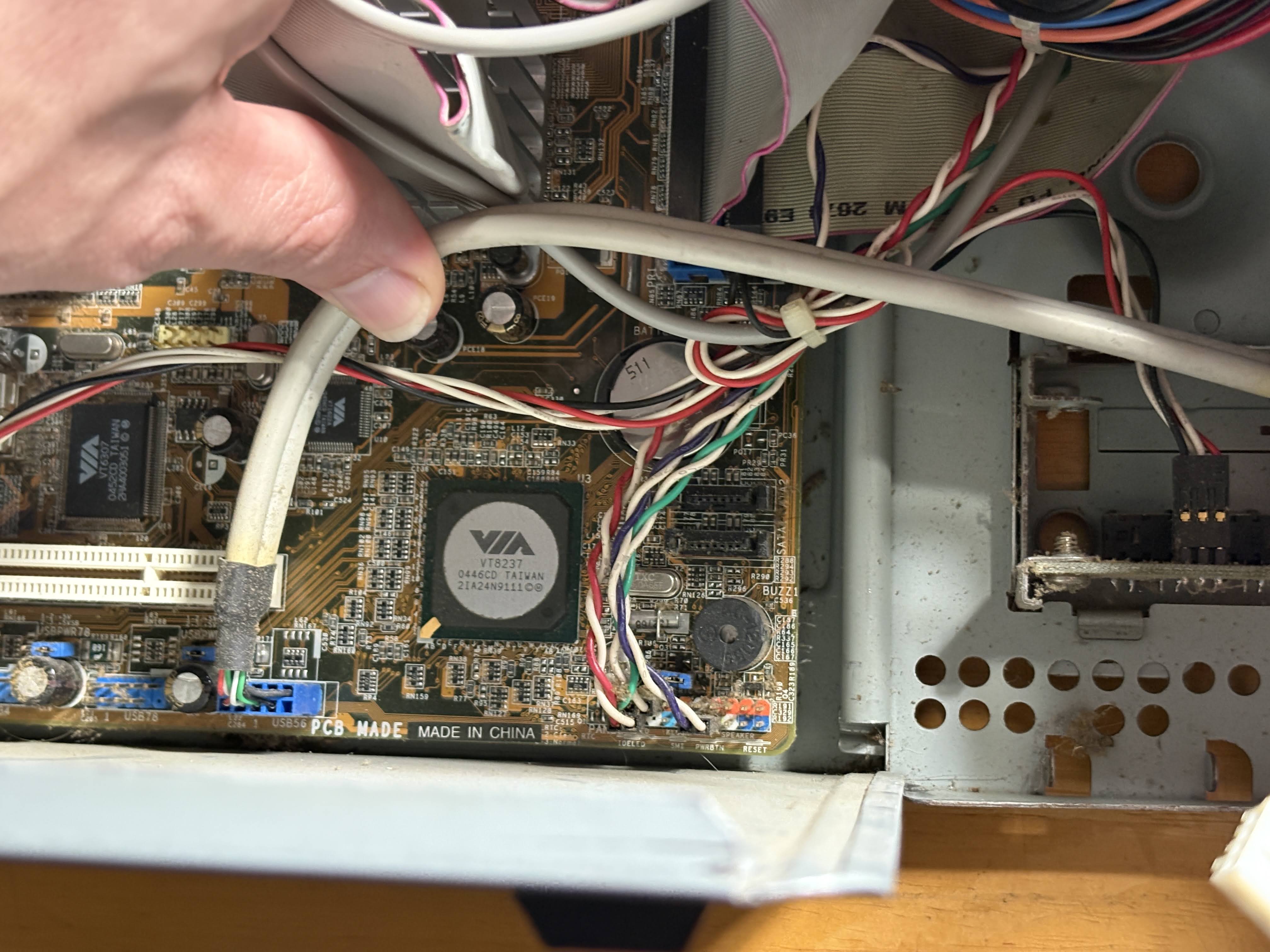
An awesome discovery is this corner of the board, a VIA VT8237 south bridge. This is a very early SATA controller, and it has two SATA ports as well. I think a SATA SSD might be in this machine's future if I ever decide to "full send" a build with this machine. Maybe that would be cool? Let me know on Bluesky/Instagram and perhaps I'll upgrade this machine to its fullest potential!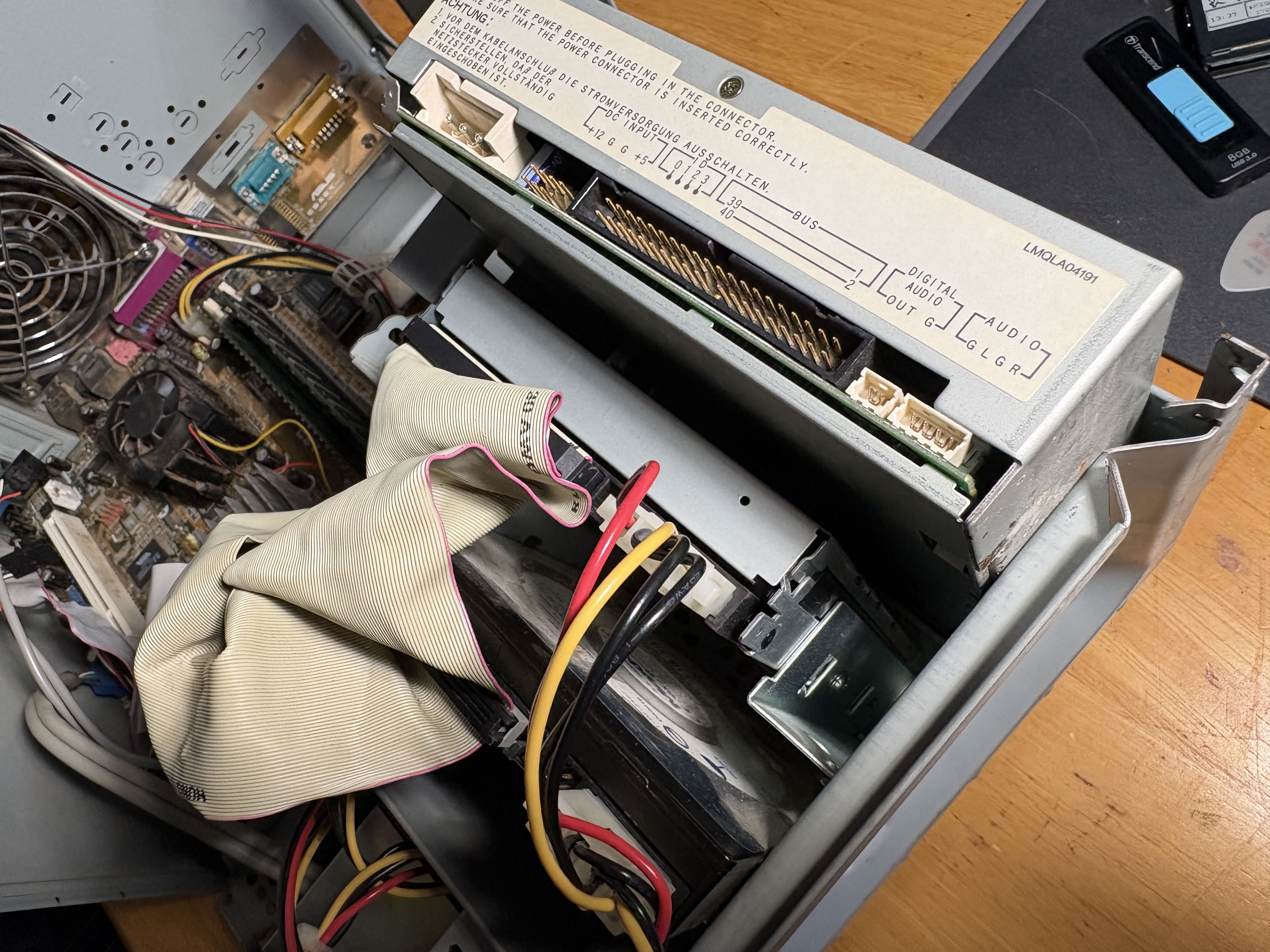
As you can see, I have an unhooked (and very broken) CD-ROM drive, a functional ZIP drive, and there is technically a hard disk in here, but it has questionable life left and is very low capacity, so we won't be using that for our operating system today.
Alright, something I haven't talked about yet is the CPU in this machine. This thing uses a VIA C3 running at 800MHz. This is a pretty low-power chip for the time. TDP estimates are around 8 to 10 watts, which, compared to a Pentium III at the same clock speed, is roughly half or less. This would have made it much more efficient for the classroom running a dozen or more of these, or a business doing the same.
Do you know what it's not good for? Performance. VIA didn't indulge in many extensions of the x86 architecture, and so you are left without support for SSE2 which was becoming more common with the Pentium 4's rise, PAE which existed even on the Pentium III, an FPU that was half as fast as Intel's offerings, and speaking of SSE, for some reason even standard SSE was dropped in favor of AMD's 3Dnow! feature set. This made the VIA C3 a glorified (and in some ways, worse) AMD K6-2. It doesn't even have L2 cache, something that was well known to boost throughput on CPUs, like with the Pentium II and III (and nearly every CPU since).
This makes it incredibly difficult to get a more modern operating system on it, so we're going to do our best for now and get it up and going with Linux, with the goal today being accessing the internet, and playing a game.
Of course, tower and board do not maketh the computer. We need peripherals, and for that we're back to scrounging.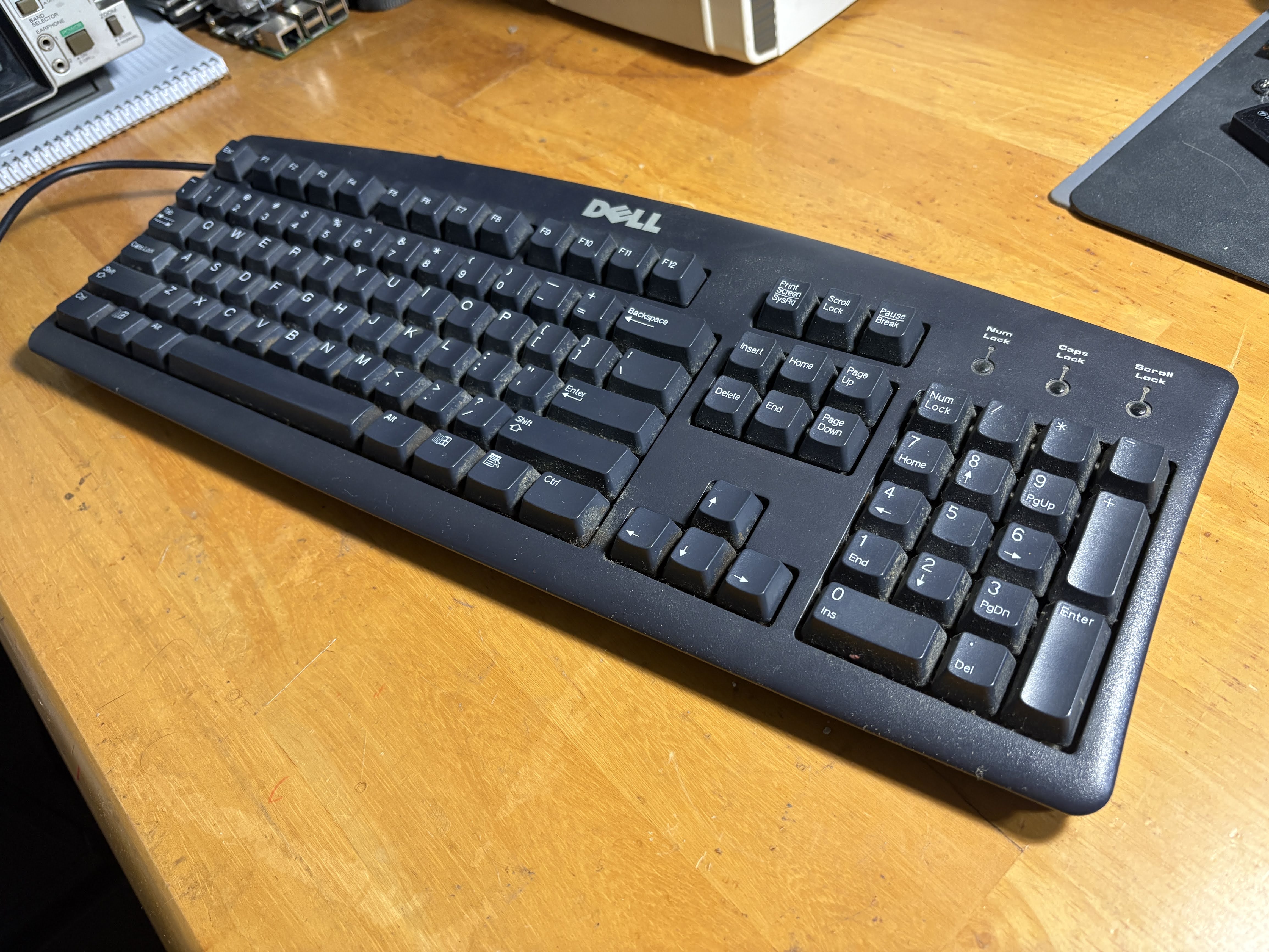
First up, we need a keyboard. Without a way to input, we can't compute, after all. A mid-2000s scrap pile at the IT warehouse would definitely have had a handful of these guys, Dell SK-8110. USB keyboards weren't common enough to be in the heap yet, but they were being phased in just enough that these old PS/2 models that still looked relatively modern could've ended up there already, as they'd been around since 1999 at that point.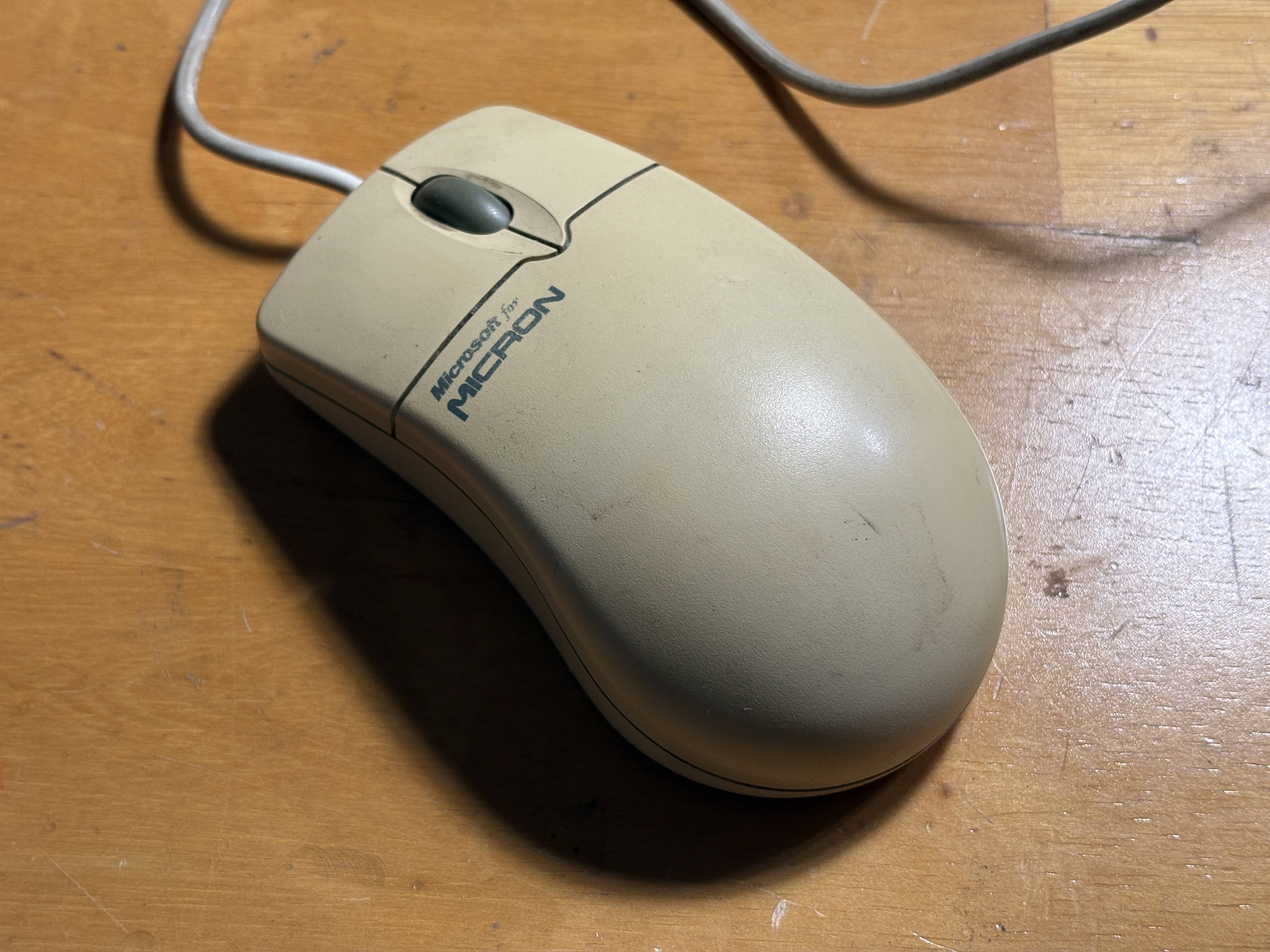
Next, a slightly older piece of kit, this Micron-branded Microsoft Intellimouse. You wanted a scroll wheel, you refused to settle for a mouse without one, and this is what you got. Sorry about it. And since laser mice weren't around until 2004, there's no way you're finding one of those in the scrap heap. This mouse has got ball.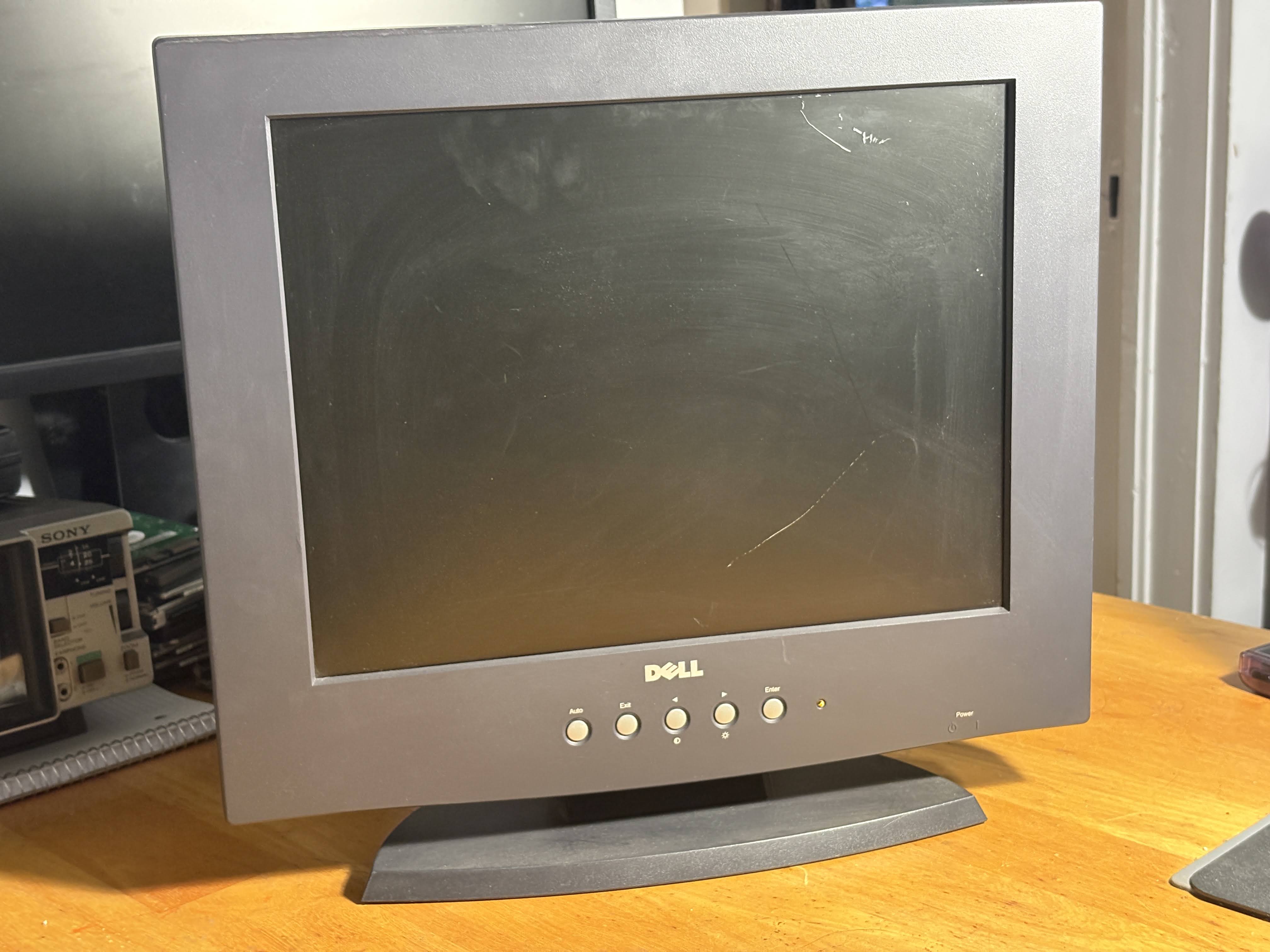
And lastly, of course, you were really wanting an LCD monitor because you couldn't stand the thought of your tiny PC tower being overshadowed by a hulking CRT. Luckily, this 2003-era Dell E151FP, despite being really new, got replaced by some business when someone scratched the display. No matter, you think to yourself, if the display still functions, I can ignore that scratch. This is the newest piece of your whole build, save for the tower itself. What a score!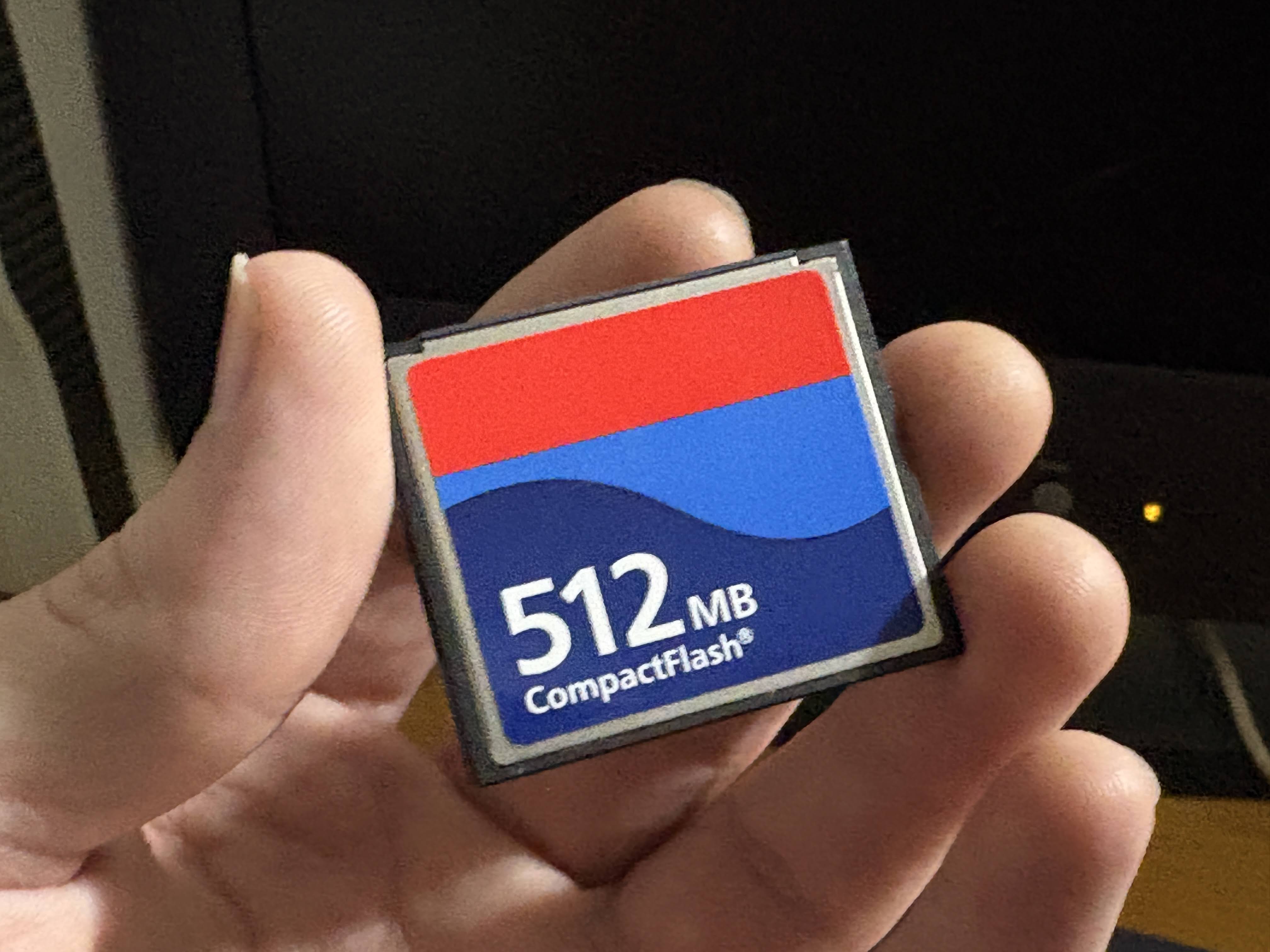
And of course, storage. In its day, and when this PC was built, this would've cost you probably $40-50 (GASP!) and only holds 512mb of data. For historical interest sake, we will say that you would've used a 40GB hard disk or so, which would've been around the same price. This is simply more convenient for me, and eventually I would prefer a more permanent disk solution, perhaps that SATA drive we talked about earlier. Of course, if you were scrounging at an e-waste scrap pile, hard disks likely wouldn't be available. They are typically destroyed to protect the former users from nefarious data collection.
Now that we've assembled the team, let's get them all working together...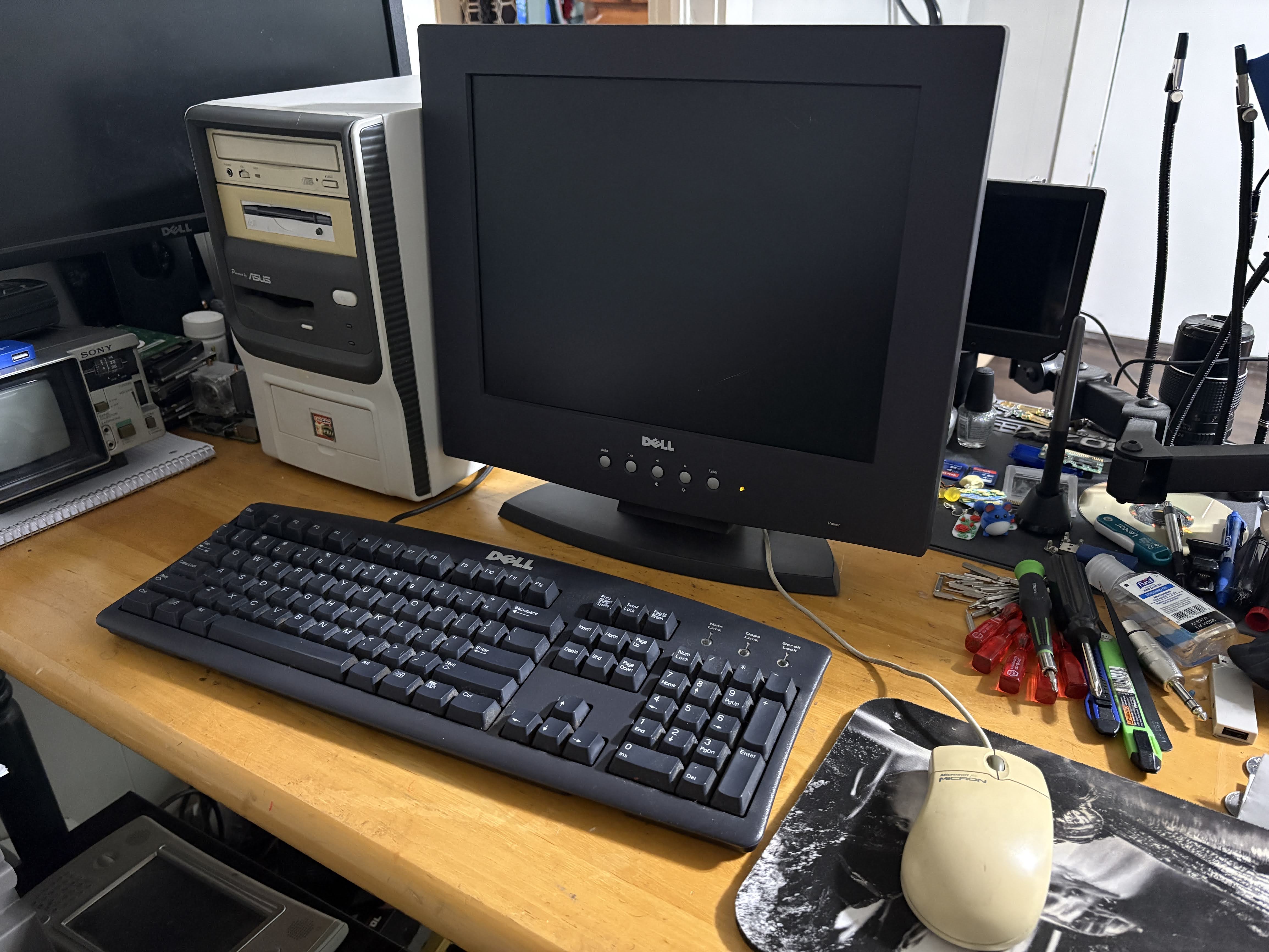
...and boot her up for the first time.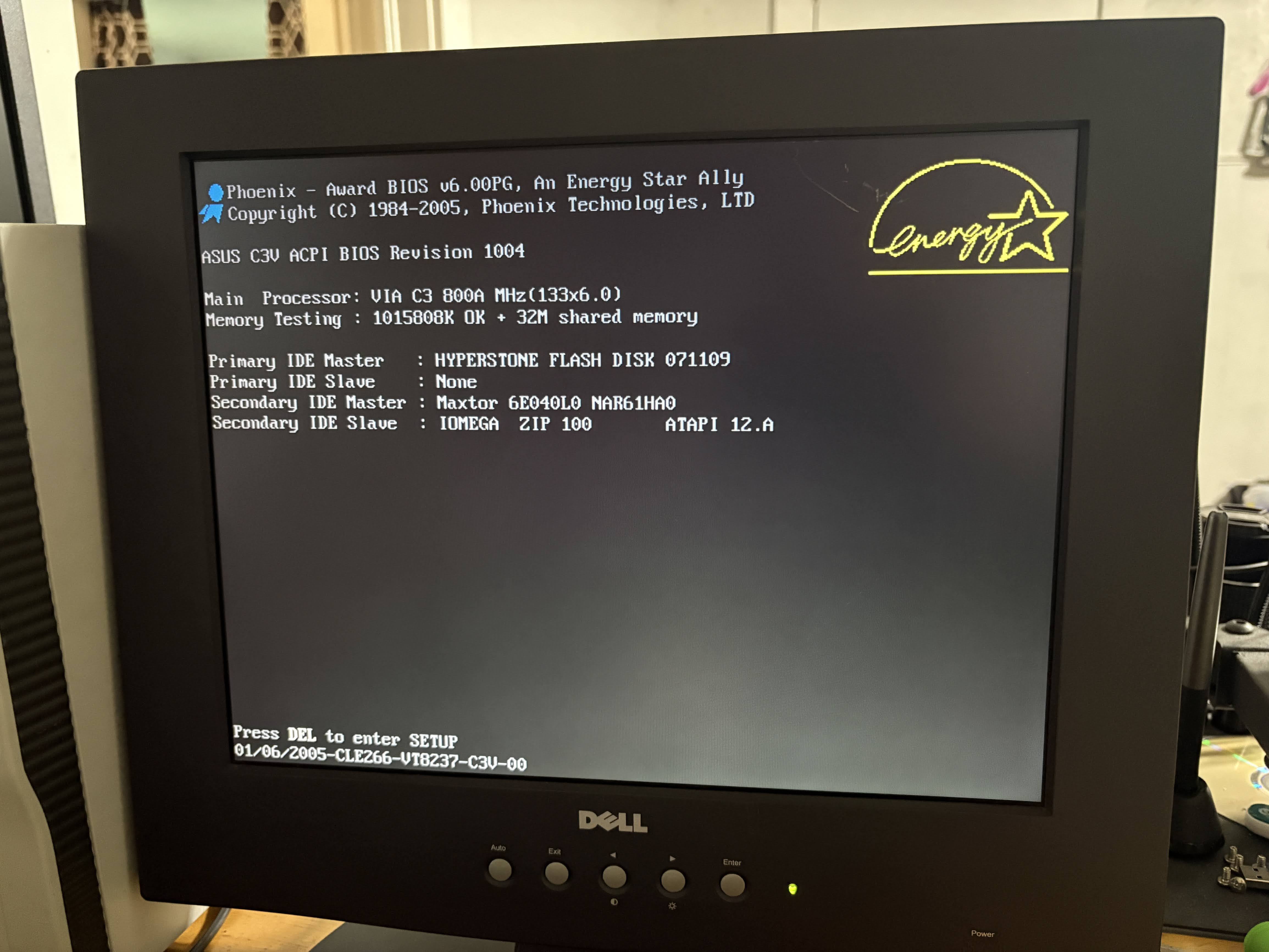
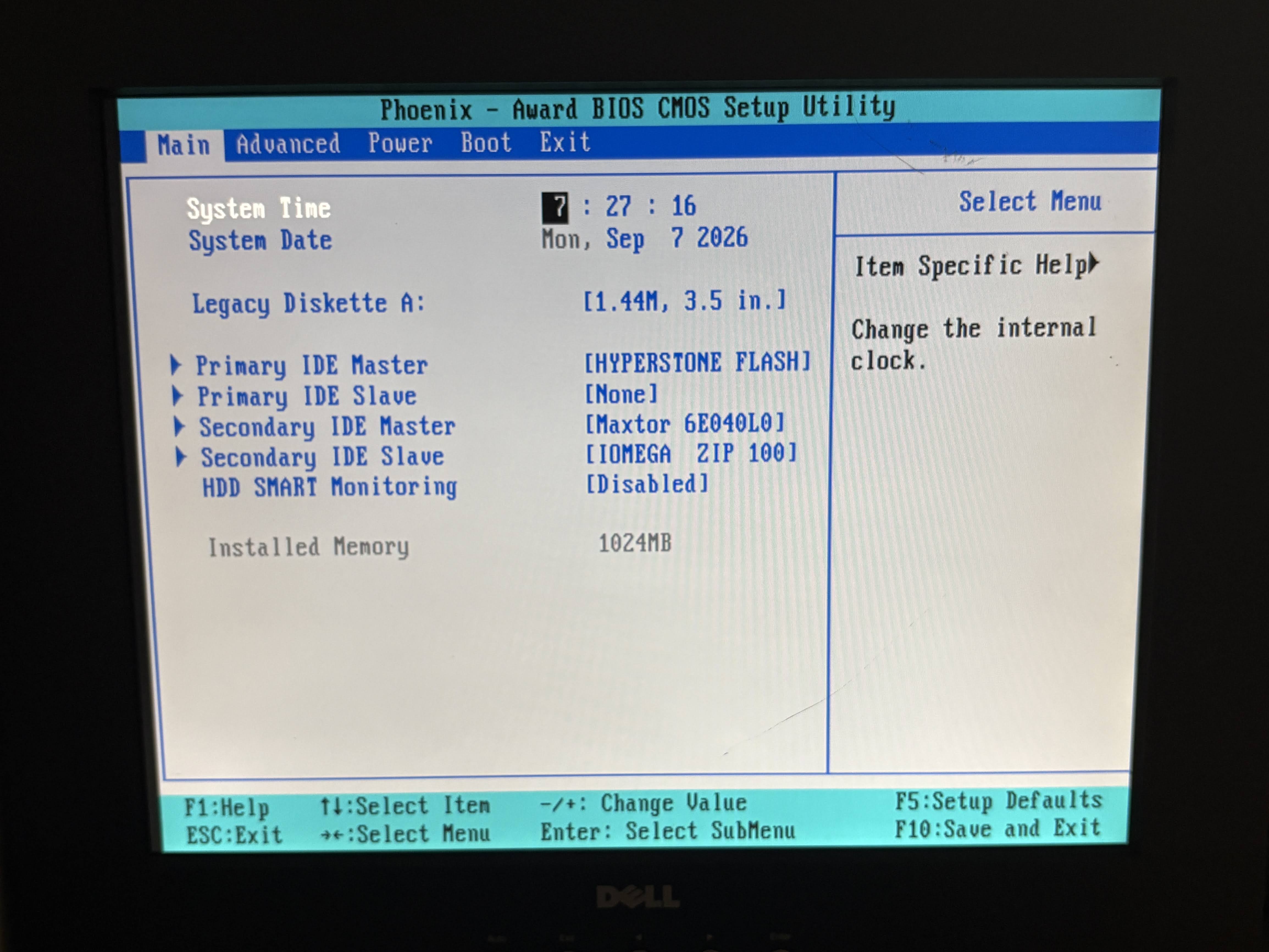
I didn't have much luck trying to get a Windows 95,98, or XP install working on this machine in the past. It really doesn't like to USB boot anything that isn't Linux. That's fine with me.
The downside to this is that there are (almost) no modern Linux distros that support i586 architecture. So here's a couple of distros that I tried:
MX Linux 14.1.1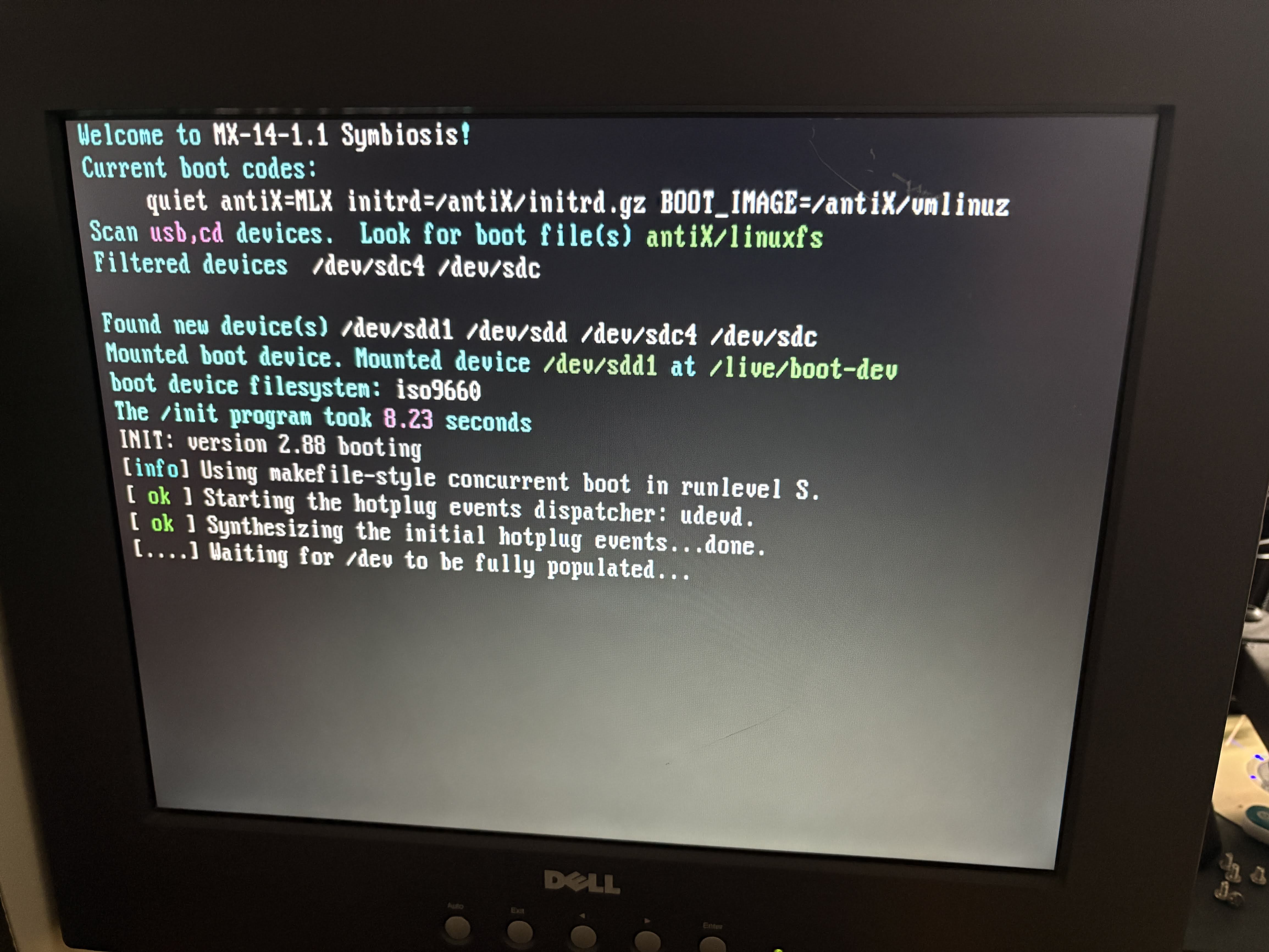
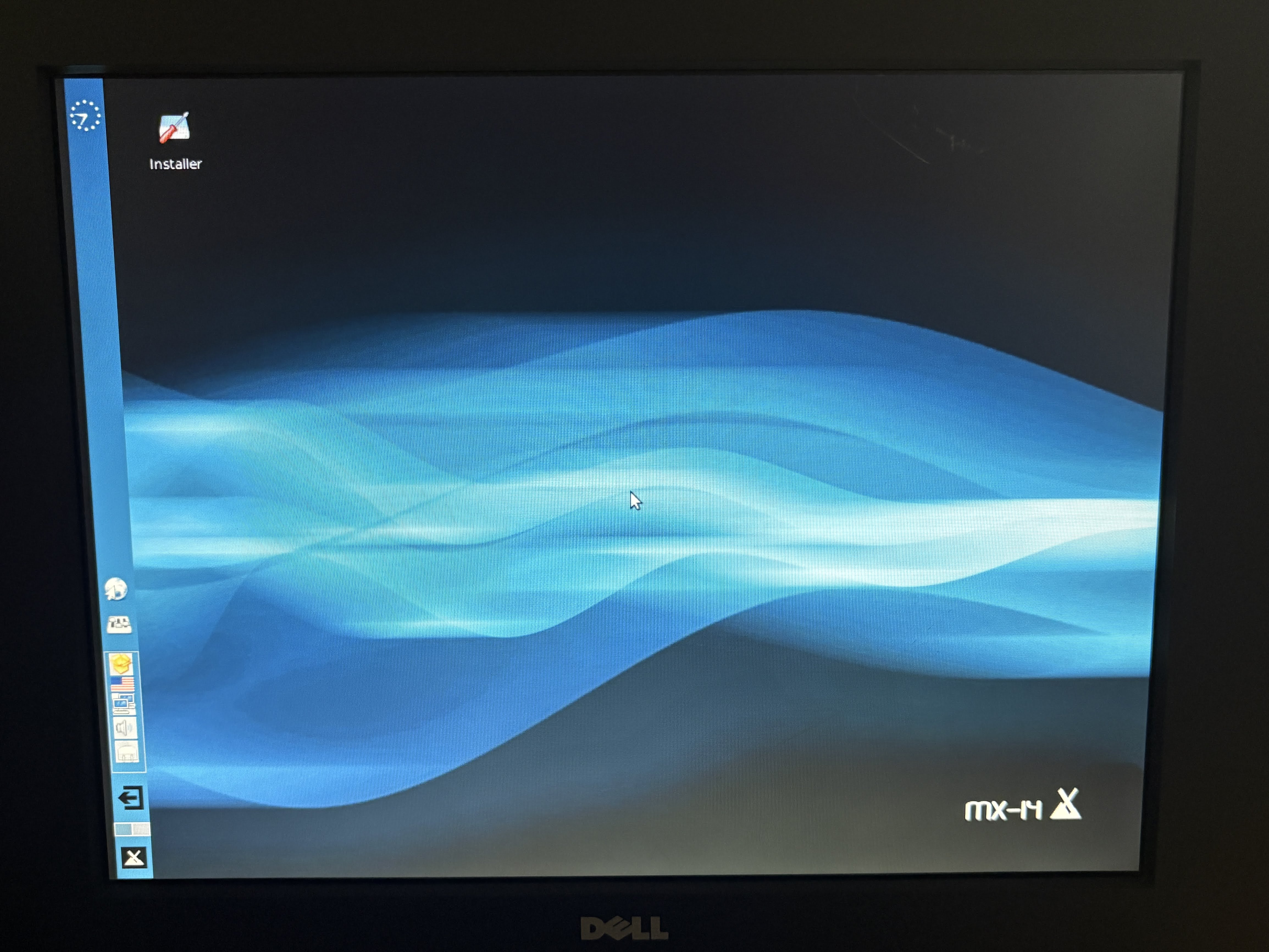
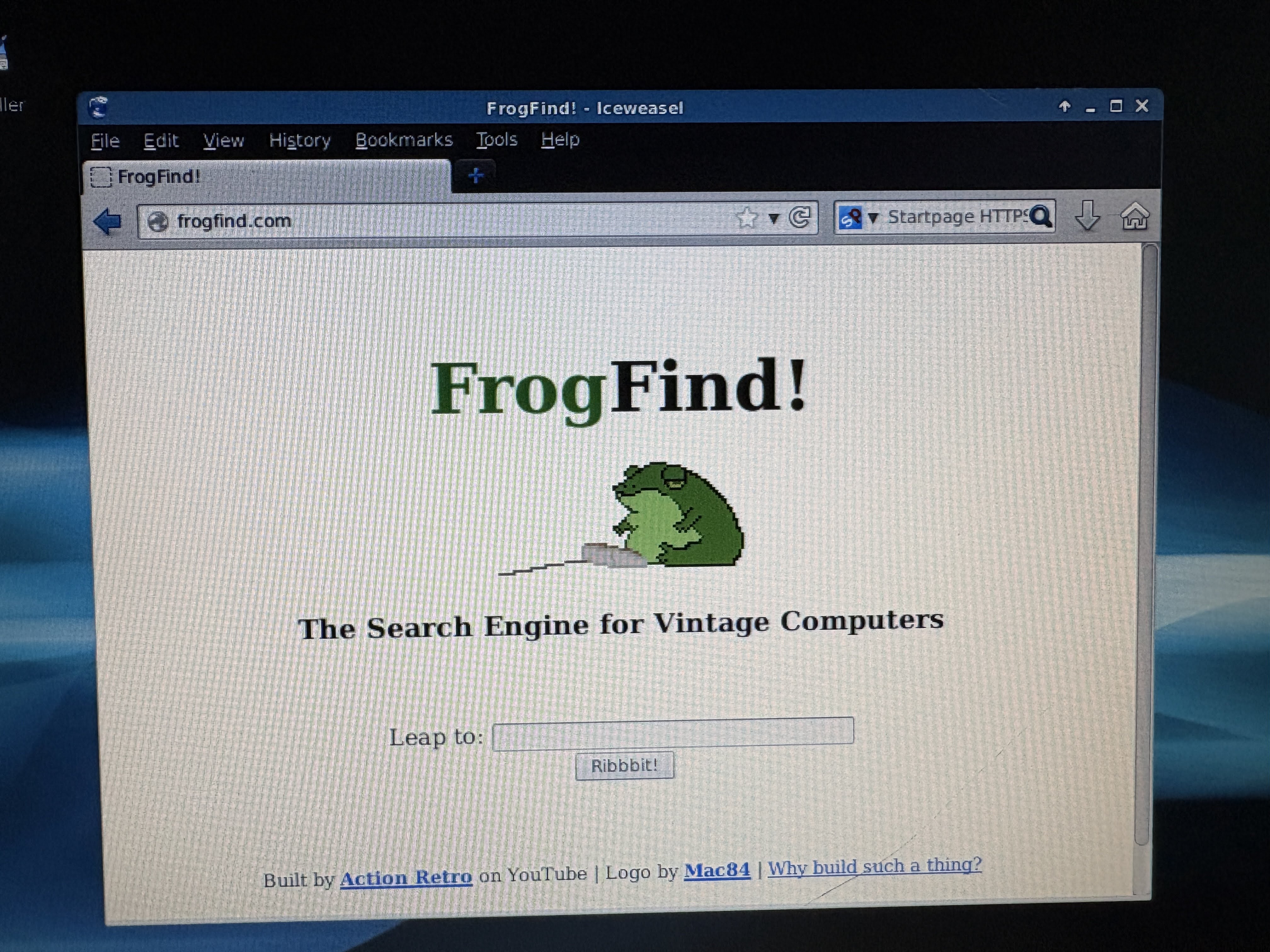
Functional, but outdated. Also very slow on this clunky setup, it's really meant for a 1GHz or faster CPU, and this 800MHz C3 is really not equivalent to an 800MHz Intel chip, it's closer to half that speed IMO. This may be the distro we are stuck with, as it's the most functional out-of-the-box. It's outdated, but it booted fine and was able to install, though not to the CF card as I'd intended. I'll come back to that.
AntiX 26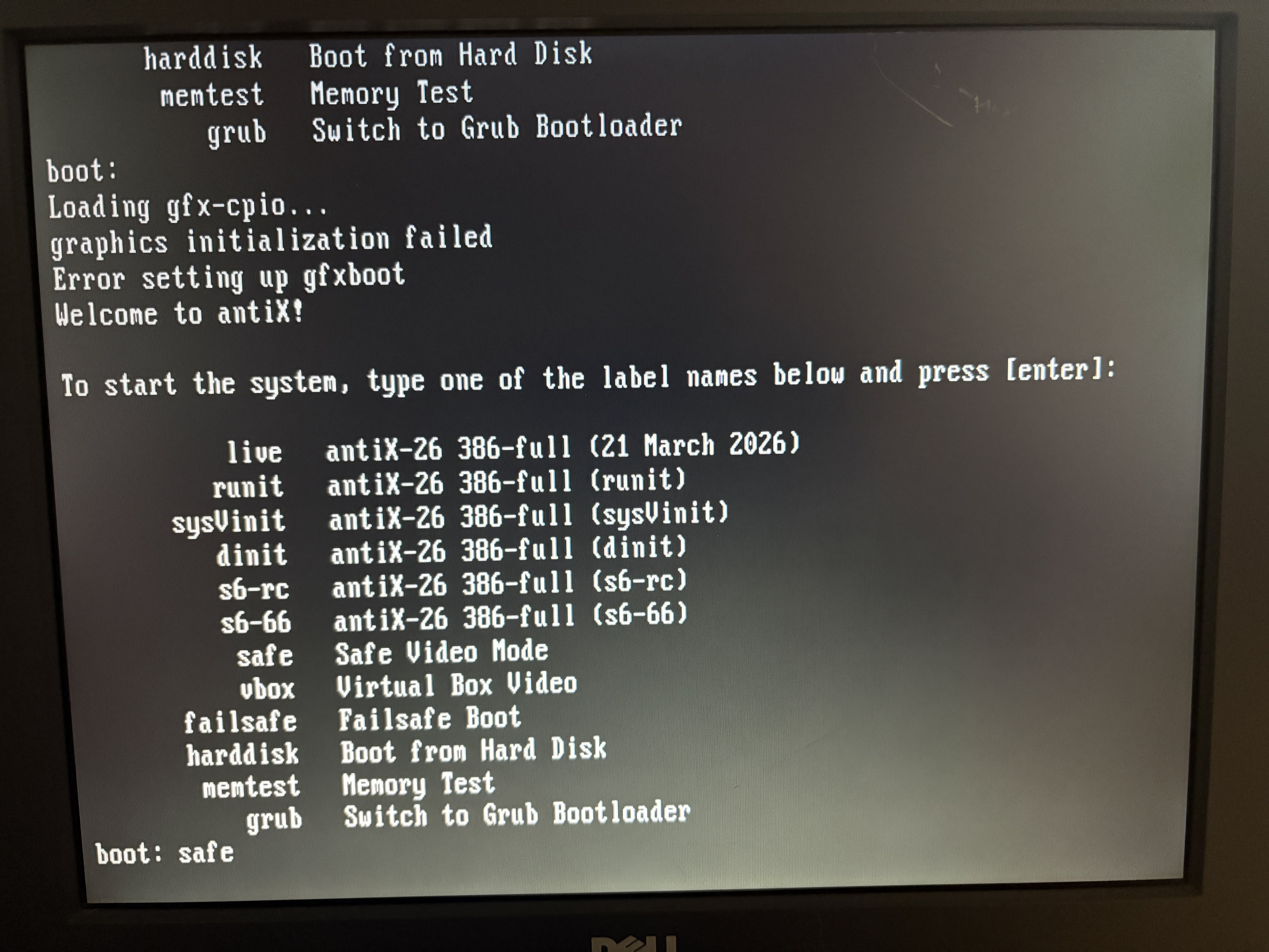
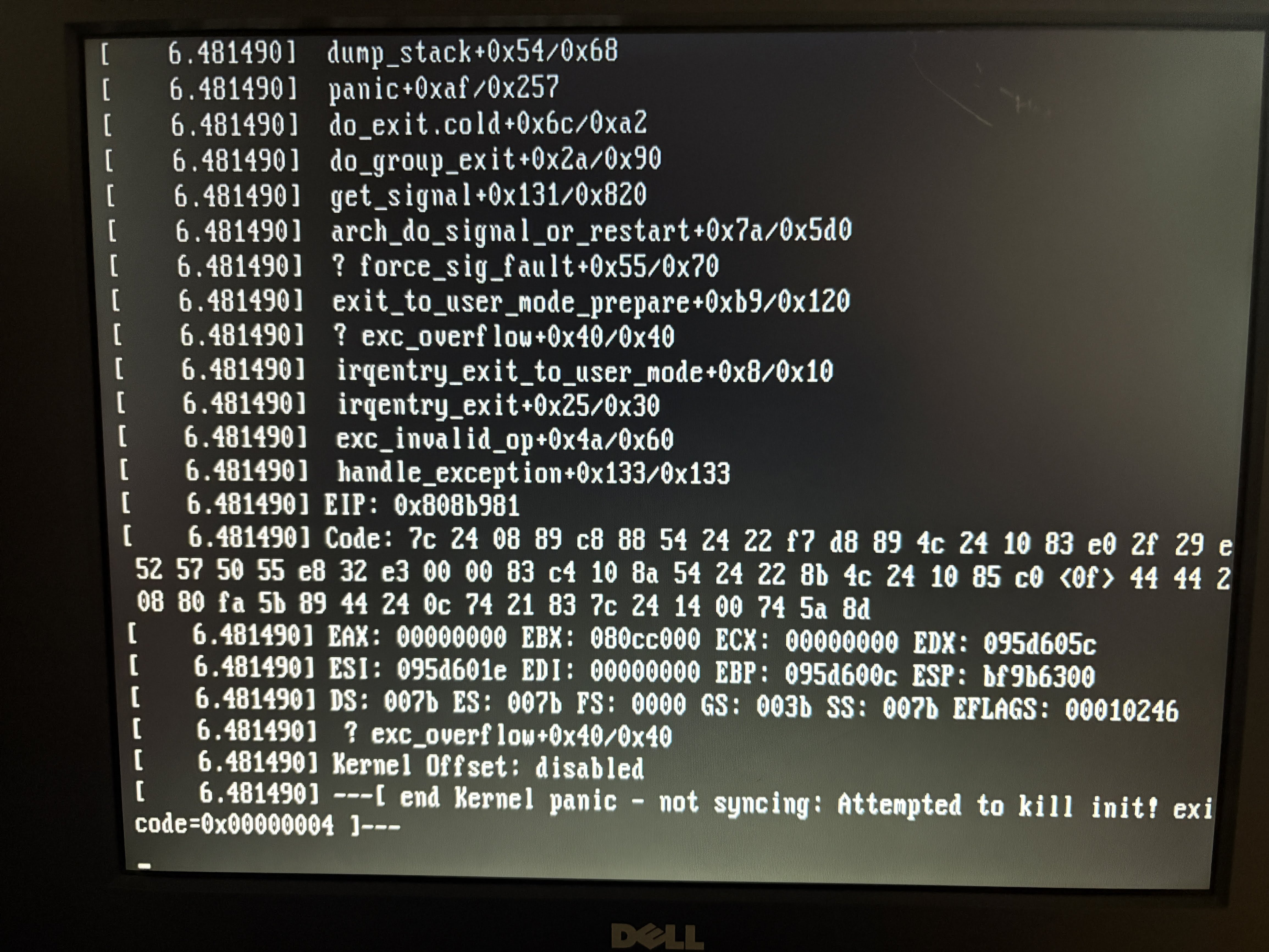
At first I had issues starting AntiX, so I tried safe video mode. I ended up with a kernel panic, even after trying some simple boot flag options, I just couldn't get past this. Maybe the more Linux-savvy of you could tell me what this issue is, but for now, this was my most disappointing distro so far. This is supposed to be the distro for potato computers, and so far it's been the least successful.
Damn Small Linux 4.11 RC2
I have no photo of this because I simply could not get the distro to boot from USB. I was hopeful because I used DSL a lot in the past, it was my favorite small distro to use on crappy hardware. I think I have used DSL more than I've used any other Linux distro... But regardless, it's out of the question.
Tiny Core 17.1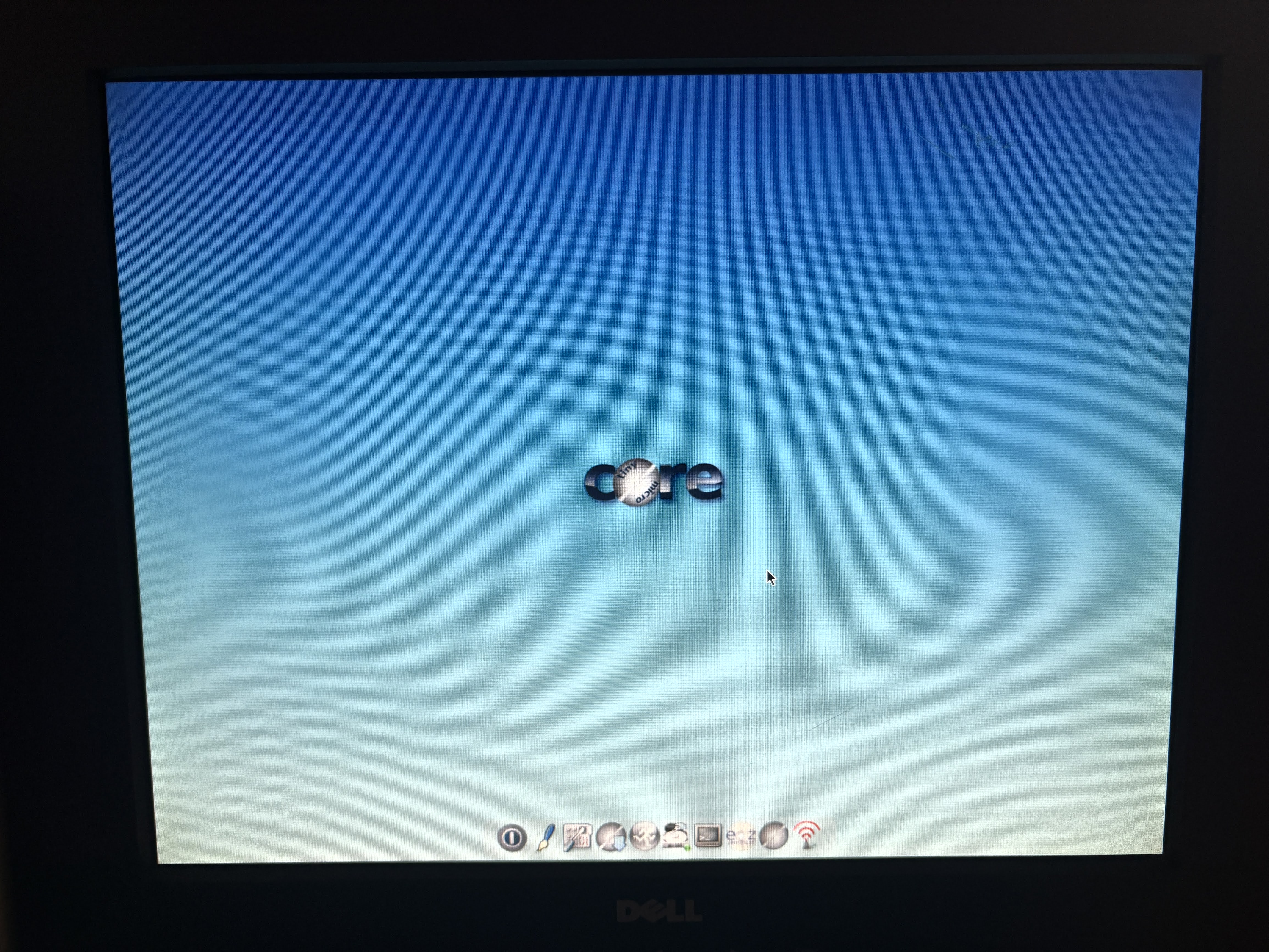
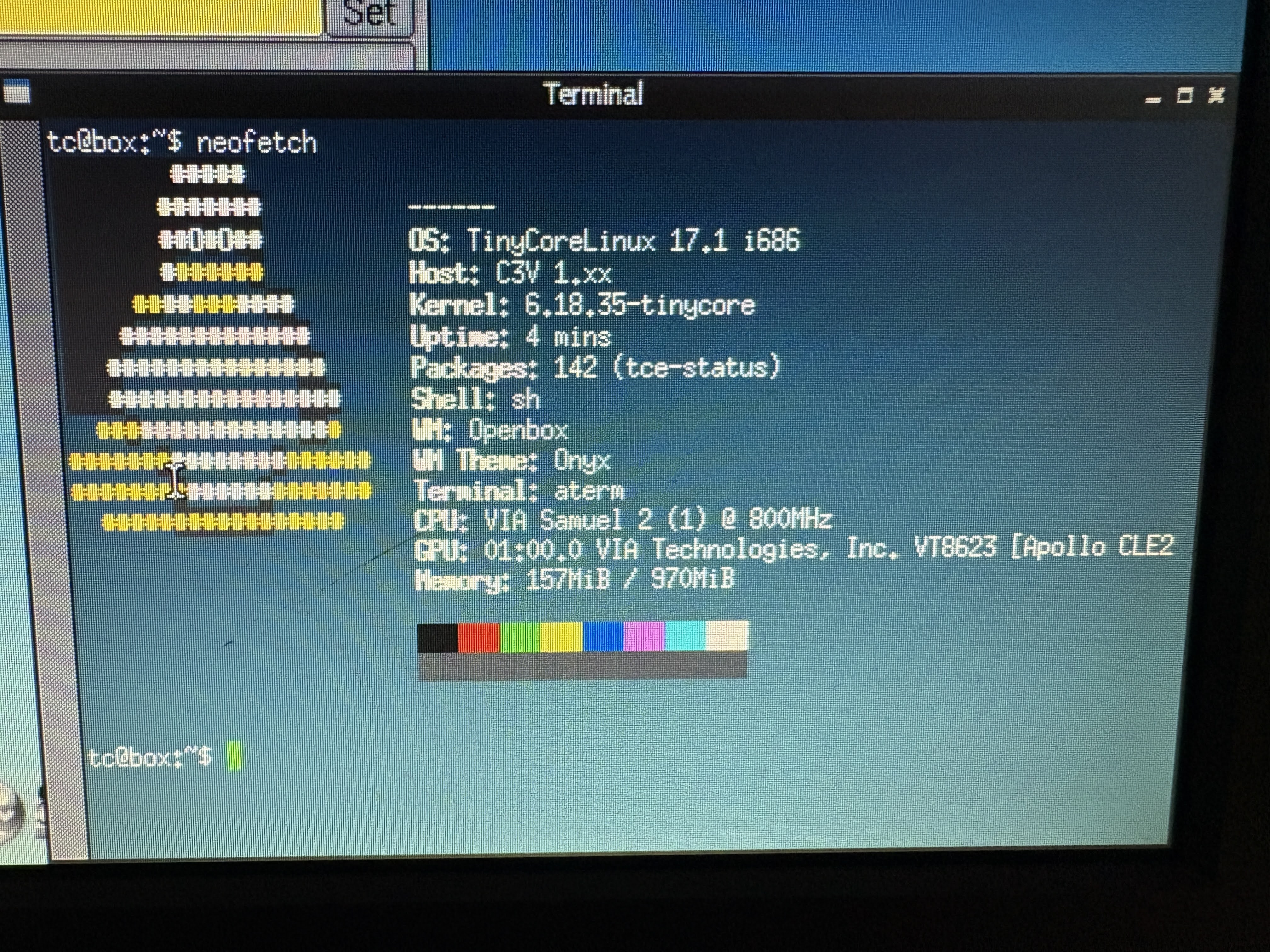
My hopes were high with this distro. I'd actually had it set up on this system before, and accidentally bricked it when uninstalling some packages. So my idea was to run a crisp, fresh install and start from scratch. I was trying out Openbox, but I intended to install IceWM. However, I ran into issues here. I could not get an install to complete to the CF card, and I even tried another to be sure. I ran out of patience with this and decided to just try to reach our goal another way.
So here we are, after trying some Linux distros, I have arrived at this situation. I have MX Linux 14.1.1 installed, and it's to the physical disk. This isn't ideal, but it is up and running. Let me just personalize this MX Linux install and we will game (we already know it can connect to the internet).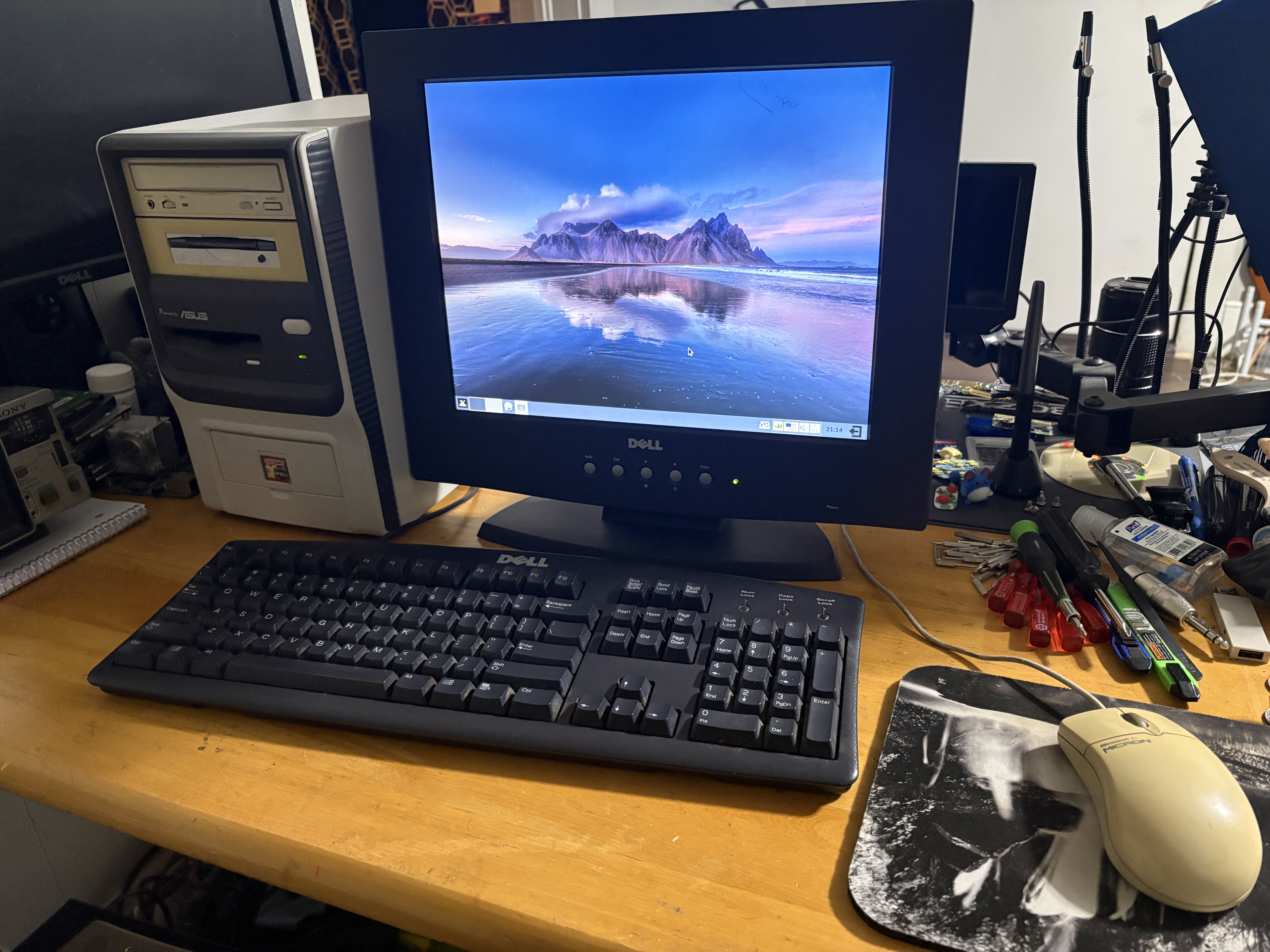
This is our final form. Now, it's time to game.
Unfortunately, MX Linux 14.1.1 is quite old, and a lot of the dependencies for installing software are broken. Thankfully, there are some pre-installed games in this version of MX Linux.
LBreakout2: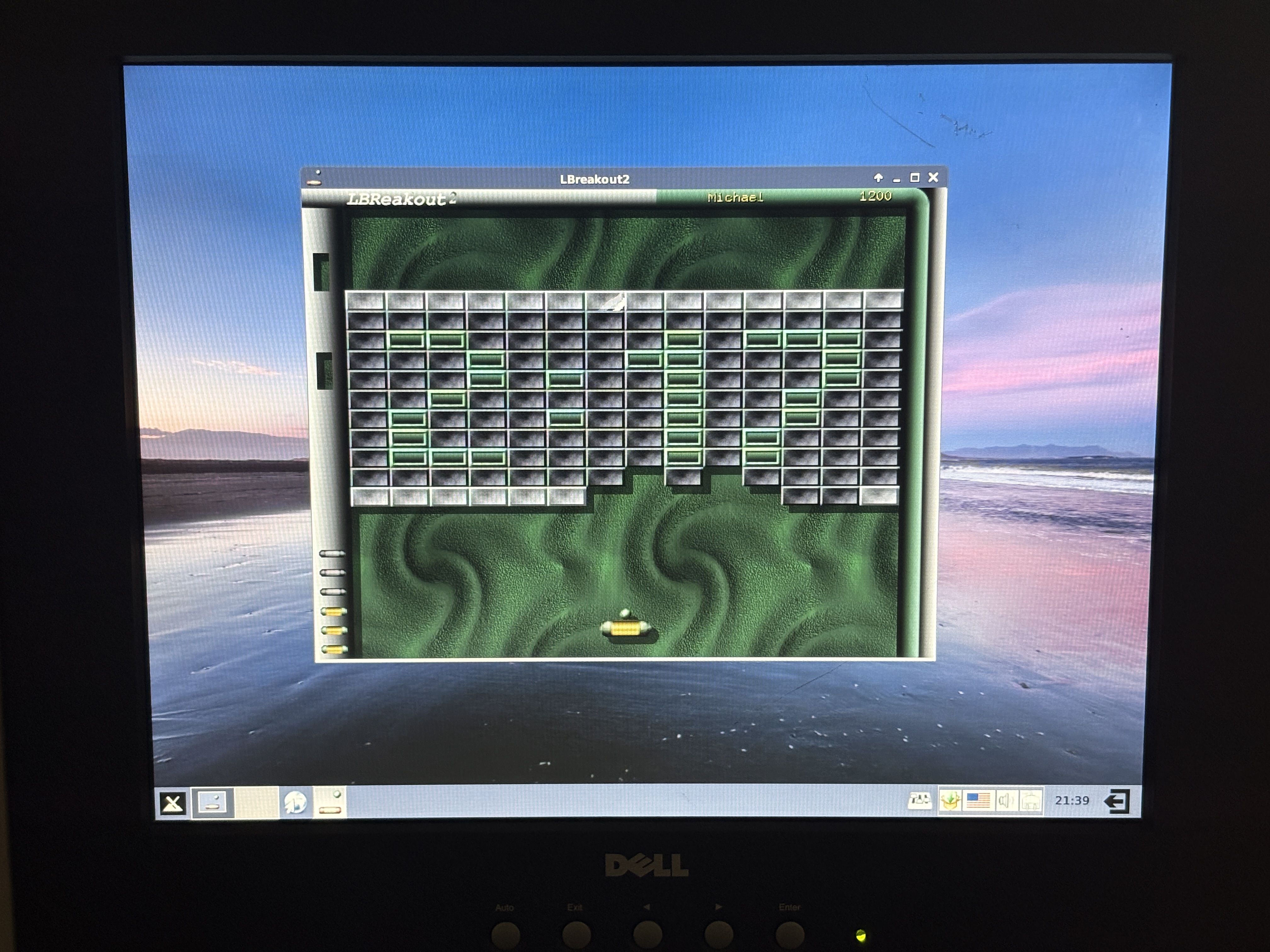
Gottet: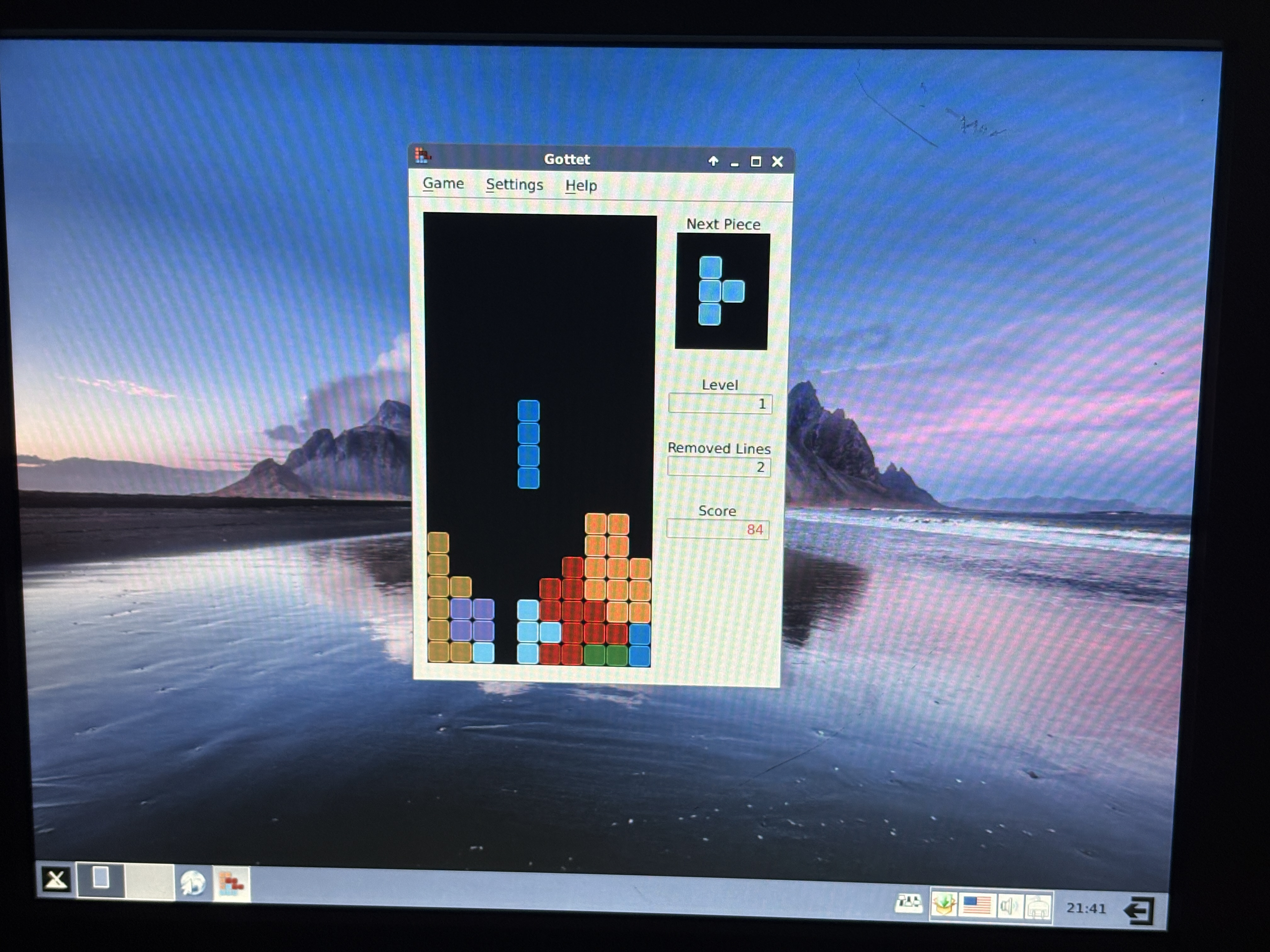
Peg-E: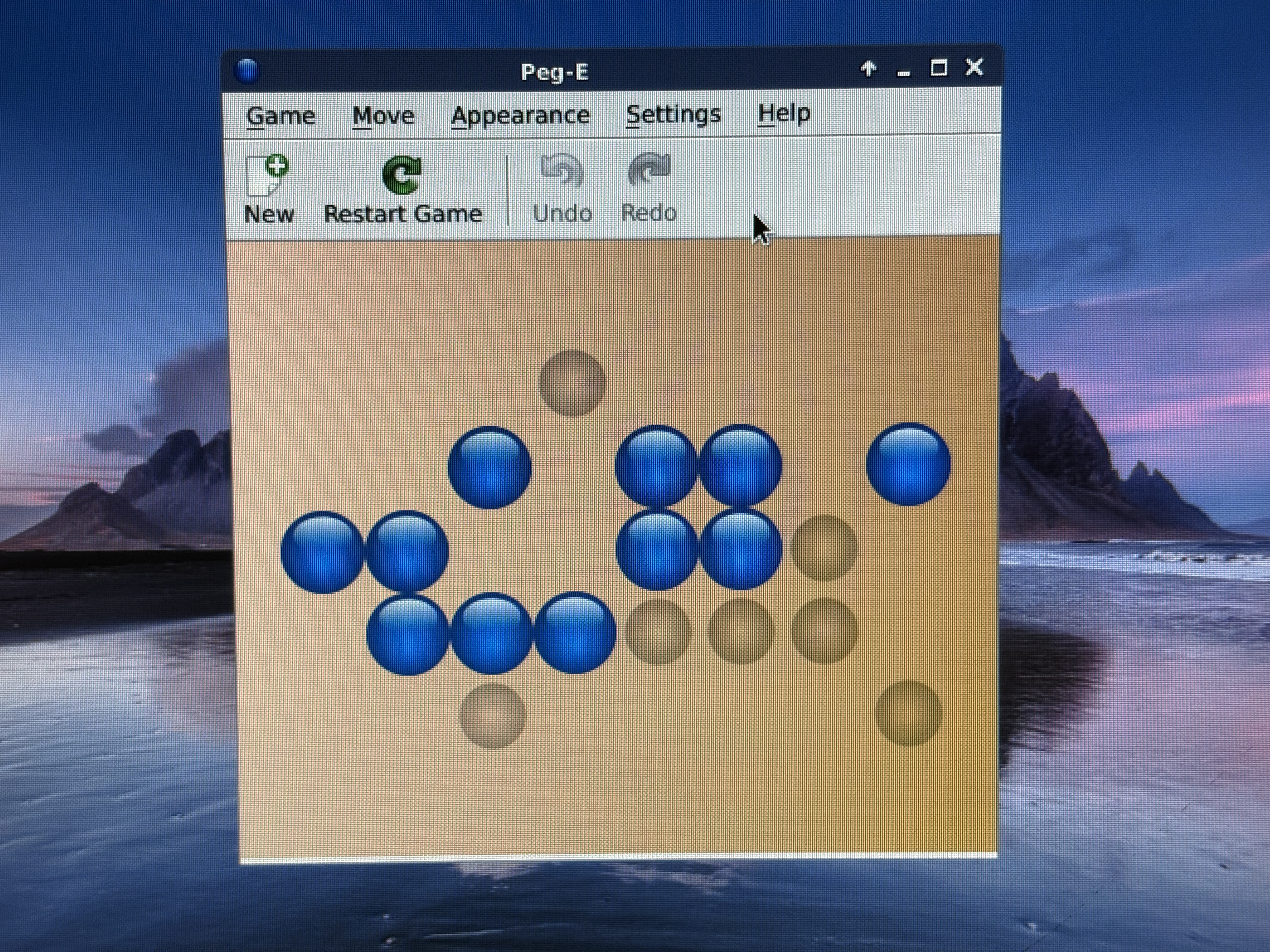
Simsu: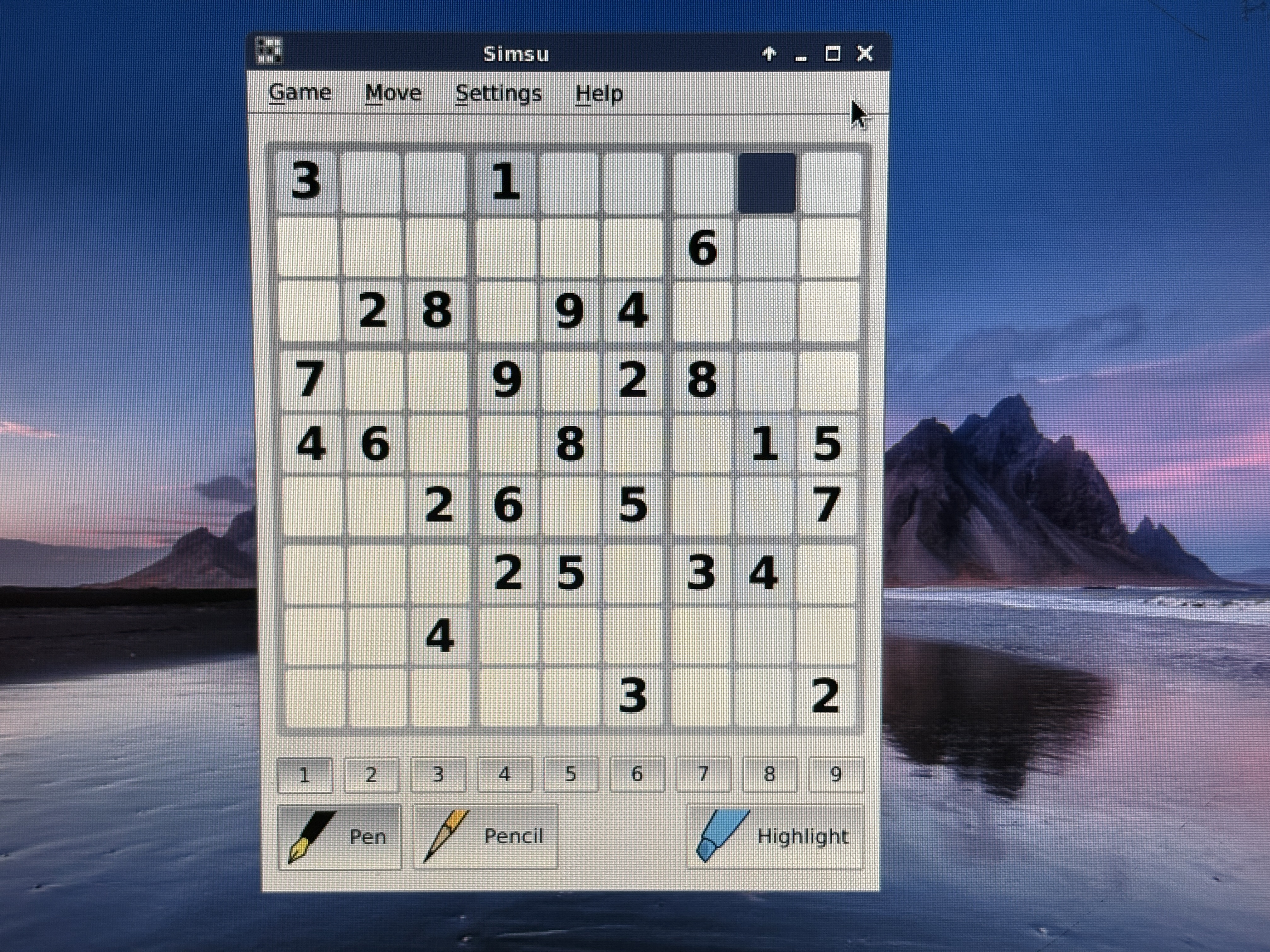
All of these games worked fine. There was another game, Chromium BSU, that wouldn't run fast enough to be playable. I think that the VIA Unichrome graphics are simply not functioning or not powerful enough for the game to run well.
In the end, I think that this system is incredibly underpowered, not capable of gaming at all, and Eric Gwodz at ABX Zone thought the same. His writeup was more contemporary for the Asus Terminator C3's release window, and while he was more thorough in his testing, he also was able to get Windows up and running on the computer.
Perhaps someday I will revisit this thing, and get Windows running. I'd like to see how it could perform with Windows 98 SE, especially with some of the modern hacks available. Maybe I could max out the RAM, add a better graphics card, replace the HDD and CD-ROM drive with a SATA SSD and DVD-RW or such... But that's a problem for future me.
Let me know if you liked this adventure on Bluesky or Instagram!
And yes, I typed this up on the Terminator itself. ;)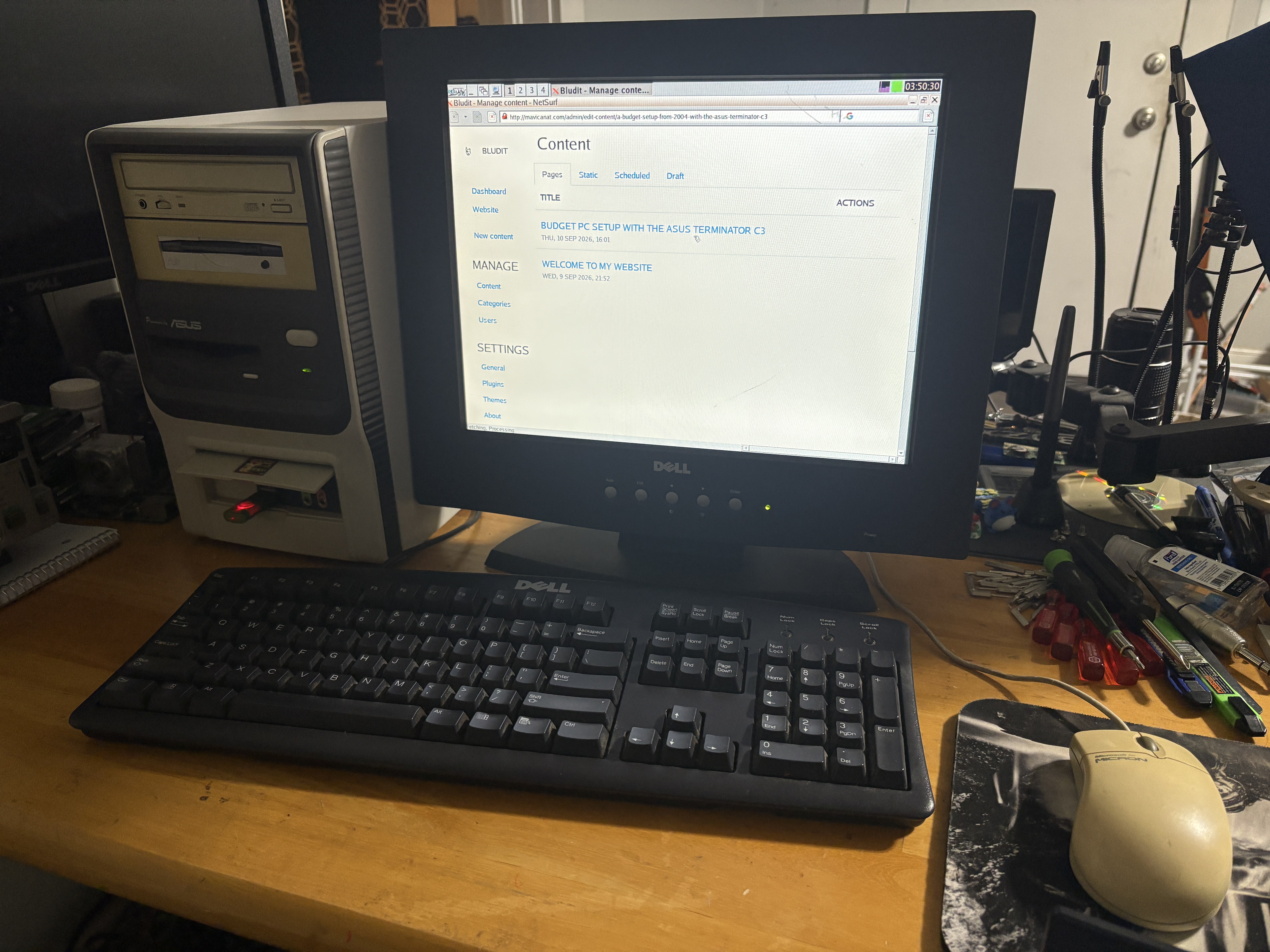
(...though I did have to cheat and use TinyCore live)